
Resizing images one by one can quickly become frustrating, especially when you’re working with dozens—or even hundreds—of files. Whether you’re managing product images for an online store, preparing social media posts, or optimizing website assets, bulk image resizing helps you save time, maintain consistency, and avoid repetitive manual work. This guide explains how batch resizing works, why it’s useful, and when it becomes essential.
What Is Bulk Image Resizing and Why It Matters
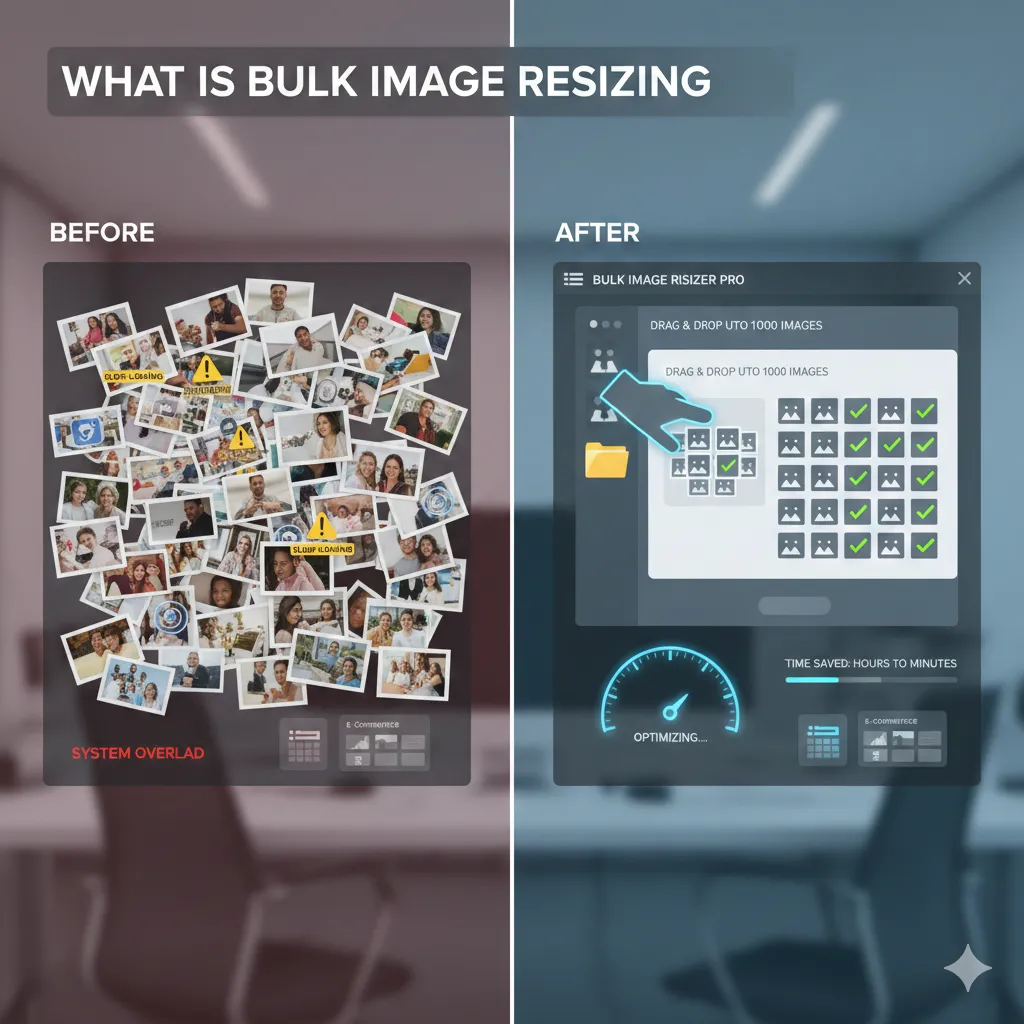
Bulk image resizing allows you to resize multiple images simultaneously instead of processing each file individually. Instead of opening, resizing, and saving images one at a time, batch resizing applies the same dimensions and settings across all selected images in one action. This approach is especially useful when all images need to meet the same platform or design requirements.
The biggest advantage of bulk resizing is efficiency. Tasks that would normally take hours can be completed in minutes. More importantly, batch resizing ensures visual consistency, which is crucial for professional-looking websites, catalogs, and social media profiles.
Resizing Product Images in Bulk
For e-commerce sellers, product images must follow uniform dimensions to look clean and organized on listing pages. Images of different sizes can make a store appear unprofessional and may even affect loading speed. Bulk resizing allows you to standardize all product photos without cropping out important details.
By resizing all product images to the same width and height, you ensure consistent alignment across product grids. This also helps reduce file sizes, improving page load speed and overall user experience. When uploading images to website builders like Squarespace (https://imgresizers.com/squarespace), bulk resizing ensures that every product image fits perfectly into predefined layouts without distortion or unexpected cropping.
Bulk Resizing for Social Media Posts
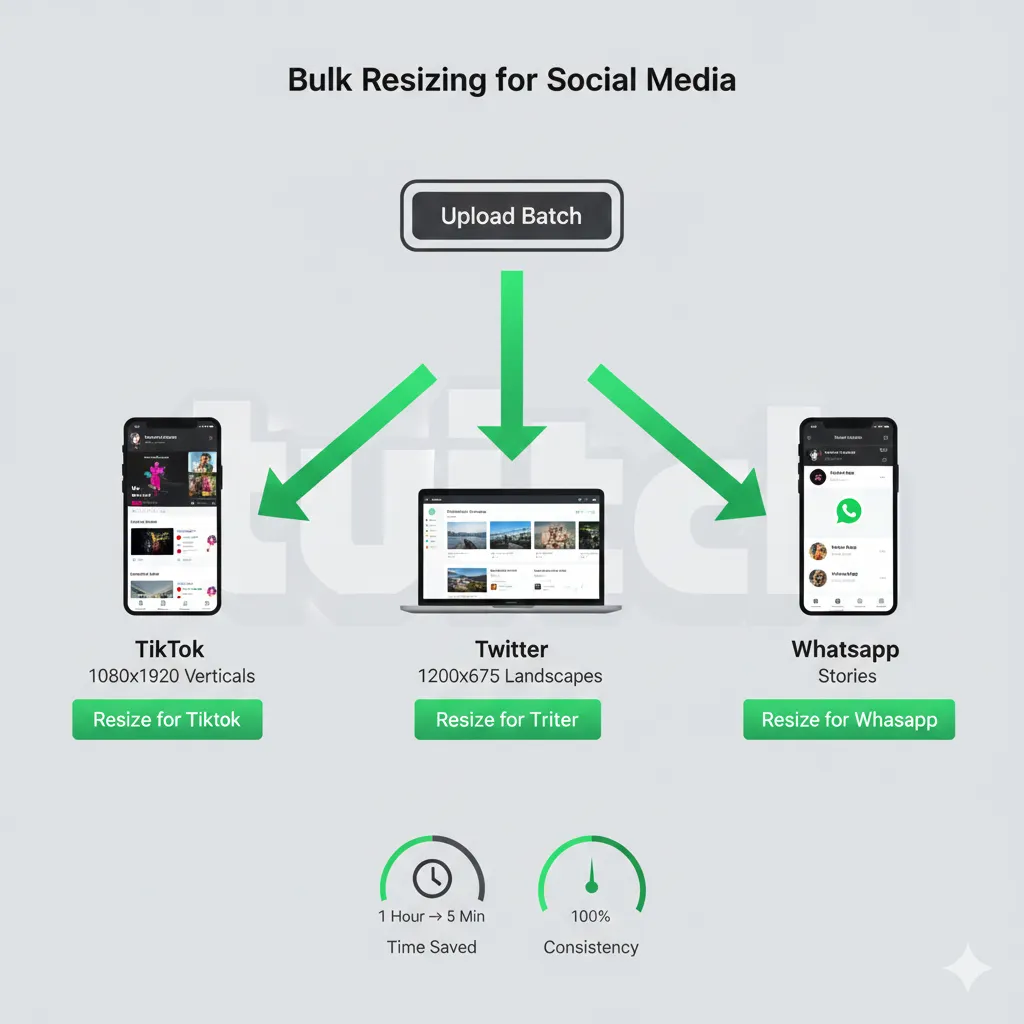
Social media platforms have strict image size requirements, and uploading incorrectly sized images often leads to automatic compression or awkward cropping. When you’re managing multiple posts or campaigns, resizing images individually becomes impractical.
Bulk resizing makes it easy to prepare entire batches of images for platforms like TikTok (https://imgresizers.com/tiktok), Twitch (https://imgresizers.com/twitch), WhatsApp (https://imgresizers.com/whatsapp), and Twitter (https://imgresizers.com/twitter). Applying the correct dimensions to all images at once ensures that posts appear sharp, properly framed, and consistent across feeds and profiles.
This approach is especially useful for content creators and social media managers who need to publish frequently while maintaining a cohesive visual style.
Optimizing Website Assets in One Go
Websites rely on multiple visual elements such as banners, thumbnails, icons, and background images. If these assets aren’t optimized, they can slow down page load times and negatively affect SEO. Bulk image resizing helps compress and resize all website visuals in one pass, improving performance without sacrificing quality.
When updating or redesigning a website, batch resizing ensures that all assets match the required dimensions and resolution. This not only improves site speed but also reduces layout shifts caused by inconsistent image sizes. Designers and developers benefit from having uniform assets that integrate smoothly into responsive layouts.
Time Savings and Workflow Consistency
One of the biggest benefits of resizing multiple images at once is the time it saves. Instead of repeating the same steps over and over, bulk resizing streamlines your workflow. This is especially valuable for teams handling large volumes of images on tight deadlines.
Consistency is another major advantage. When all images are resized using the same settings, you eliminate variations in scale, sharpness, and alignment. This leads to a more polished final result, whether you’re publishing products, posts, or web content.
Final Thoughts
Bulk image resizing is not just a convenience—it’s a necessity for anyone working with large numbers of images. From product photos and social media graphics to website assets, resizing images in batches ensures speed, consistency, and professional results.


