FAQ's
How does resizing images to 1024x768 help improve website performance and SEO rankings?
Resizing images reduces their dimensions and often decreases file size, which leads to faster loading speeds. Faster websites provide a better user experience and are more likely to rank higher in search engine results.
Does this 1024x768 image resizer maintain the original quality after resizing?
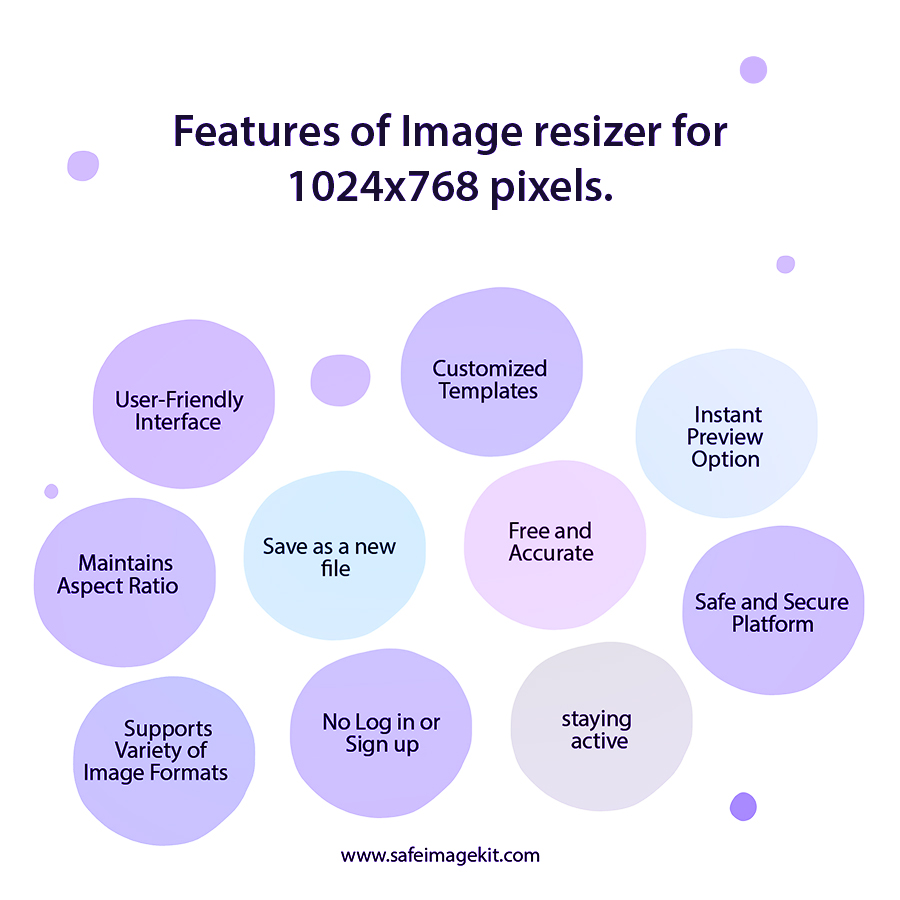
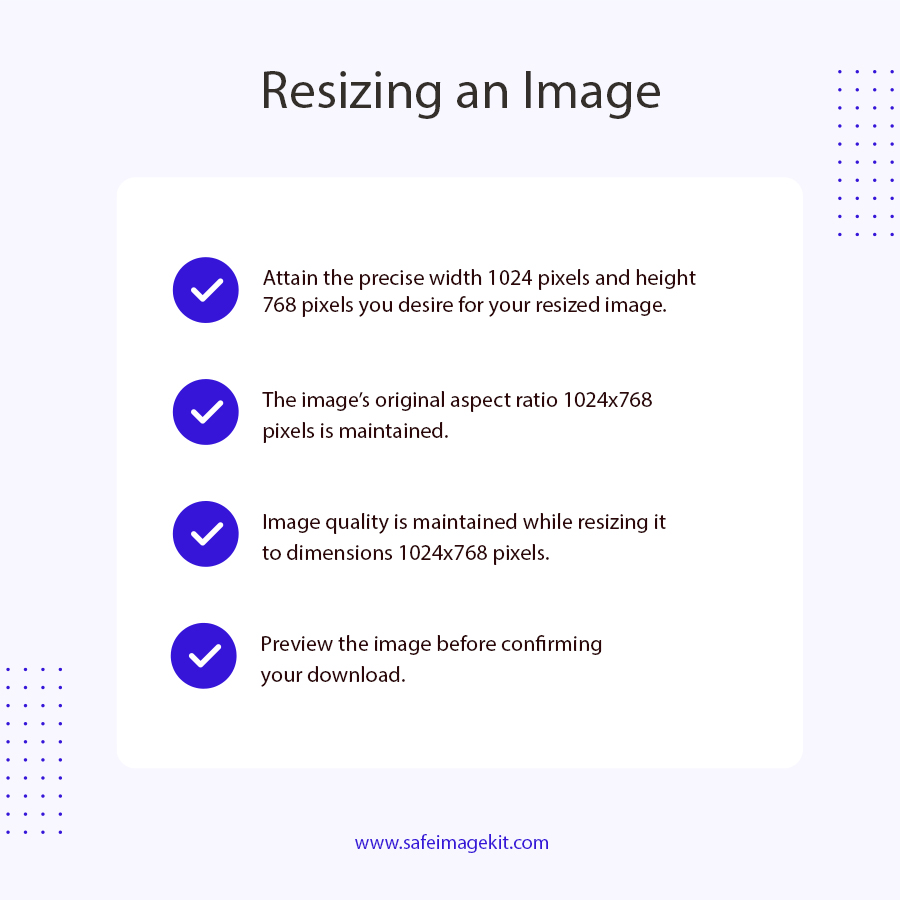
Yes, this tool is designed to preserve image quality while resizing. It uses optimized scaling methods to maintain sharpness, color accuracy, and overall clarity. Even after converting the image to 1024x768, the output remains visually balanced without blur or pixelation.
Is this online image resizer safe to use for personal or professional images?
This tool ensures that your uploaded images are processed securely. Files are not stored permanently, and the system handles them only for the duration of resizing. This makes it safe for both personal and professional use without worrying about data privacy.
Can I resize images to 1024x768 using this tool on my mobile phone?
Yes, this image resizer is fully mobile-friendly. You can open it in your phone’s browser, upload your image, and resize it just like you would on a desktop. The interface is optimized for smaller screens, making the process simple and smooth.
How fast does this image resizer convert images into 1024x768 resolution?
The tool is built for speed and usually completes the resizing process within a few seconds. The exact time may vary depending on your image size and internet connection, but in most cases, it delivers results almost instantly.
Do I need to install any software to use this 1024x768 image resizer tool?
No, this is a completely browser-based tool. You do not need to download or install any software. Everything works online, which makes it convenient and accessible from any device.
Can I use the resized images from this tool for websites and presentations?
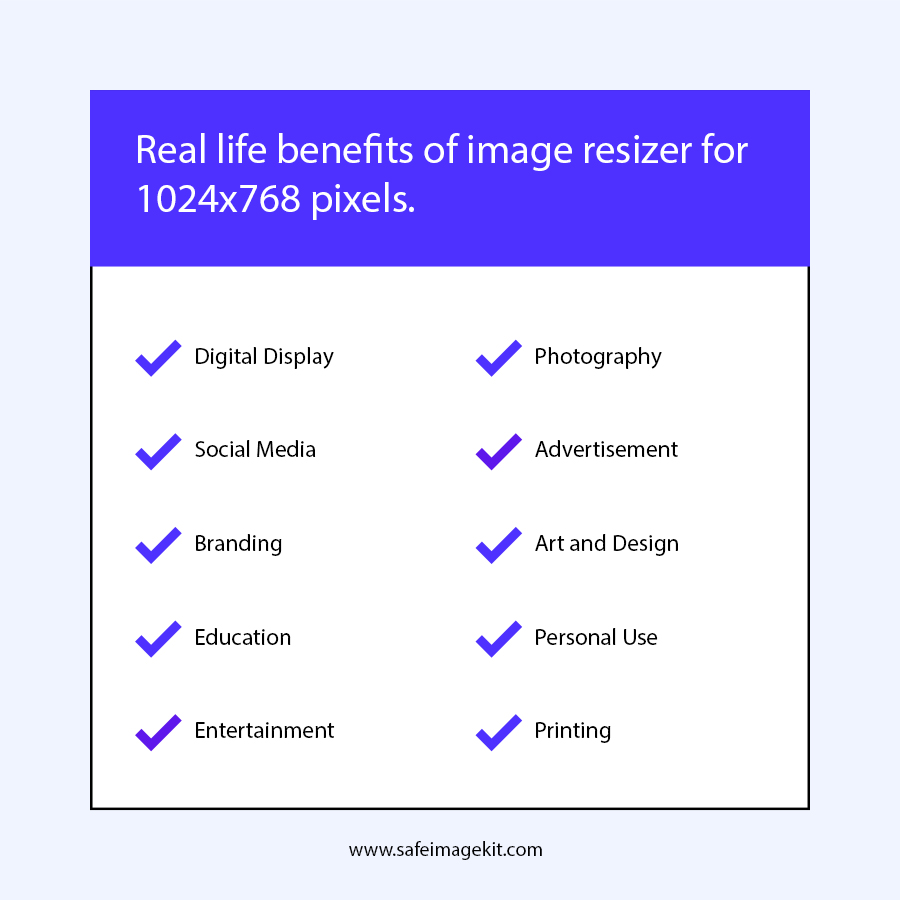
Yes, the output images are optimized for real-world use cases such as websites, PowerPoint presentations, and digital displays. The 1024x768 resolution ensures compatibility and a consistent visual layout.
Is there any limit on how many images I can resize using this tool?
No, you can use this image resizer as many times as you want. There are no restrictions on usage, making it ideal for users who frequently need to resize images.
What makes this 1024x768 image resizer different from other resizing tools available online?
This tool is specifically optimized for 1024x768 resolution, which makes the process faster and more accurate. It eliminates the need for manual input and focuses on delivering consistent results with maintained quality and a simple user experience.
Why 1024x768 Resolution is Still Important?
Even in today’s high-resolution world, 1024x768 continues to play a significant role. This resolution offers a 4:3 aspect ratio, which is still commonly used in many applications. Here’s why this resolution is still relevant: It is widely supported by projectors and presentation systems Ideal for PowerPoint slides and educational content Provides balanced width and height for web images Ensures compatibility with older screens and devices Helps maintain uniformity across digital platforms Because of these advantages, many users still need to resize their images into 1024x768 format for professional and personal use.
What is an Image Resizer and How Does It Work?
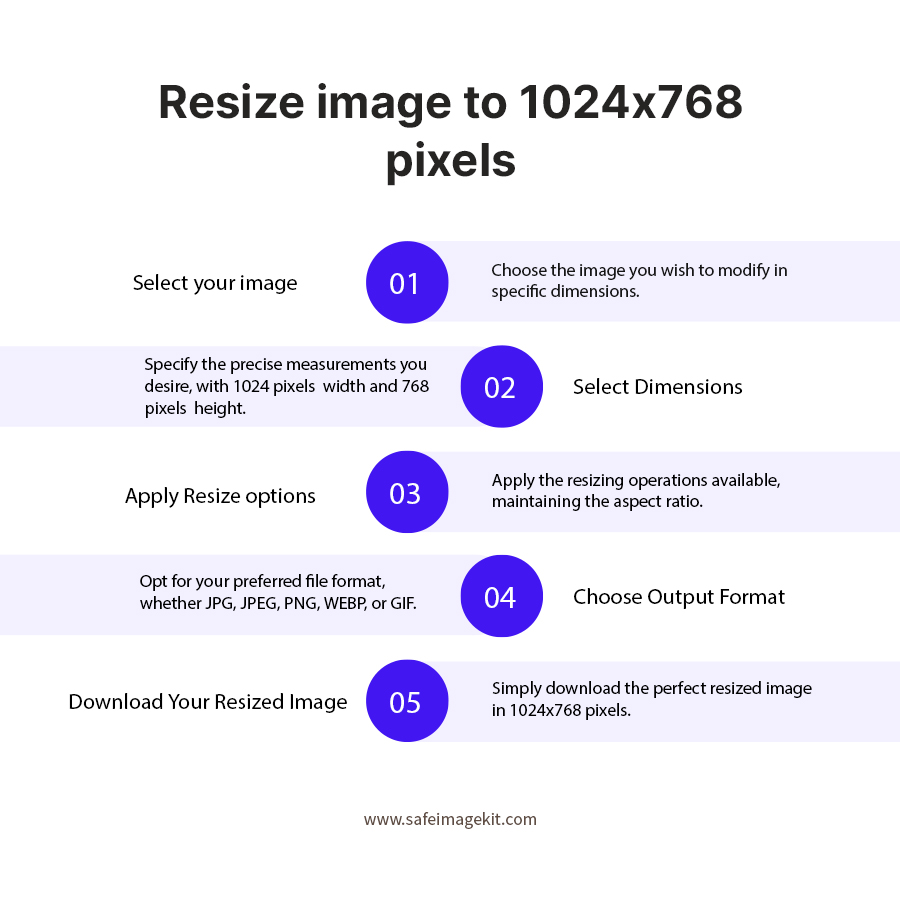
An image resizer is a tool that changes the dimensions of an image without necessarily affecting its visual quality. Instead of manually editing width and height, an automated resizer adjusts the image using optimized scaling techniques. Our tool specifically focuses on converting images into 1024x768 resolution, which means: The width is adjusted to 1024 pixels The height is adjusted to 768 pixels The image is scaled proportionally to avoid distortion The system ensures that your image remains visually appealing even after resizing.