Resize Image to 12x18 Dimensions

Achieve an image of 12x18 in seconds with the online resizer.

add-image CHOOSE FILE

or drop your file here

Flexible Image Upload Options
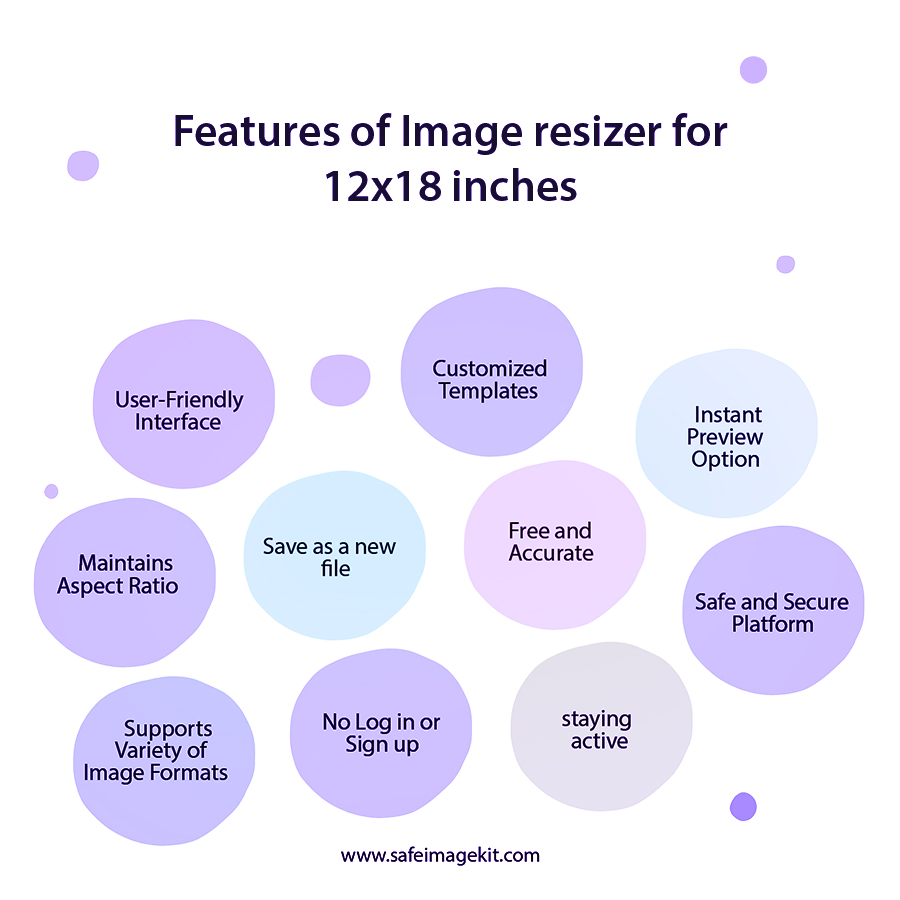
This image resizer allows users to upload images directly from their device. It also supports cloud platforms like Google Drive and Dropbox. This makes it easy to access files from anywhere. Users do not need to transfer files manually. The upload process is quick and smooth. It ensures convenience for all users.
Custom Dimension Settings
Users can manually set width and height other than 12×18. The tool provides precise resizing without distortion. It maintains the original aspect ratio if required. This helps achieve professional results. You can adjust dimensions freely.
Multiple Unit Support
The tool supports units like cm, px, mm, and inches. This flexibility helps users from different industries. Designers and printers can choose suitable units. It simplifies conversion tasks. Users don’t need external calculators. Everything is handled in one place.
DPI Selection for Quality Control
You can choose DPI values like 72, 96, 200, or 300. Higher DPI ensures better print quality. Lower DPI is useful for web usage. This feature helps control image clarity. It is especially useful for professional printing. Users can easily switch between options.
Advanced Resize Types
Stretch mode expands the image to fit dimensions. Fit & BG Blur adds a blurred background for better appearance. Fit & BG Color allows choosing a custom background color. These options prevent distortion. They enhance visual appeal. Users can pick what suits their needs.
Adjustable Image Quality
The quality slider ranges from 0.1 to 1. This helps reduce file size or maintain high resolution. Lower values compress the image more. Higher values preserve details. It is useful for optimizing storage. Users have full control over output quality.
how to image

Steps to Resize Image to 12x18 Dimensions

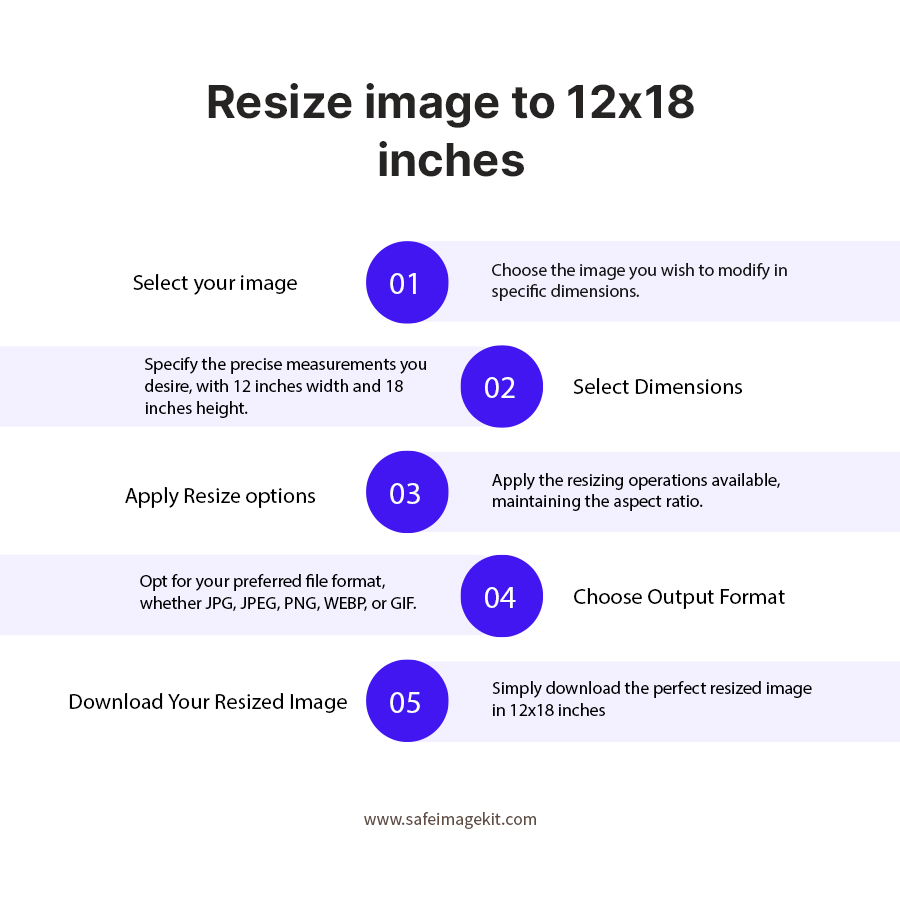
  1. 1.Click on the "choose file" button to upload an image from your device or cloud storage.
  2. 2.You can enter the desired width and height other than 12×18.
  3. 3.Select measurement units like cm, px, mm, or inches.
  4. 4.Choose the DPI and resize type based on your requirement.
  5. 5.Adjust the image quality for compression or clarity.
  6. 6.Choose the desired format.
  7. 7.Click the download button to save the resized image instantly.

FAQ's

What is a 12×18 image size used for?

It is commonly used for posters, prints, and photo frames due to its ideal aspect ratio.

Can I resize images without losing quality?

Yes, by selecting higher DPI and quality settings, you can maintain image clarity.

What formats are supported?

PNG, JPG, JPEG, WEBP, and GIF formats are supported. Users can convert images into desired formats easily.

Why 12×18 Size is Important

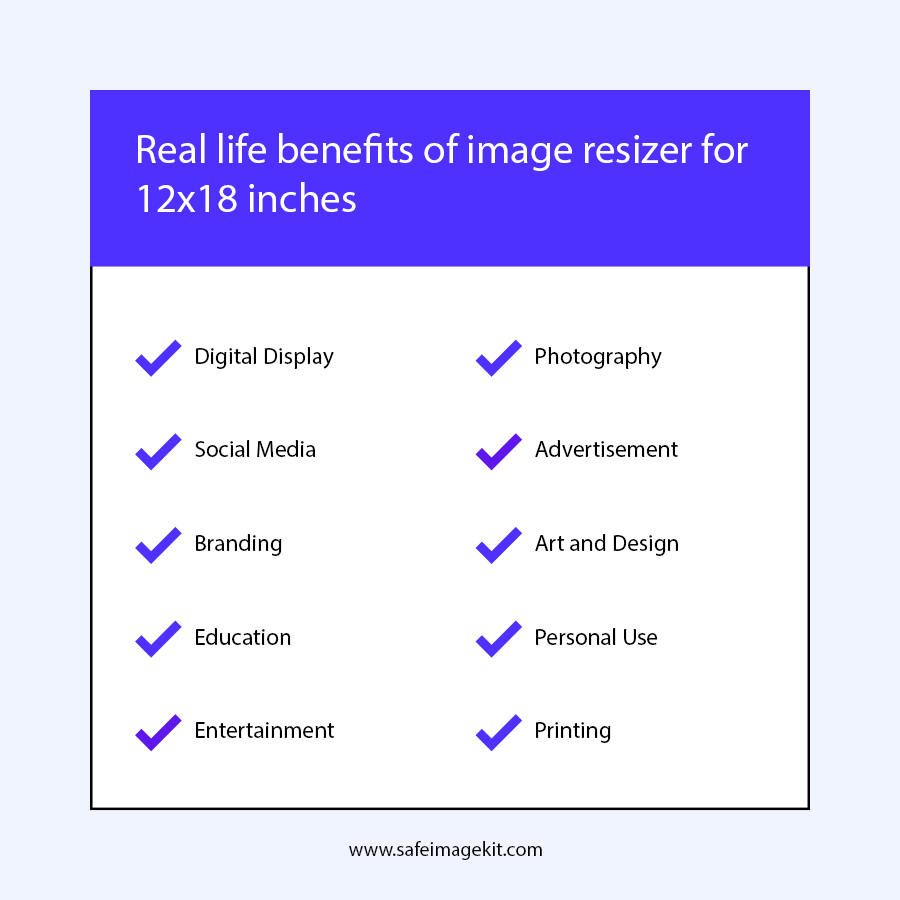
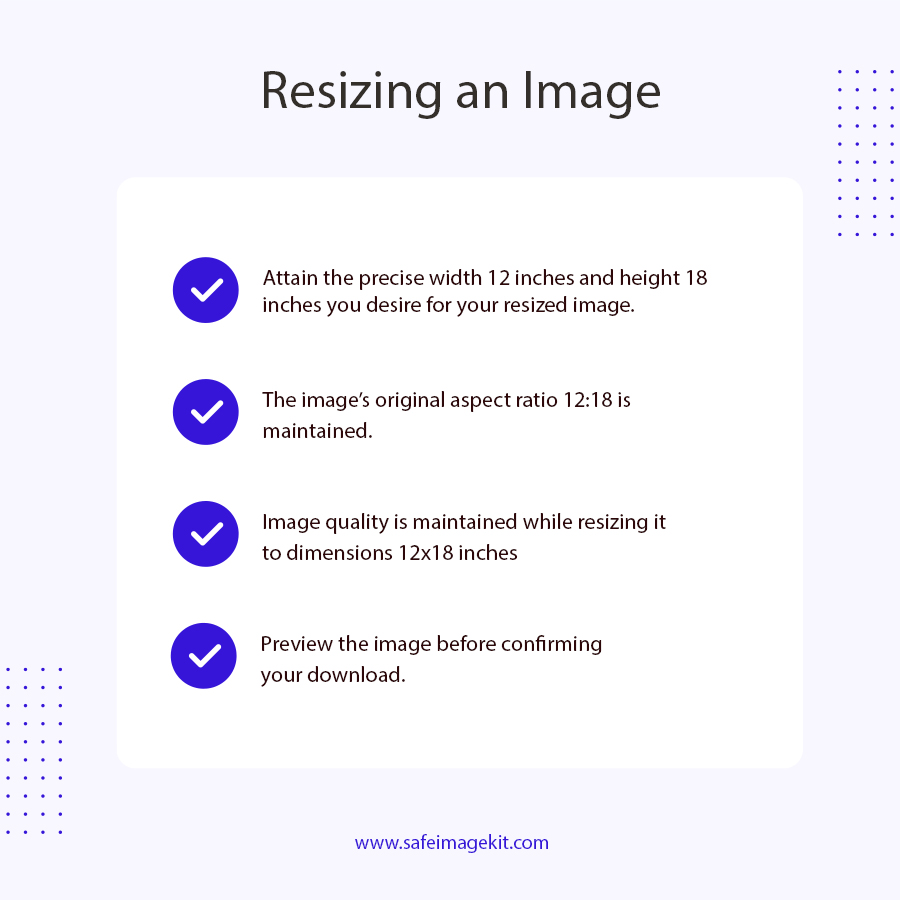
The 12×18 dimension is widely used because it follows a 2:3 aspect ratio, which is ideal for photography and printing. This size is commonly used for posters, wall art, photo frames, marketing materials, and professional prints. It ensures clarity and proportion without distortion, making it a preferred format for both personal and commercial use.

Is this tool free to use?

Yes, it is completely free with no hidden charges.

Do I need to sign up?

No, the tool does not require any login or registration.

Can I upload images from cloud storage?

Yes, you can upload from Google Drive and Dropbox.

What DPI should I choose for printing?

300 DPI is recommended for high-quality prints.

What does stretch mode do?

Stretch mode resizes the image to fit exactly 12×18, even if it distorts.

Can I resize images for social media?

Yes, though 12×18 is more suitable for print, you can choose the dimension of your choice or simply visit https://imgresizers.com/social-media.

Is the tool mobile-friendly?

Yes, it works on all devices, including mobiles and tablets.

Can I adjust file size?

Yes, using the quality option, you can adjust the file size.

Does resizing affect aspect ratio?

Only if you use stretch mode; otherwise, it can be maintained.

Can photographers use this tool?

Yes, it is ideal for photographers preparing print-ready images.

Is my data safe?

Yes, files are processed securely and not stored.

How fast is the tool?

It provides instant results.

Does it work on all browsers?

Yes, it is compatible with all modern browsers.

Can I resize multiple images?

You can resize multiple images by visiting https://imgresizers.com/multiimage and save time and effort.

What is the best quality setting?

A value close to 1 ensures best quality.

Why is 12×18 popular?

Because of its balanced aspect ratio and print compatibility.

rating-img
Rate this tool
3.88/5   81 votes

Other useful information

About The Author

Lakshmi Badige

Lakshmi Badige is a skilled content writer with expertise in creating engaging content for SaaS companies. From blog posts and case studies to website copy, Lakshmi focuses on delivering content that attracts customers, builds trust, and drives results. With experience in SEO and content strategy, ensures every piece of content is optimized for both readers and search engines.

Contributors