Resize Image to 1640x923 Pixels Online

Upload your image below to resize it to 1640x923 pixels

To resize image for 1640 x 923 pixels
add-image CHOOSE FILE

or drop your file here

Exact Size Resize
Exact Size Resize
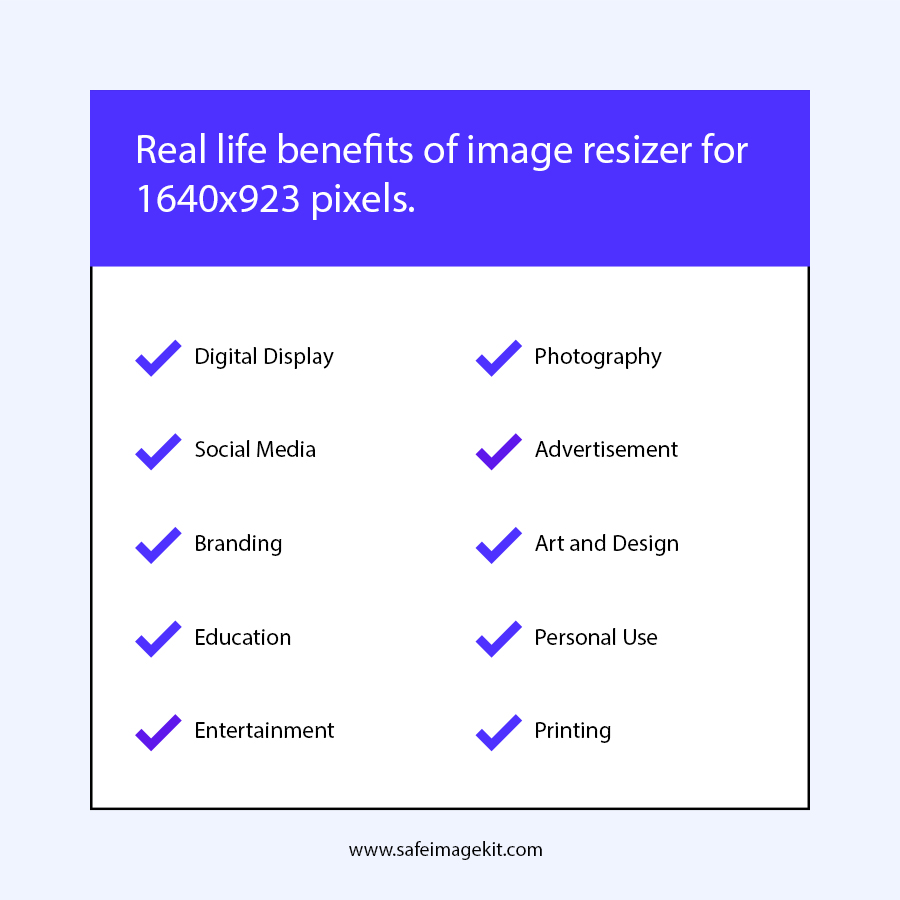
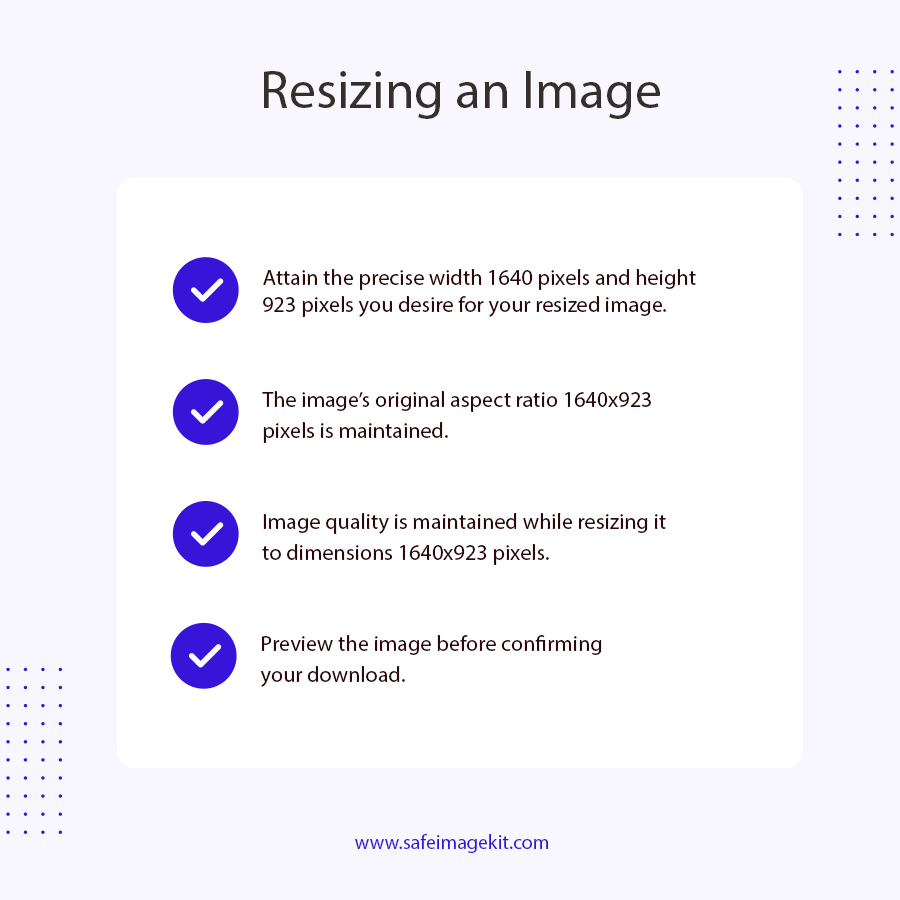
Resize your image to the exact 1640x923 dimensions with precision and zero distortion. This tool is specially optimized for users who need fixed-size images for banners, blog thumbnails, website headers, or custom layouts. You can enter exact width and height values, ensuring that your final image perfectly matches required specifications without manual adjustments or cropping issues.
Instant Processing
Instant Processing
Resize images in seconds with our high-speed processing engine. The tool is designed to deliver real-time output without delays, even for large image files. Whether you are resizing a single image or multiple times for different dimensions, the fast response ensures productivity and smooth workflow without lag or waiting time.
HD Quality Output
HD Quality Output
One of the biggest concerns while resizing images is quality loss. Our advanced algorithm ensures that your image remains sharp, clear, and professional-looking even after resizing. It prevents blurriness, distortion, and pixelation by intelligently adjusting resolution and compression levels. This feature is especially useful for photographers, designers, and website owners who need high-quality visuals.
Multi-Format Support
You don’t need to worry about file compatibility. This tool supports multiple image formats including JPG, PNG, WebP, and more. You can upload any commonly used format and resize it without converting it manually. This flexibility saves time and makes the tool suitable for a wide range of users, from casual users to professionals working with different file types.
Inches & Pixels
Inches & Pixels
Resize images using both pixel and inch units based on your requirement. This feature is especially useful for users who want images for printing purposes, ID cards, or documents. By adjusting DPI settings, you can get accurate physical dimensions while maintaining high print quality.
Free & Secure
Free & Secure
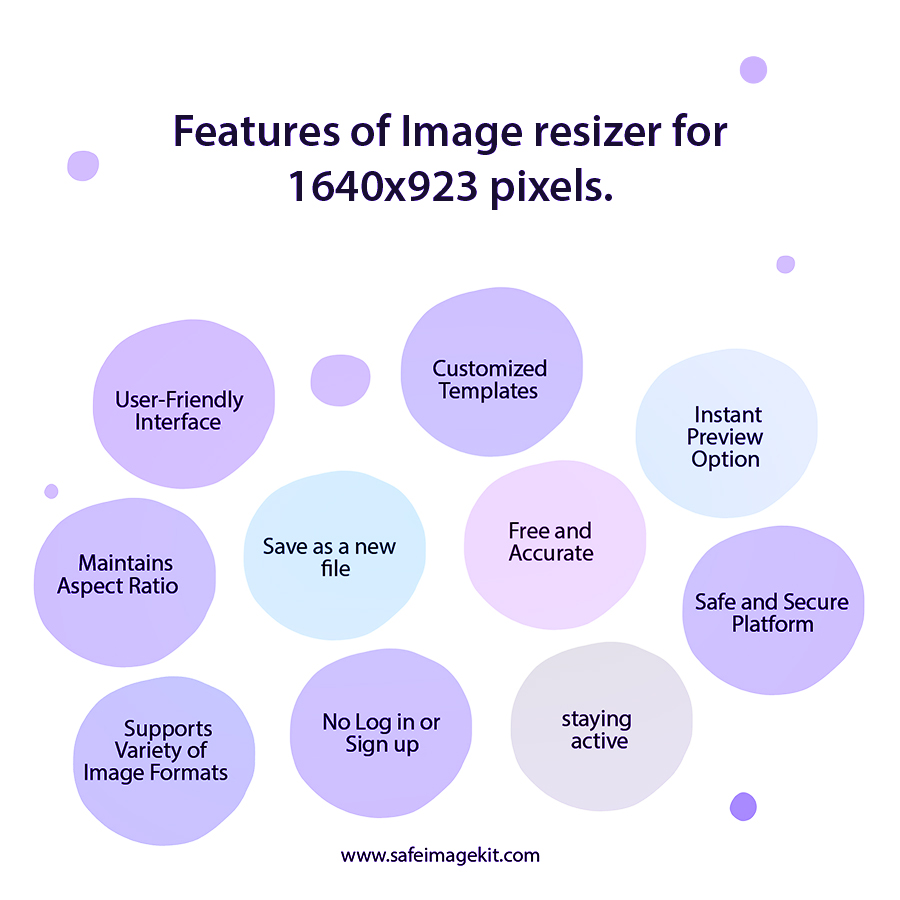
Our tool is completely free to use and does not require any registration or login. You can resize images without sharing personal information. Additionally, your images are processed securely and are not stored on servers permanently, ensuring full privacy. This makes it a reliable choice for users who care about data security and convenience.
how to image

How to Resize Image to 1640x923 pixels Online?

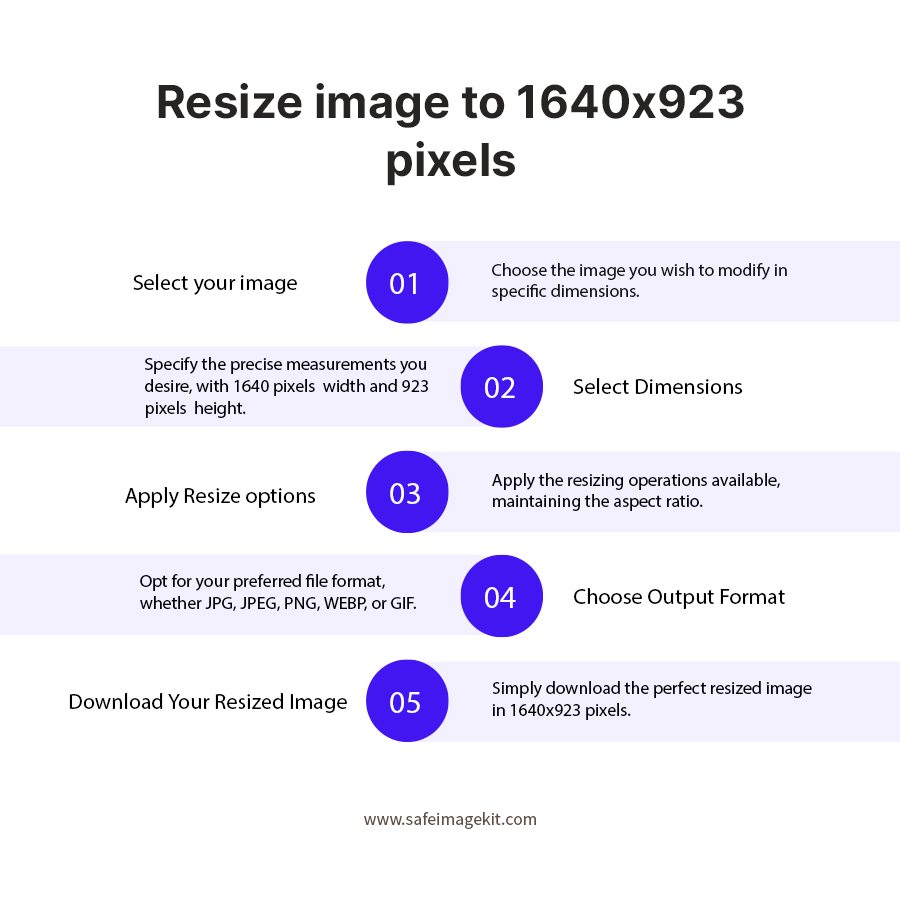
  1. 1.Upload your image from your device or drop it into the tool.
  2. 2.If you want to change width and height, just enter the values manually.
  3. 3.Select DPI based on whether you need it for print or normal use.
  4. 4.Choose the resize option that fits your requirement.
  5. 5.Adjust quality and format if needed.
  6. 6.Adjust quality and format if needed.
  7. 7.Click on download to get your resized image.

FAQ's

How can I resize an image to 1640x923 pixels online using a free tool without losing quality?

To resize your image to 1640x923 pixels, upload your image to the tool, enter the exact width and height values, and click on resize. The tool automatically adjusts your image dimensions while maintaining high quality. It uses optimized scaling to ensure no blur or distortion occurs during the process.

What is the difference between resizing an image and compressing an image file?

Resizing and compression are often confused, but they serve different purposes. Resizing changes the physical dimensions of the image (width and height), while compression reduces the file size by optimizing data. Both techniques are useful for improving performance, but resizing directly affects how the image appears visually.

Does this image resizer reduce image quality when resizing to 1640x923 dimensions?

No, this tool is designed to maintain image quality even after resizing. It uses advanced algorithms to preserve clarity, sharpness, and color accuracy, ensuring a high-quality output image.

Can I resize JPG, PNG, or WebP images to 1640x923 online without installing software?

Yes, this is a browser-based tool, so you can upload JPG, PNG, or WebP images and resize them instantly without installing any software. It works on both desktop and mobile devices.

Why should I use 1640x923 image size for website banners or thumbnails?

The 1640x923 dimension provides a balanced aspect ratio that works well for banners, blog images, and thumbnails. It ensures proper alignment across different screen sizes and improves visual presentation.

Is it safe to upload images to this 1640x923 image resizer tool online?

Yes, the tool processes images securely and does not store them permanently. Your files are automatically deleted after processing, ensuring privacy and data safety.

Can I resize images to 1640x923 on my mobile phone without using any app?

Yes, the tool is fully mobile-friendly and works directly in your browser. You can resize images anytime, anywhere without installing additional applications.

Is this 1640x923 image resizer tool completely free and without watermark?

Yes, a good image resizer tool provides free access without adding watermarks to your images. This is important for both personal and professional use, as watermarks can affect the appearance and usability of images.

What makes this 1640x923 image resizer tool better than other online tools?

This tool stands out because it offers precise dimension control, supports both inches and pixels, maintains high-quality output, and provides fast processing without requiring signup. It is designed to be simple yet powerful, making it suitable for beginners as well as professionals.

Can I resize images for high-quality printing using this tool?

Yes, by setting the correct DPI (usually 300 for print), you can resize images in inches and prepare them for high-quality printing. This ensures that your printed images appear sharp and professional.

rating-img
Rate this tool
3.88/5   81 votes

Other useful information

About The Author

Taufik Ali

Taufik has an analytical mindset and great attention to detail. He excels in analyzing website performance, conducting keyword research, optimizing on-page content, and developing effective link-building strategies.