FAQ's
How to resize image to 1920x480 pixels online?
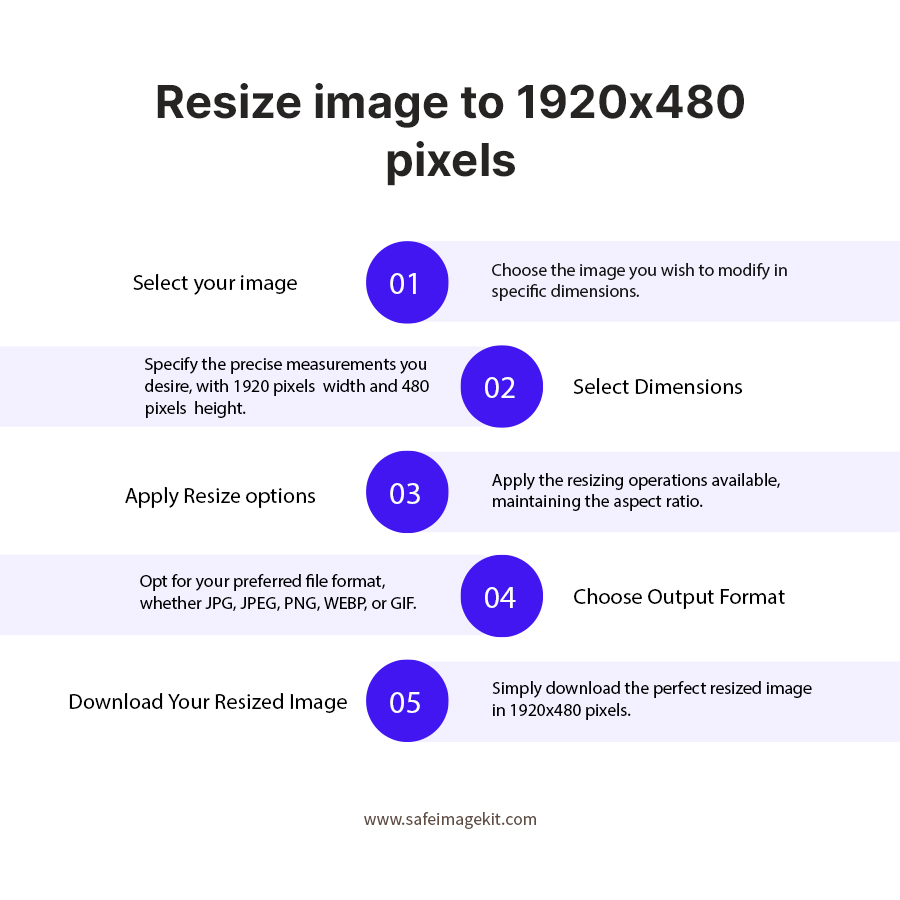
To resize image to 1920x480 pixels online using imgresizers.com is very simple and quick. Just upload or drag and drop your image, then enter 1920 as width and 480 as height. You can also adjust settings like DPI, resize type, and image quality based on your requirement. Once done the tool will instantly process your image into a wide banner format suitable for website headers, covers, or promotional graphics.
What is the best use of 1920x480 image size?
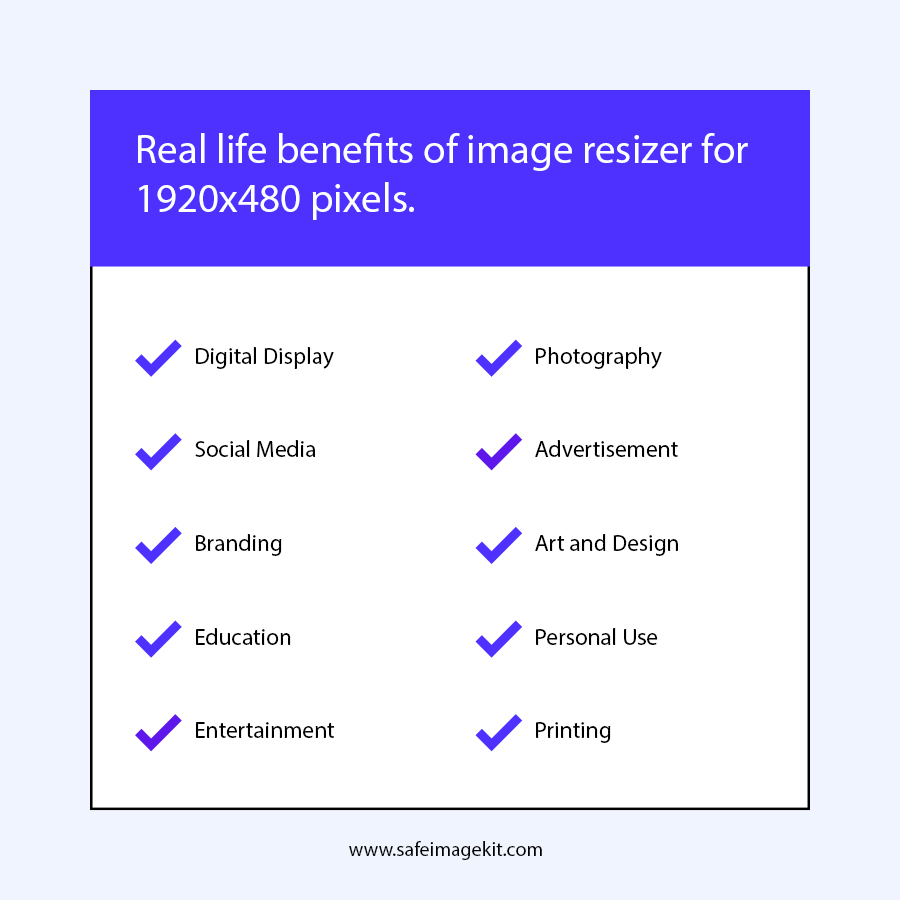
The 1920x480 size is commonly used for website banners, landing page headers, and blog covers. Its wide aspect ratio fits perfectly across screens, helping create visually appealing layouts without cropping important parts of the image.
Can I resize large images to 1920x480 without losing quality?
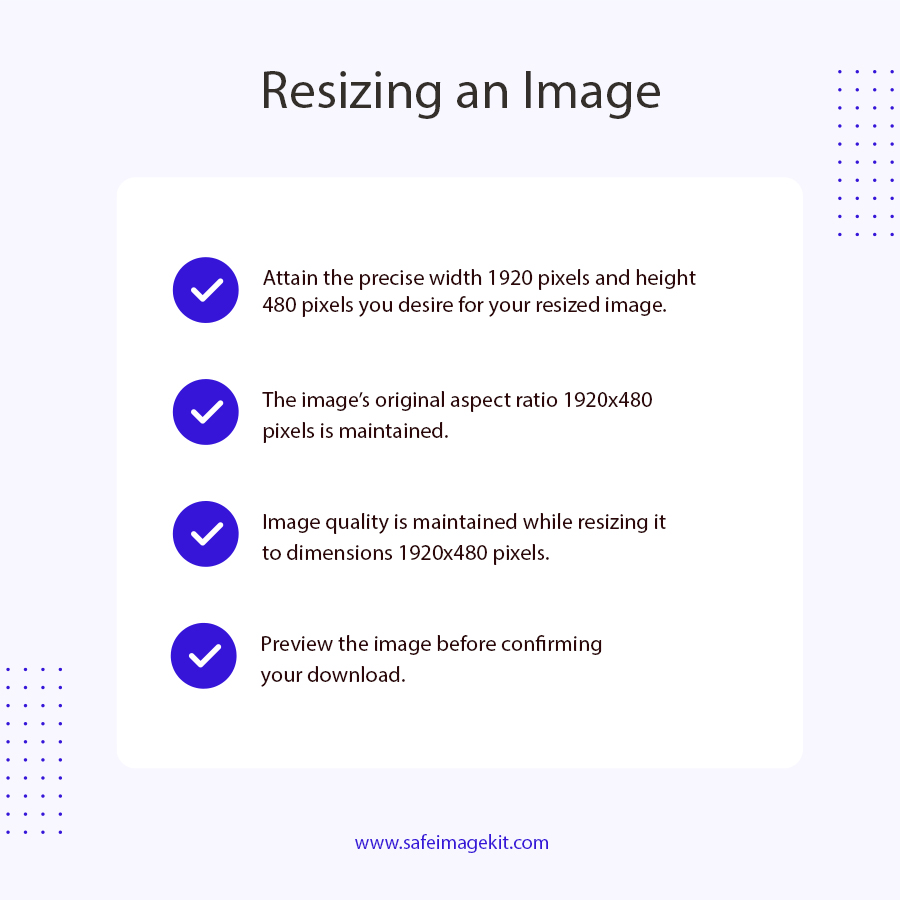
Yes, the tool uses advanced image scaling methods to maintain sharpness and detail. Even when resizing large images down to 1920x480, it ensures minimal quality loss and prevents pixelation or blur.
Is 1920x480 suitable for responsive design?
Yes, 1920x480 works well for responsive layouts, especially for full-width banners. It fits most desktop screens and scales properly on smaller devices when used with responsive web design techniques.
Can I convert PNG to JPG while resizing to 1920x480?
Yes, you can easily convert formats during resizing. Upload a PNG file and download it as JPG, JPEG, WEBP or Gif after resizing to 1920x480 pixels.
Is this tool free for resizing banner images?
Yes, the tool is completely free and does not require any subscription or login. You can resize unlimited images to 1920x480 without any restrictions.
Will the resized image have a watermark?
No, imgresizers.com does not add any watermark or branding to your resized images. The output you download is completely clean and ready to use for personal, professional, or commercial purposes. This means you don’t need to spend extra time editing or removing unwanted marks, making the process faster and more convenient for users.
Is the image resizer tool safe to upload images?
Yes, imgresizers.com is safe to use for uploading and resizing images. The tool processes your files securely and does not store them permanently on the server. Once the resizing process is complete, your images are automatically removed. This ensures your data remains private and protected, making it reliable even for sensitive or important images.
What formats are supported this image resizer?
Imgresizers.com supports multiple image formats such as JPG, PNG, WEBP and Gif, allowing you to upload images in one format and download them in another if needed. This flexibility helps you optimize images for different use cases, whether you want better quality, transparency support, or smaller file sizes for faster loading on websites.
Can I resize images for LinkedIn or Facebook covers?
Yes, you can use imgresizers.com to prepare images for LinkedIn or Facebook covers, but each platform has its own recommended dimensions for the best fit. For better alignment and proper display, you can resize image to 1584x396 for LinkedIn or resize image to 1640x856 for Facebook covers. Our platform also provides multiple image resizer options, so you can easily switch between different sizes and adjust your images as needed for various platforms.