Resize Image to 30x36 Inches Online

Upload your image below to resize it to 30x36 inch

add-image CHOOSE FILE

or drop your file here

Precise 30x36 Inch Image Resizing with Pixel Accuracy
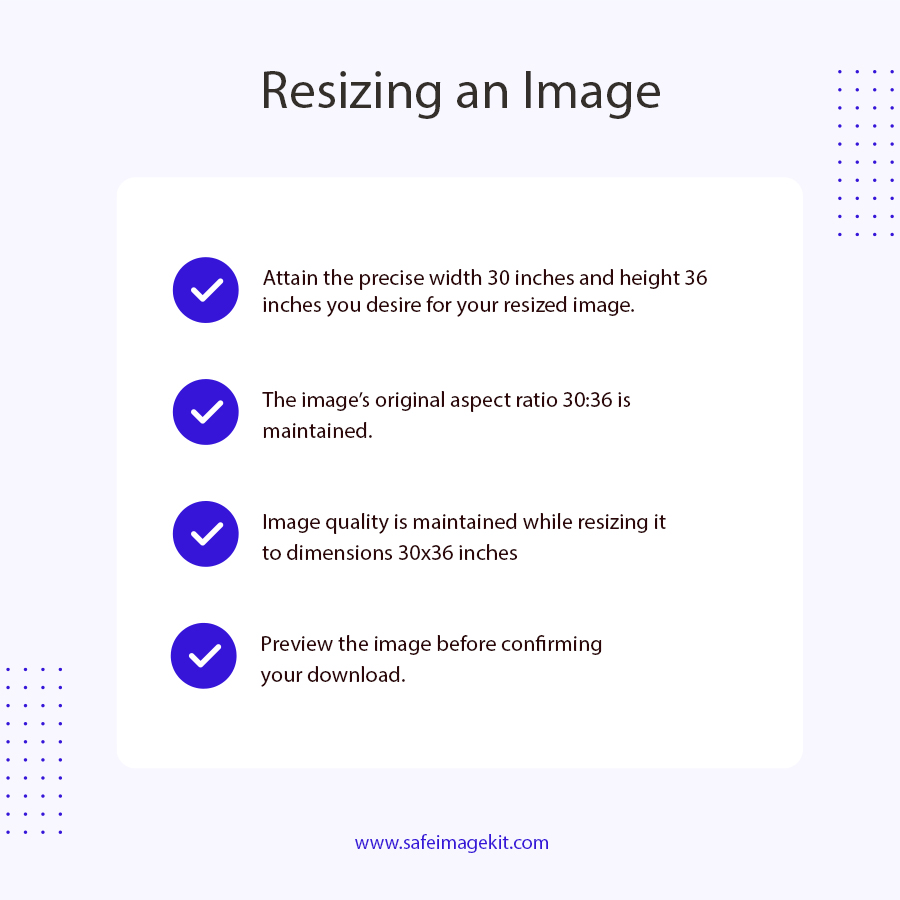
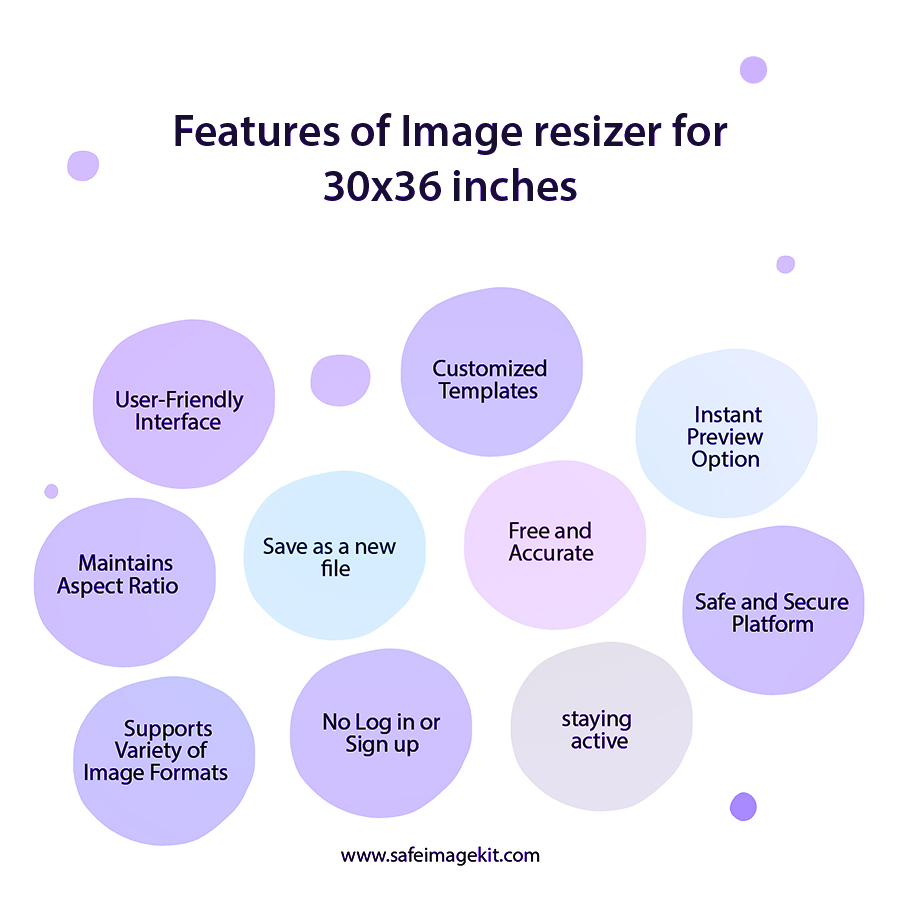
Our tool allows you to resize images to exact 30x36 inches dimensions with complete precision. Unlike basic resizers that distort or stretch images, this tool ensures proper scaling based on DPI settings, making it ideal for professional printing. Whether you're creating posters, banners, or artwork, you get pixel-perfect output every time.
High-Resolution Output
One of the biggest challenges while resizing images is maintaining quality. Our tool uses advanced image processing algorithms to preserve sharpness, colors, and details. Even after resizing to a large format like 30x36 inches, your image remains crisp and clear. This makes it perfect for printing purposes where quality matters the most, especially at 300 DPI resolution.
Supports Multiple Image Formats
You can upload images in various formats including JPG, JPEG, PNG, and WebP without worrying about compatibility issues. The tool processes each format efficiently and allows you to download the resized image in your preferred format. This flexibility is useful for designers, photographers, and general users who work with different file types.
Instant Online Processing with Fast Performance
Time is important, and our tool is optimized for speed. Once you upload your image, the resizing process happens instantly within seconds. There’s no waiting time or complicated steps involved. The lightweight and optimized engine ensures fast performance even for high-resolution images.
100% Free Tool with No Signup Required
You don’t need to create an account, log in, or pay anything to use this tool. It is completely free and accessible to everyone. Unlike many tools that limit features behind a paywall, we provide full functionality without restrictions. This makes it ideal for students, professionals, and anyone looking for a quick solution.
Secure & Privacy-Focused Image Processing
Your privacy is important. All uploaded images are processed securely and are not stored on our servers. This ensures that your personal or professional images remain confidential. The tool automatically deletes files after processing, giving you peace of mind while using the service.
how to image

How to Resize Image to 30x36 inch Online?

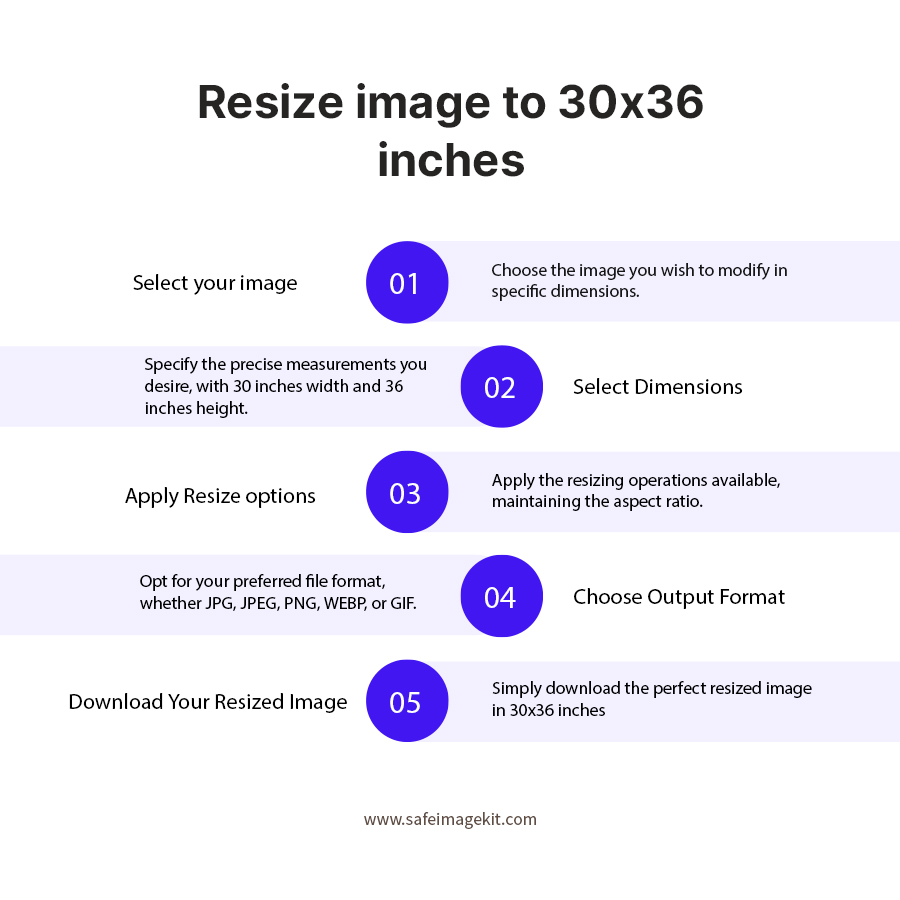
  1. 1.Upload your image or drag and drop it into the tool.
  2. 2.If you want to change width and height, just enter the values manually.
  3. 3.Choose the DPI and resize type as per your need.
  4. 4.Adjust quality if required for better output.
  5. 5.You can also select format like JPG, PNG, or WebP.
  6. 6.Click on download to save your resized image.

FAQ's

How can I resize an image to 30x36 inches online for free without losing quality or resolution for printing purposes?

Resizing an image to 30x36 inches without losing quality requires maintaining proper resolution (DPI) and aspect ratio. You can use our online image resizer tool by uploading your image, selecting custom dimensions (30x36 inches), and ensuring the resolution is set to 300 DPI for high-quality printing. The tool uses advanced algorithms to upscale or adjust the image without pixelation, ensuring the final output is sharp, clear, and print-ready.

What pixel size is required for a 30x36 inch image at 300 DPI?

For a 30x36 inch image at 300 DPI, you need a resolution of 9000 x 10800 pixels. This is calculated by multiplying each inch dimension by 300, which ensures the image has enough detail for high quality printing. Using this pixel size helps maintain sharpness and clarity, making it ideal for large prints like posters, banners, or professional displays without any visible pixelation.

Is it safe to upload images to an online resizer tool?

Yes, security is a top priority. Our tool ensures that all uploaded images are processed securely and are not stored permanently. Files are automatically deleted after processing, making it safe for personal and professional use.

Can I resize a low-resolution image to 30x36 inches without it becoming blurry or pixelated?

Yes, but the quality depends on the original image resolution. If the original image is too small, enlarging it to 30x36 inches may cause some loss of sharpness. However, our tool uses smart scaling techniques to enhance image clarity and reduce pixelation as much as possible. For best results, always start with a high-resolution image.

Is there any free online tool that allows resizing images to exact 30x36 inches dimensions without watermark or signup?

Yes, our image resizer tool is completely free and does not require any signup or login. Unlike many other tools that add watermarks or restrict features, this tool provides full access to resize images to exact 30x36 inches dimensions with high-quality output and no hidden limitations.

Can I resize images to 30x36 inches on mobile devices without installing any app?

Yes, our tool is fully responsive and works on all devices, including smartphones and tablets. You can resize images directly from your browser without installing any application.

What are the most common uses of 30x36 inch images in real life?

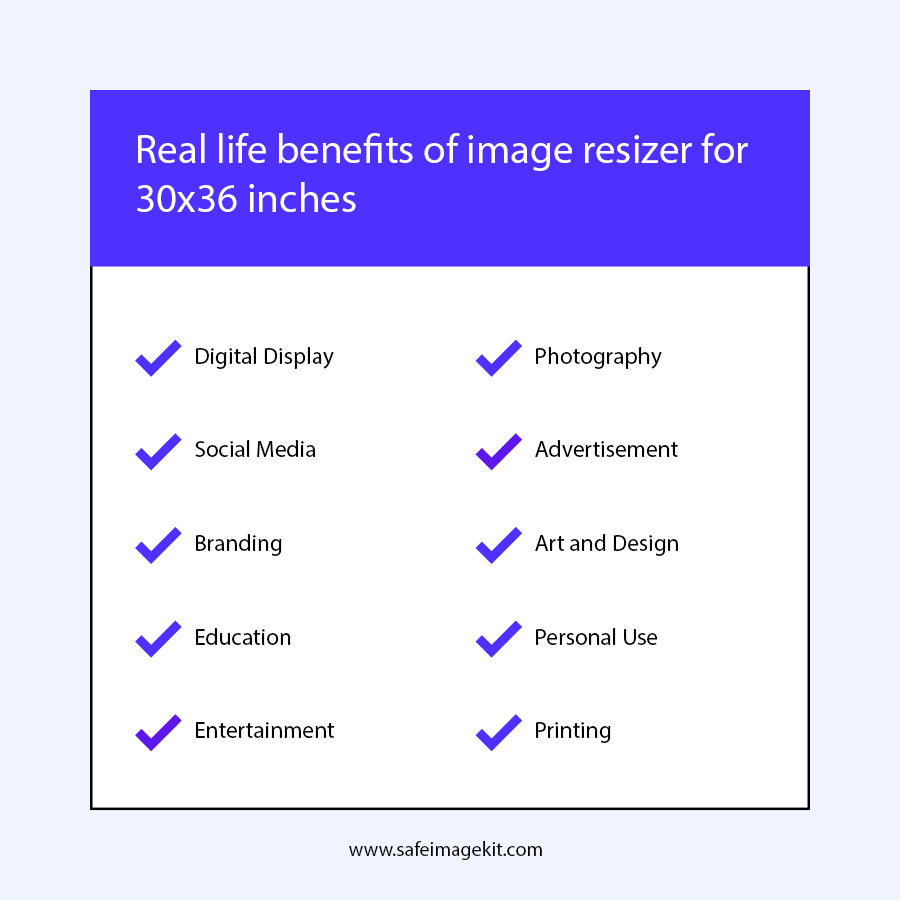
30x36 inch images are commonly used for posters, wall art, event banners, advertising materials, and large photo prints. They are ideal for both personal decoration and commercial purposes.

What image format should I choose after resizing for the best printing results?

For printing, JPG is widely used due to its compatibility and compression. However, PNG is preferred if you need transparency or higher detail. Our tool allows you to choose the format based on your requirements.

Is there any online tool that allows resizing images to 30x36 inches with custom DPI settings for professional printing?

Yes, our tool supports DPI-based resizing, allowing you to choose resolution based on your printing needs, making it ideal for professional use.

rating-img
Rate this tool
3.88/5   81 votes

Other useful information

About The Author

Taufik Ali

Taufik has an analytical mindset and great attention to detail. He excels in analyzing website performance, conducting keyword research, optimizing on-page content, and developing effective link-building strategies.