Resize Image to 3x5 Dimensions

Make image fit perfectly into 3×5 size with easy resizing options

add-image CHOOSE FILE

or drop your file here

Smooth Navigation Experience
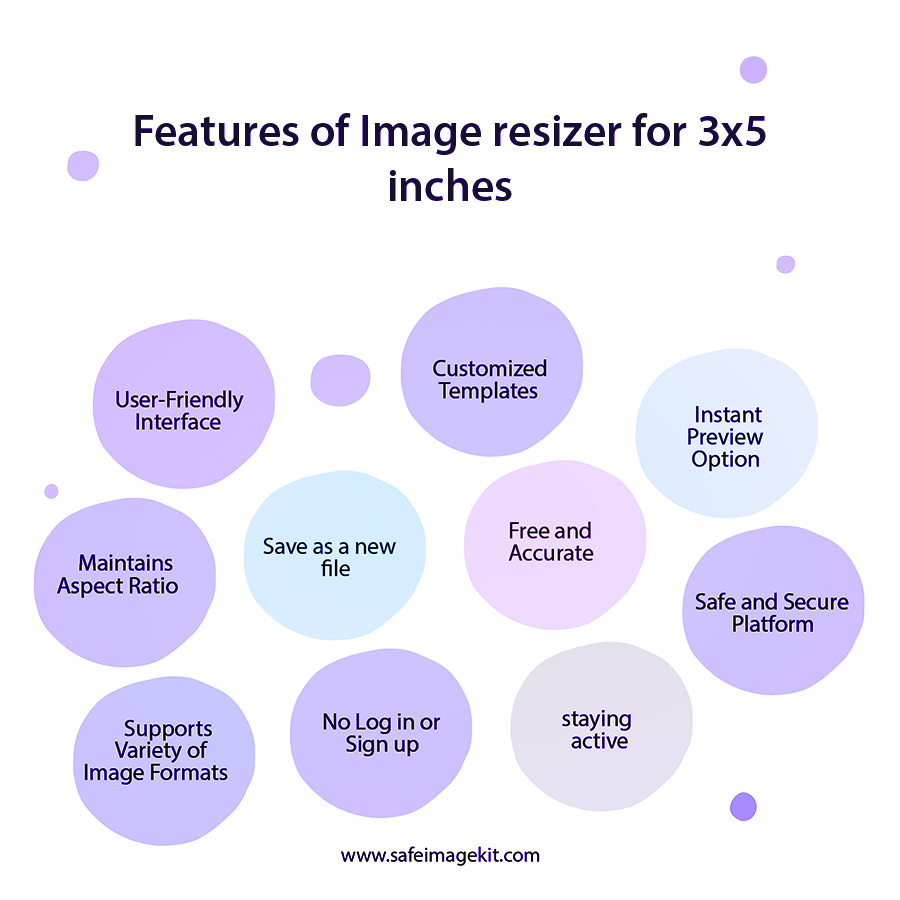
The tool is designed to provide a seamless experience from start to finish. Every step is clearly structured so users can move through the process without confusion. It helps save time and reduces errors during editing. This makes it suitable for both beginners and advanced users.
Multiple Image Source Support
You can bring in images not only from your device but also from cloud platforms. This eliminates the need to download files before resizing. It simplifies your workflow, especially when working with stored or shared images. The process is quick and efficient. You can access your files anytime.
Flexible Dimension & Unit Handling
The tool allows you to define any dimensions using various units like pixels, inches, or centimeters. You can easily switch between units without doing manual calculations. It improves accuracy and saves effort.
Adjustable Output Settings
You can fine-tune your image by selecting resolution (DPI) and quality levels. This helps you control how sharp or compressed your image should be. Higher settings are ideal for printing, while lower settings are useful for online sharing. This flexibility ensures your image is optimized for its purpose.
Resize Techniques
Resize Techniques
The tool offers different ways to fit your image into the 3×5 frame. You can stretch it, maintain proportions, or fill empty space creatively by choosing the resize type options. These options help you avoid unwanted cropping or distortion. It ensures the final image looks clean and balanced.
Fast, Free & Secure Processing
The resizing process is quick and delivers results within seconds. There are no hidden charges or login requirements. Your files are handled securely and removed after processing. This ensures both convenience and privacy. You can use the tool anytime with confidence.
how to image

Steps to Resize Image to 3x5 Dimensions

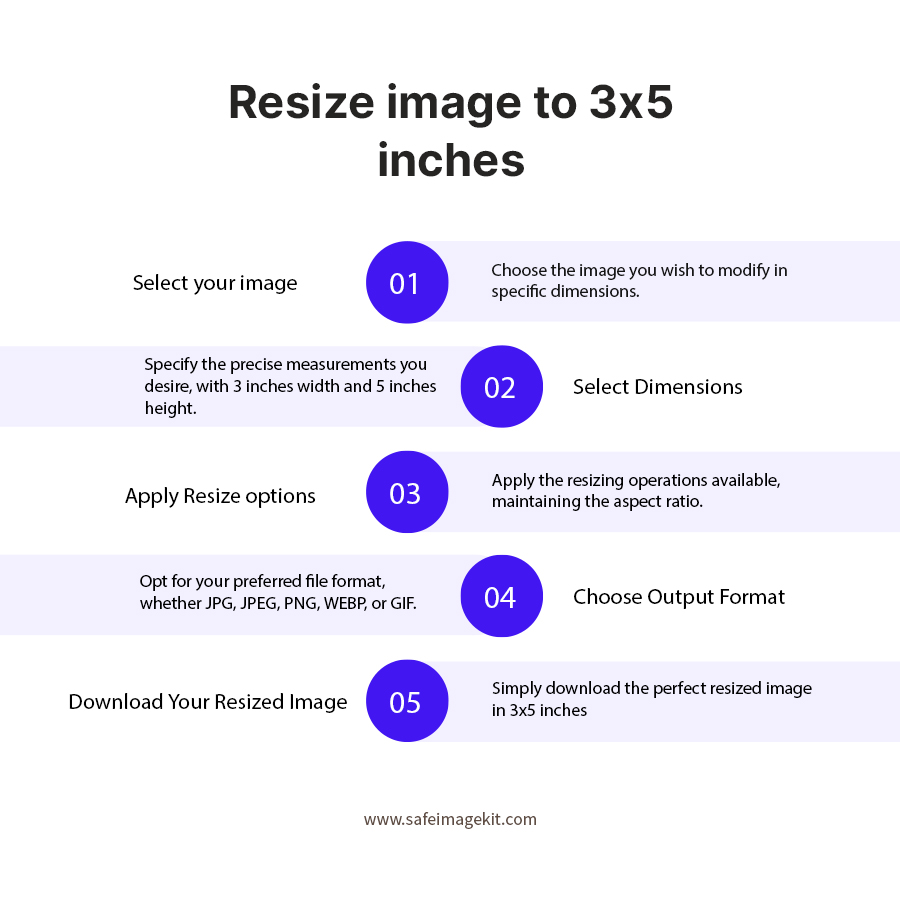
  1. 1.Upload your image from your device or cloud storage.
  2. 2.Choose your preferred units.
  3. 3.Select resize types.
  4. 4.Adjust DPI and quality settings if needed.
  5. 5.Choose your desired file format.
  6. 6.Preview the result before finalizing.
  7. 7.Click Download to save your resized image to 3x5 dimensions.
  8. 8.You can enter any dimensions as needed.

FAQ's

What does resizing an image to 3×5 mean?

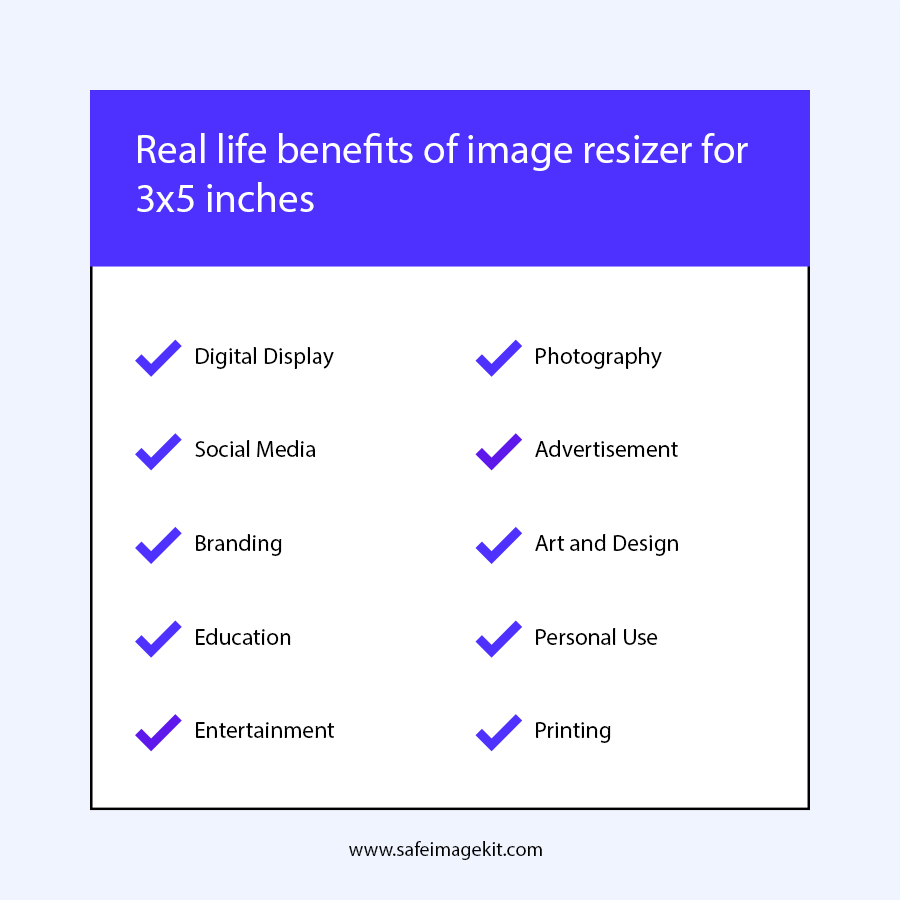
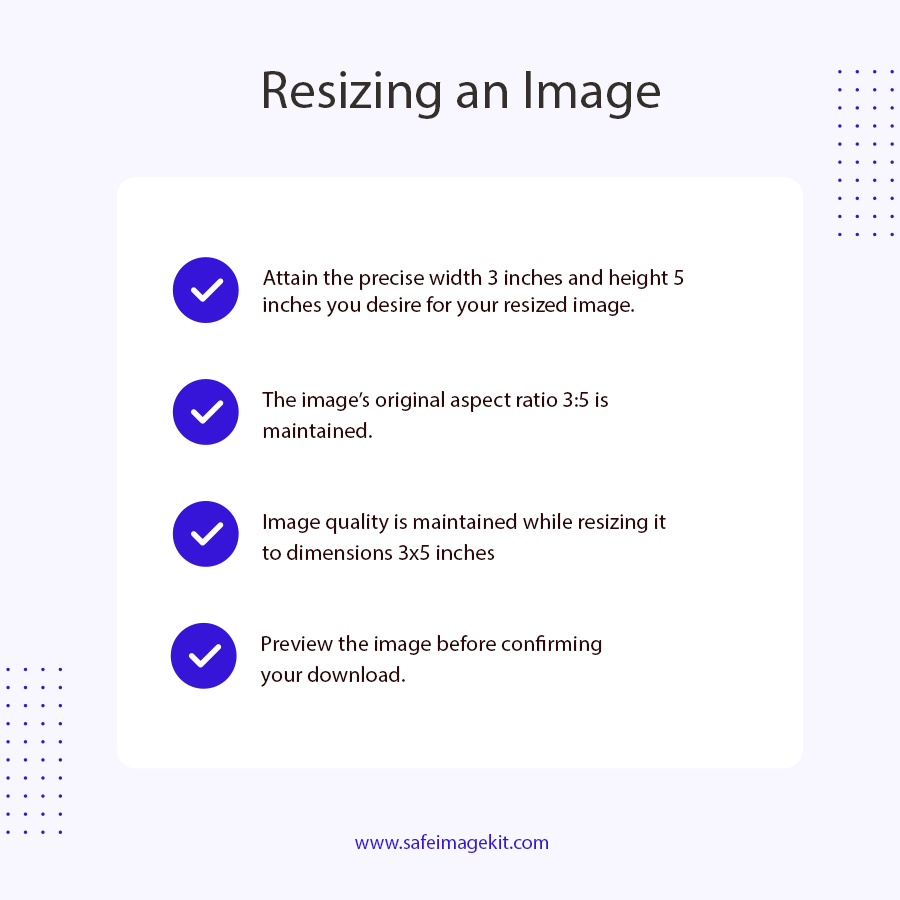
Resizing an image to 3×5 means adjusting its width and height to match a 3 by 5 ratio. This is commonly used for printed photos and small display formats. It ensures the image fits perfectly without additional editing.

Can I resize any image to 3×5?

Yes, you can upload images of any size and convert them to 3×5. The tool provides options to adjust how the image fits within the frame.

Will resizing affect the original image?

The original image remains unchanged. The tool only creates a resized copy for download.

How do unit options help during resizing?

Unit options allow you to work in pixels, inches, or centimeters depending on your project. This makes the process more accurate and convenient.

What is the importance of DPI in 3×5 images?

DPI determines how clear your image will appear, especially when printed. Higher DPI results in sharper images.

Which DPI should I choose?

For digital use, lower DPI is enough. For printing, a higher DPI like 300 is recommended.

How does quality setting impact the image?

Quality settings control compression. Higher quality keeps details, while lower quality reduces file size.

Can I change the image format?

Yes, you can export your image in formats like JPG, PNG, WebP, or GIF.

Is the resizing process fast?

Yes, the tool processes images within seconds.

Do I need to install any software?

No, it works directly in your browser.

Can I use this tool on mobile?

Yes, it is fully compatible with mobile devices.

Can I preview my image before downloading?

Yes, a preview is available to check the final result.

What happens if my image is too large?

Large images are handled efficiently, but performance may depend on your device.

Can I use this tool for printing photos?

Yes, it is suitable for preparing images for print.

What is the ideal image size for Facebook cover photos?

The recommended size for Facebook cover photos is 820 x 312 pixels for desktops and 640 x 360 pixels for mobile to ensure optimal display. To easily resize images for Facebook, you can visit https://imgresizers.com/facebook.

rating-img
Rate this tool
3.88/5   81 votes

Other useful information

About The Author

Lakshmi Badige

Lakshmi Badige is a skilled content writer with expertise in creating engaging content for SaaS companies. From blog posts and case studies to website copy, Lakshmi focuses on delivering content that attracts customers, builds trust, and drives results. With experience in SEO and content strategy, ensures every piece of content is optimized for both readers and search engines.

Contributors