FAQ's
How can I resize an image to 8x10 using this tool?
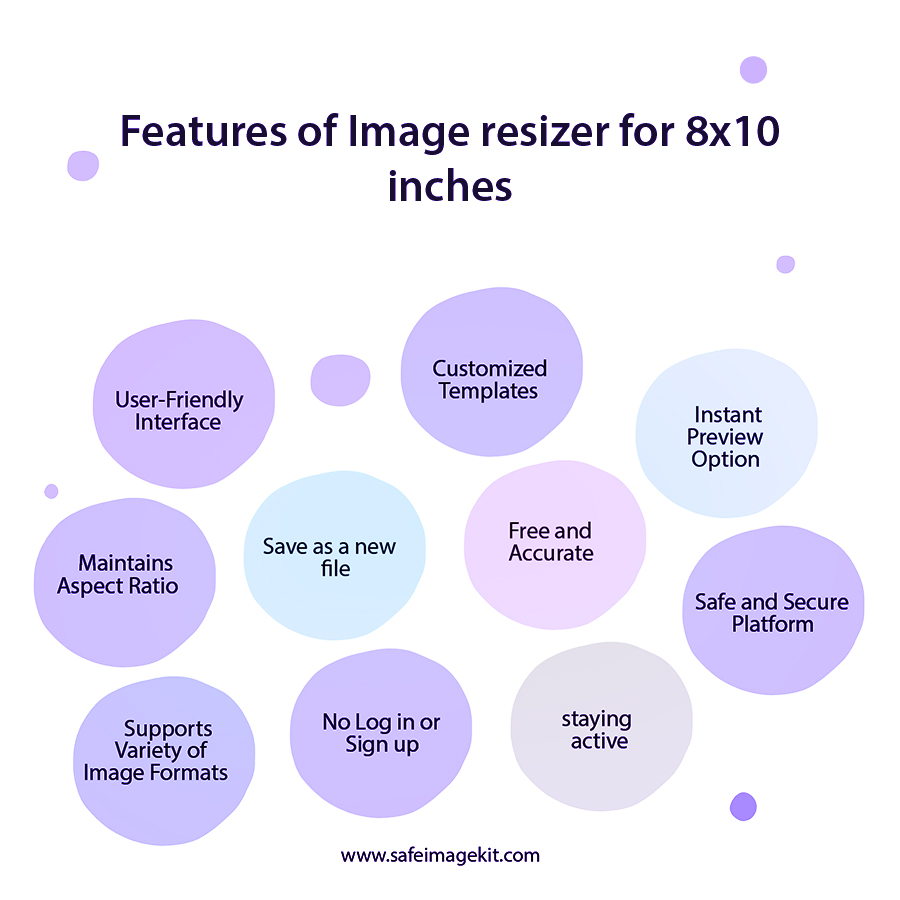
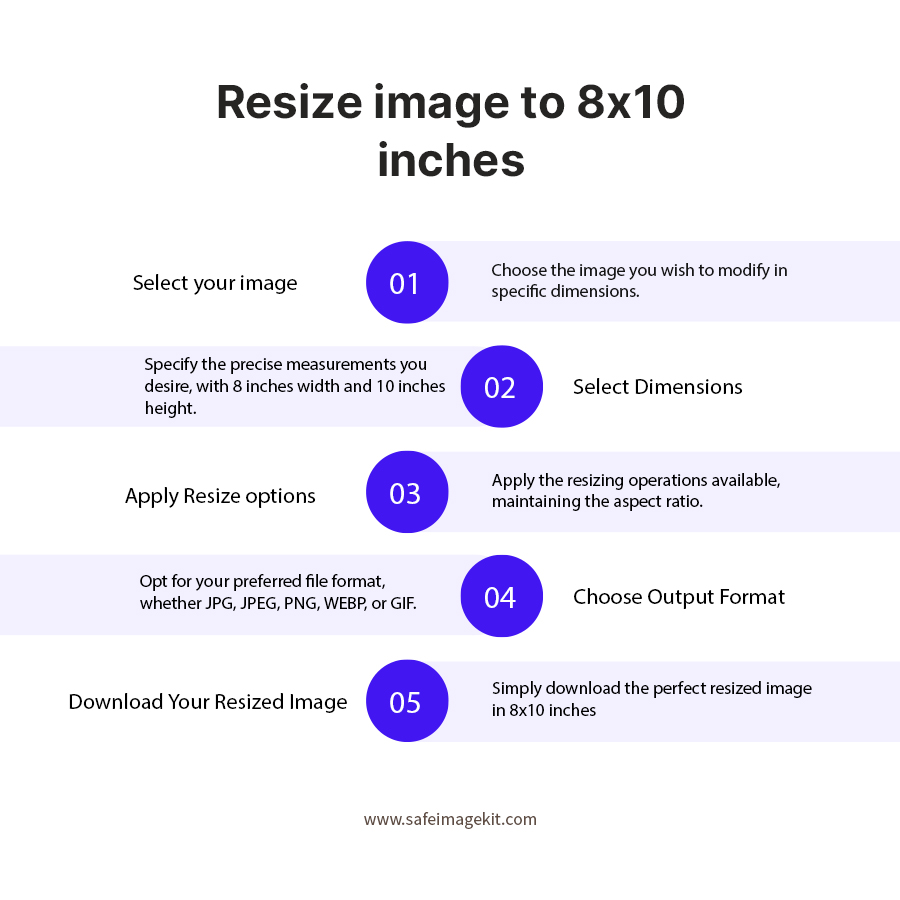
To resize an image to 8x10 at our imgresizers website is very simple. Just upload your image in any format, select or set the size to 8x10, and adjust the available settings like DPI, resize type, or quality if needed. Once everything looks good, and download your image instantly, ready for print or use anywhere without any extra steps.
What is an 8x10 image size commonly used for?
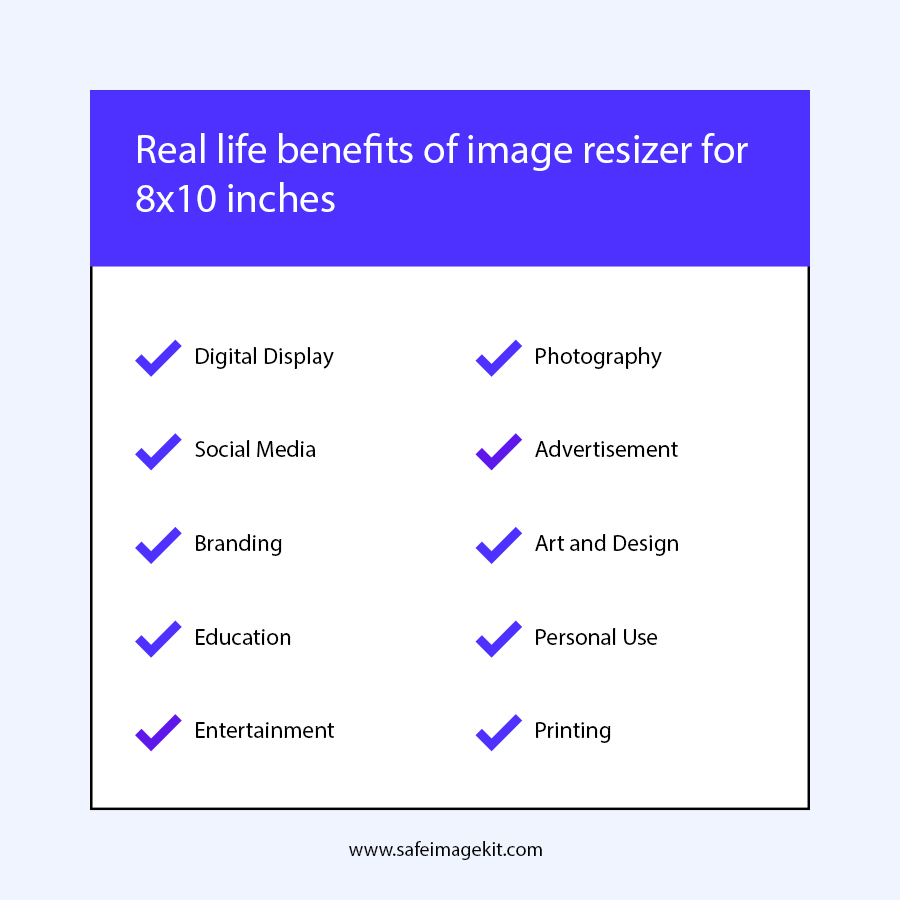
The 8x10 size is widely used for photo prints, frames, and professional photography. It provides a classic rectangular format that works well for portraits and display images. Using this tool, you can easily prepare your image in the correct size without worrying about manual adjustments.
Can I resize my photo to 8x10 inches without losing quality?
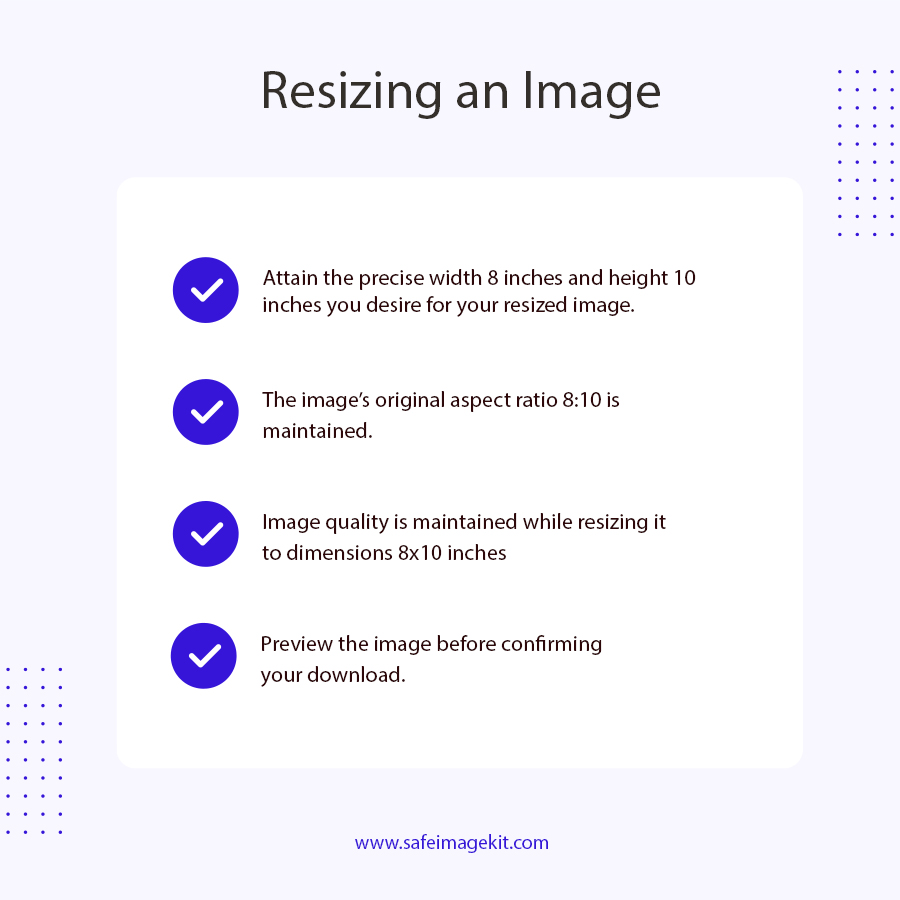
Yes, our imgresizers.com tool provides quality adjustment options that help maintain clarity while resizing. By setting the right DPI and quality level, you can ensure your image looks sharp and suitable for printing or display purposes.
Does this tool support DPI settings for 8x10 images?
Yes, this tool allows you to adjust DPI, which is important when preparing images for print. You can set the DPI according to your needs to ensure the final 8x10 image looks clear and properly scaled on paper.
Can I convert image formats while resizing to 8x10?
Yes, while resizing your image to 8x10, you can also choose the output format. The tool supports formats like JPG, PNG, and WEBP, allowing you to prepare your image exactly how you need it.
Do I need to install any software to resize images?
No, our imgresizers.com tool works directly in your browser. You can upload your image and resize it instantly without installing any software, making the process quick and convenient.
Can I also resize images to other print sizes like 5x7 or 4x6?
Yes, imgresizers.com supports multiple popular dimensions. You can easily switch to sizes like 5x7, 4x6, or even custom dimensions without starting over, making it flexible for different use cases.
Is an internet connection required to use this image resizer tool?
Yes, since imgresizers.com works online, you need an internet connection to upload and process your image. The process is fast and does not consume much data.
Is it safe to upload files from my Google Drive/Dropbox?
Yes, it is safe to upload files from your Google Drive/Dropbox to our platform. We utilize well-established privacy measures to safeguard user information. The data is protected from unauthorized access. As soon as the resizing process is completed, the files are deleted immediately.
What is the recommended size for images on social media platforms?
The recommended image size for social media platforms depends on where the image will be used, such as profile pictures, posts, or cover images. For example, square images like 1080x1080 pixels work well for posts on most platforms, while rectangular sizes are better for banners or cover photos. If you need smaller images like icons or thumbnails, sizes like 100x100 or 168x168 are commonly used. With our imgresizers.com tool, you can easily resize your image to any required dimension by adjusting width, height, DPI, and quality settings, so your image fits perfectly on different social media platforms without looking stretched or blurry.