FAQ's
Why is resizing images to 8x8 pixels important?
Resizing images to 8x8 pixels is vital for creating small icons, favicons, or avatars for websites and social media. This size is often used to ensure quick loading times and minimal bandwidth usage. It is also suitable for pixel art projects or thumbnails where detail is limited. Small images like 8x8 pixels are perfect for low-resolution displays and embedded system interfaces. Resizing to this dimension helps maintain consistency across digital platforms.
How do I upload images from my device or cloud?
Click on the “Choose File” button to upload from your device. For cloud options, select Google Drive or Dropbox, then authorize access. Drag-and-drop functionality is also available for faster uploads.
Can I change the units of measurement?
Yes, you can switch between pixels, centimeters, millimeters, and inches in the settings. This flexibility helps in aligning images with specific print or digital requirements. Changing units does not affect your current adjustments; it only modifies the measurement display. You can do this at any stage of resizing. The tool automatically updates the dimensions to match your selected units.
How does changing DPI affect my image?
DPI (dots per inch) impacts how your image appears in print. Higher DPI values like 200 or 300 produce better print quality, while 72 or 96 are suitable for screens. Adjusting DPI doesn’t change the pixel dimensions but affects printing resolution. It helps in preparing images for professional printing or digital display. For web use, DPI settings are generally less important, but for print projects, they are crucial.
What are the available resize modes, and when should I use them?
1. Stretch: Makes the image fit the specified dimensions by stretching, suitable for simple icons. 2. Fit & Background Blur: Fits the image within the dimensions and blurs the background for a smooth look, ideal for profile pictures. 3. Fit & Background Color: Fits the image and fills the background with a selected color, perfect for uniform backgrounds.
Which formats can I save my resized image in?
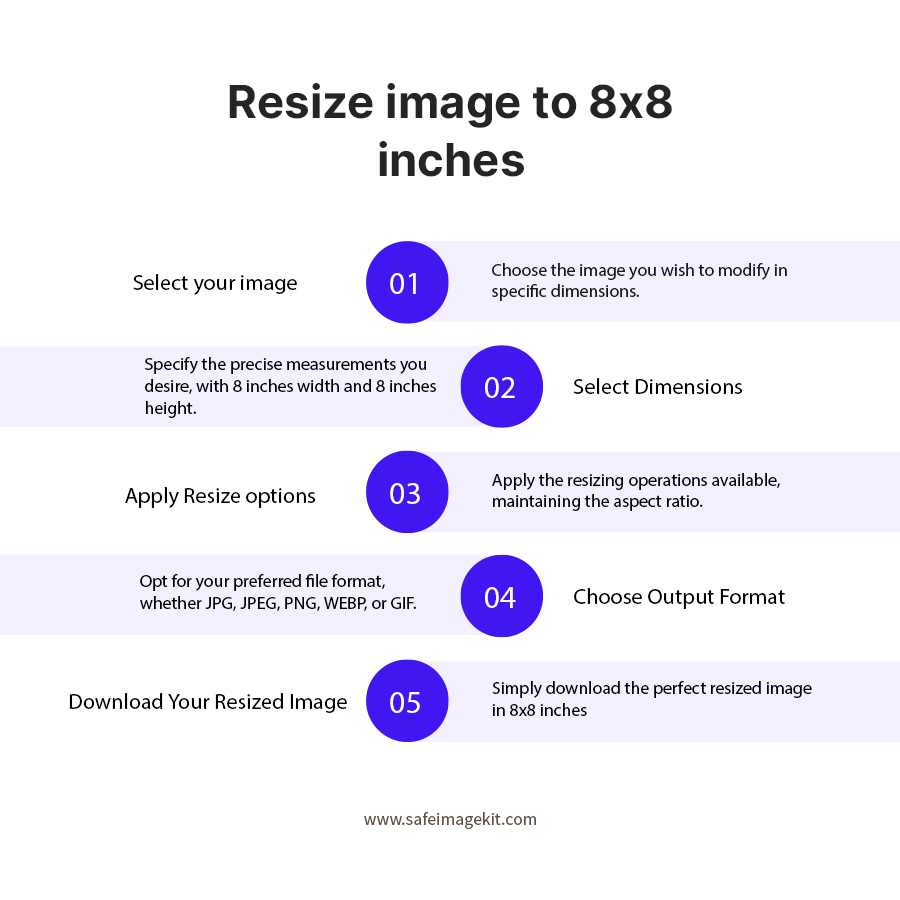
You can save images as PNG, JPG, JPEG, GIF, or WebP. PNG is ideal for images requiring transparency, JPG and JPEG are best for photographs, GIF supports animations, and WebP offers efficient compression. The format can be selected during the download process. Choosing the appropriate format depends on your intended use, whether for web, print, or social media.
Is this tool free to use?
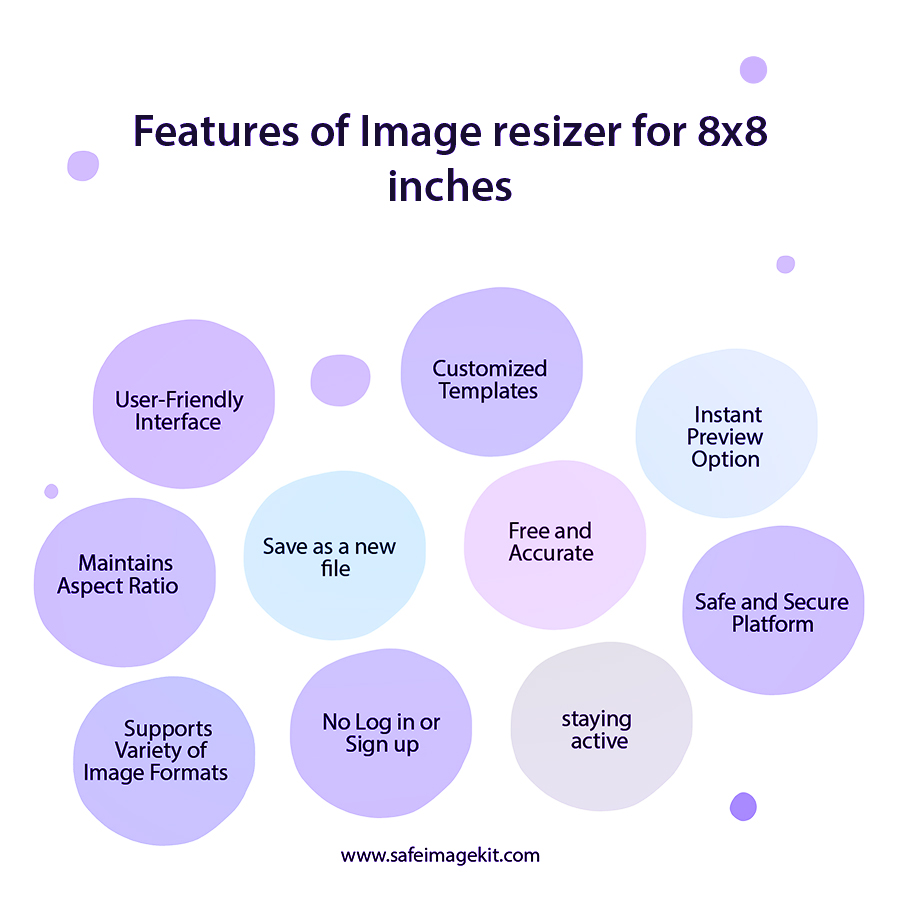
Yes, the image resize tool is completely free. There are no hidden charges, subscriptions, or registration requirements. You can resize as many images as you like without any cost.
Is my data safe when I upload images?
Absolutely. Your images are processed securely, and the data is deleted immediately after processing. We do not store or share your images, ensuring your privacy. The platform uses secure connections (HTTPS) for all uploads and downloads. You can confidently use the tool for sensitive or personal images without worry.
How accurate is the resizing process?
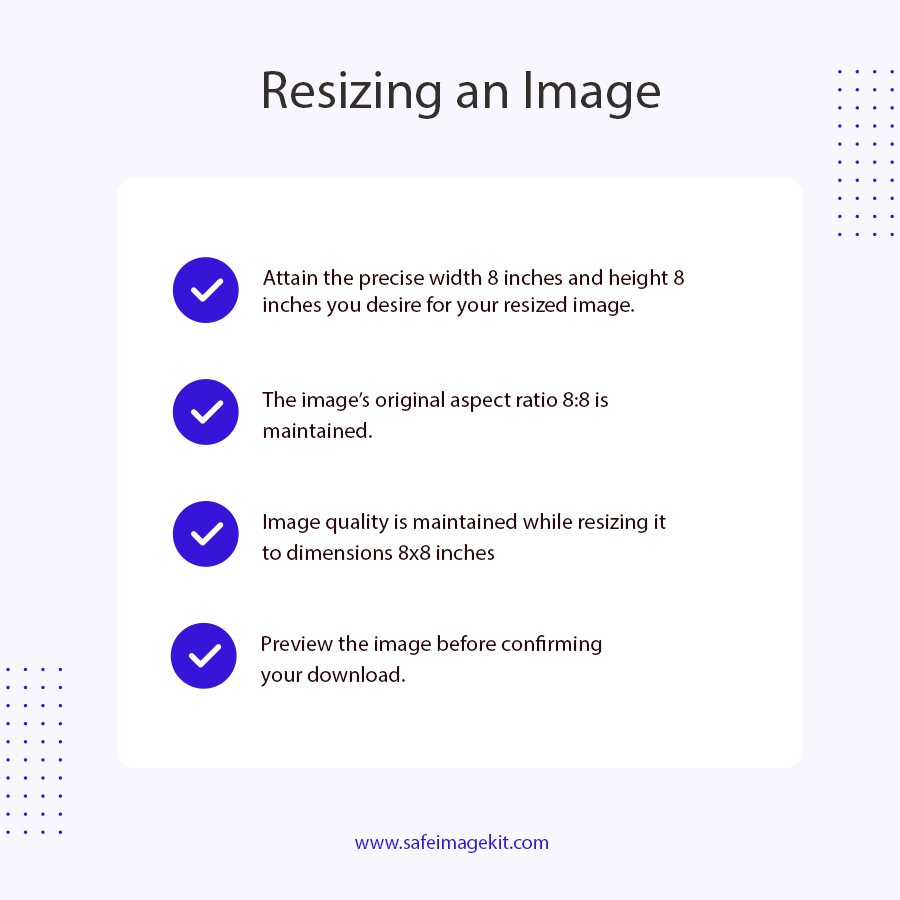
The tool provides precise resizing based on your input dimensions and units. It ensures that images are scaled accurately, maintaining quality as per your selected settings. The adjustable quality and resize modes help fine-tune the output. It is suitable for professional and personal projects requiring exact dimensions.
How do I download my resized image?
After setting your preferences, click the download button to save the image directly to your device. The download is instant and straightforward, with no additional steps required. The process is designed to be quick and user-friendly, even for beginners.
Can I resize images on mobile devices?
Yes, the tool is fully compatible with all browsers on mobile devices. Its responsive design ensures a smooth experience on smartphones and tablets. You can upload, resize, and download images just as easily as on desktops. No app download is necessary, just access through your browser.
Is this tool suitable for professional use?
Absolutely. The tool offers precise control over dimensions, quality, and formats, making it suitable for professional designers, photographers, and developers.
Can I resize images to other specific sizes besides 8x8?
Yes, the tool allows you to set any custom dimensions, not just 8x8 pixels. You can specify exact width and height in your preferred units, making it versatile for various projects. Whether you need small icons or larger images, the tool adapts to your needs.
Why should I choose this tool over others?
It’s free, easy to use, and compatible across all devices and browsers. It offers extensive customization options like units, DPI, quality, and resize modes. No registration or downloads are needed, saving you time. Its instant processing and secure environment make it reliable and convenient.
Can I resize images for use in specific applications like gaming or UI design?
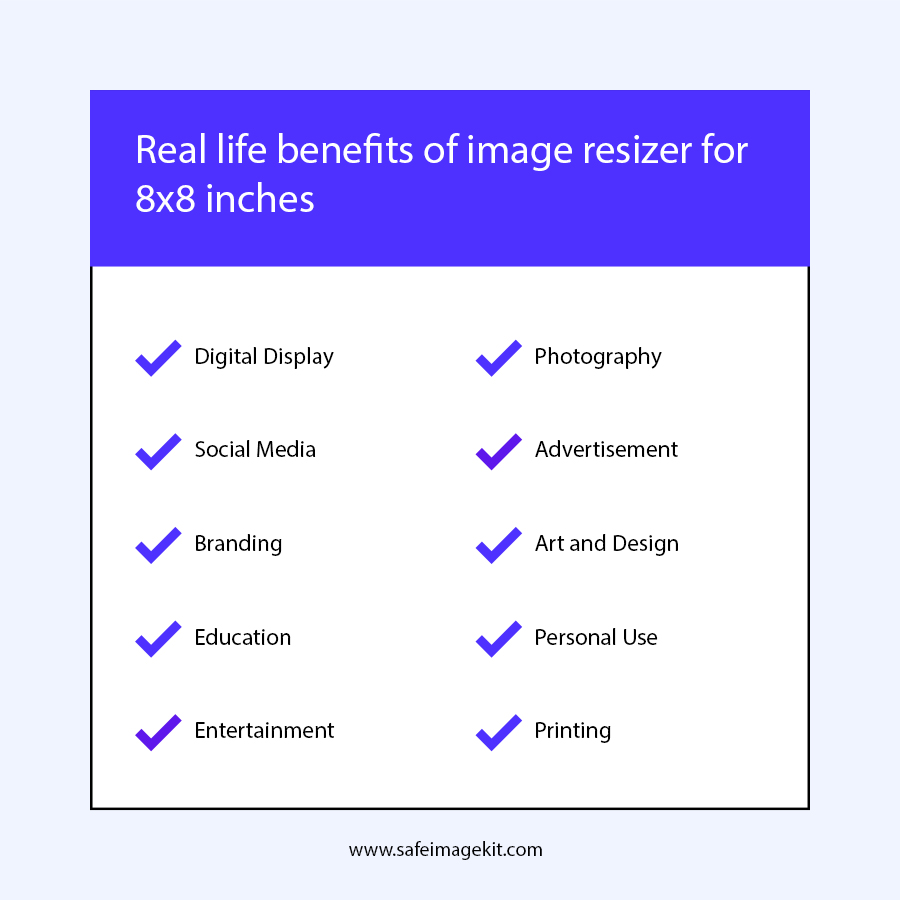
Yes, the precise control over size and quality makes it ideal for creating assets for gaming, UI, or app development. The 8x8 size is typical for sprites, icons, and buttons. The tool’s flexibility ensures you can prepare images tailored to your project specifications.
What is the ideal image size for Facebook cover photos?
The recommended size for Facebook cover photos is 820 x 312 pixels for desktops and 640 x 360 pixels for mobile to ensure optimal display. Visit our https://imgresizers.com/facebook for resizing your images for Facebook easily.