

Compressed Image

| lastModified | |
| lastModifiedDate | |
| Name | |
| Type | |
| Size |

 CHOOSE FILE
or drop your file here
Try more resizer tools 🚀


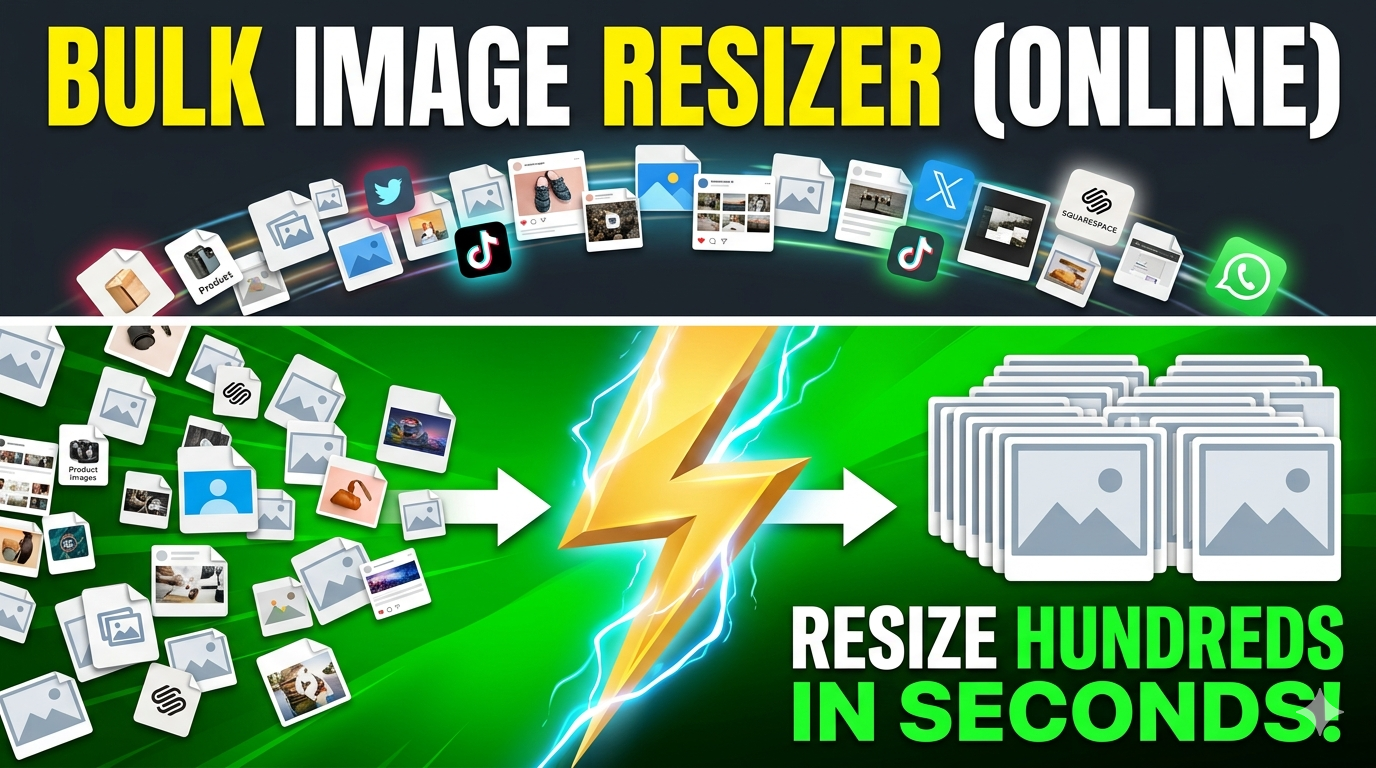
Resizing an image to 10 MB means adjusting an image so its file size becomes approximately 10 megabytes. This can involve changing compression levels, image dimensions, or both. The goal is to meet specific file size requirements. The process helps optimize images without excessive quality loss. It is commonly used for professional and personal image submissions.
Some platforms, applications, and professional workflows require images to stay within specific size limits. A 10 MB image may be required for uploads, printing, documentation, or archival purposes. Meeting size requirements helps avoid upload errors. It also ensures compatibility with different systems. Users can prepare images according to guidelines. This saves time and reduces frustration.
Yes, the tool is completely free to use. Users can resize images without paying subscription fees. There are no hidden charges involved in the resizing process. The tool is designed to be accessible to everyone. You can use it whenever needed. This makes it a convenient solution for regular image optimization tasks.
Yes, the tool works smoothly on mobile devices. You can upload images directly from your phone's gallery. The interface is optimized for smaller screens. Processing and downloading images are simple on smartphones. Mobile users receive the same functionality as desktop users.
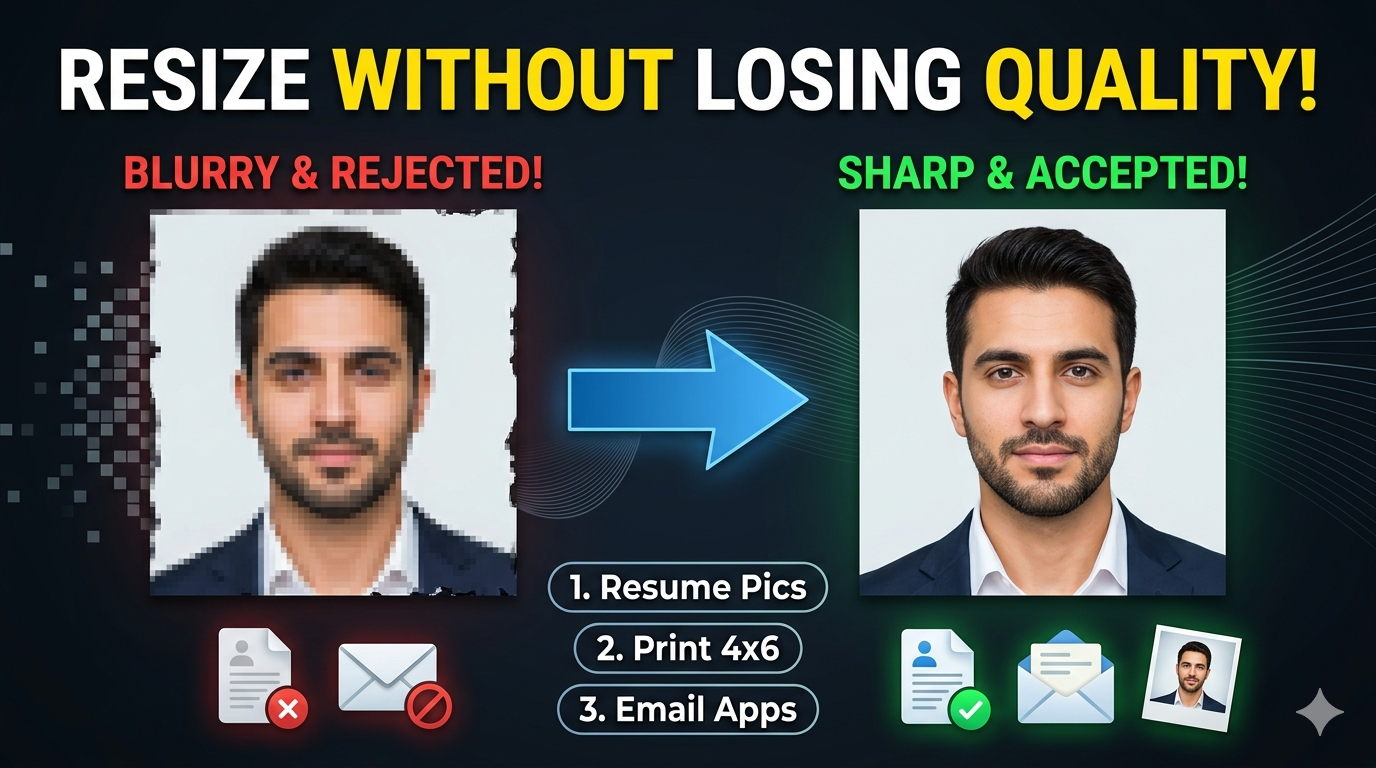
The tool aims to preserve image quality as much as possible. Minor changes may occur depending on the original image and required adjustments. The goal is to balance file size and image appearance. Quality preservation is a key feature of the tool.
The processing time depends on the image size and internet speed. Most images are resized within a few seconds. Even larger files are typically processed efficiently.
Yes, professionals frequently use image resizing tools. They are useful for presentations, reports, printing, portfolios, and digital submissions. Quality preservation helps maintain a professional appearance. It is suitable for both professional and personal use.
Yes, the tool can handle large images captured by modern cameras. High-resolution photos often have substantial file sizes. The resizing process helps make them easier to upload and share. Quality is preserved as much as possible during optimization. This is useful for photographers and content creators. Large files can be managed more efficiently.
Yes, JPG images are among the most commonly supported formats. The tool can optimize JPG files efficiently. Quality and file size are balanced during processing. This makes JPG resizing quick and practical. Many users rely on JPG support for everyday tasks. It is one of the most frequently used image formats.
Yes, students often need images that meet upload requirements for projects and assignments. The tool helps prepare files quickly. It can be used for educational documents, presentations, and reports. The simple interface makes it suitable for users of all experience levels.
This tool combines simplicity, speed, and accuracy. It helps users meet specific file size requirements without complicated steps. Broad format support increases flexibility. Quality preservation ensures attractive results. Device compatibility allows access from virtually anywhere. These benefits make it a practical solution for everyday image resizing needs.