

Compressed Image

| lastModified | |
| lastModifiedDate | |
| Name | |
| Type | |
| Size |

 CHOOSE FILE
or drop your file here
Try more resizer tools 🚀


Yes, our online image resizer is completely free to use. You can resize as many images as you want without any charges or subscriptions.
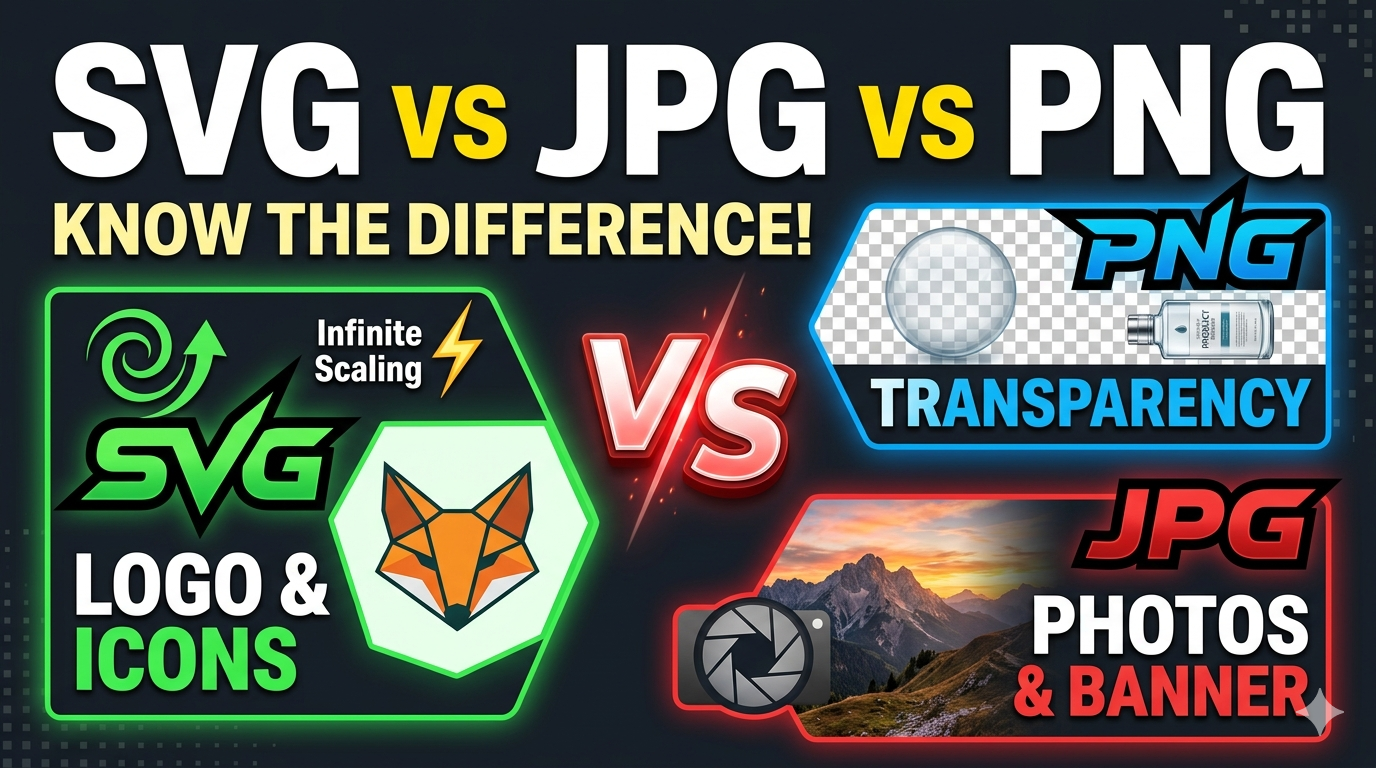
The tool supports all common image formats, including JPEG, PNG, GIF, and WEBP. Ensure your image is in one of these formats for optimal results.
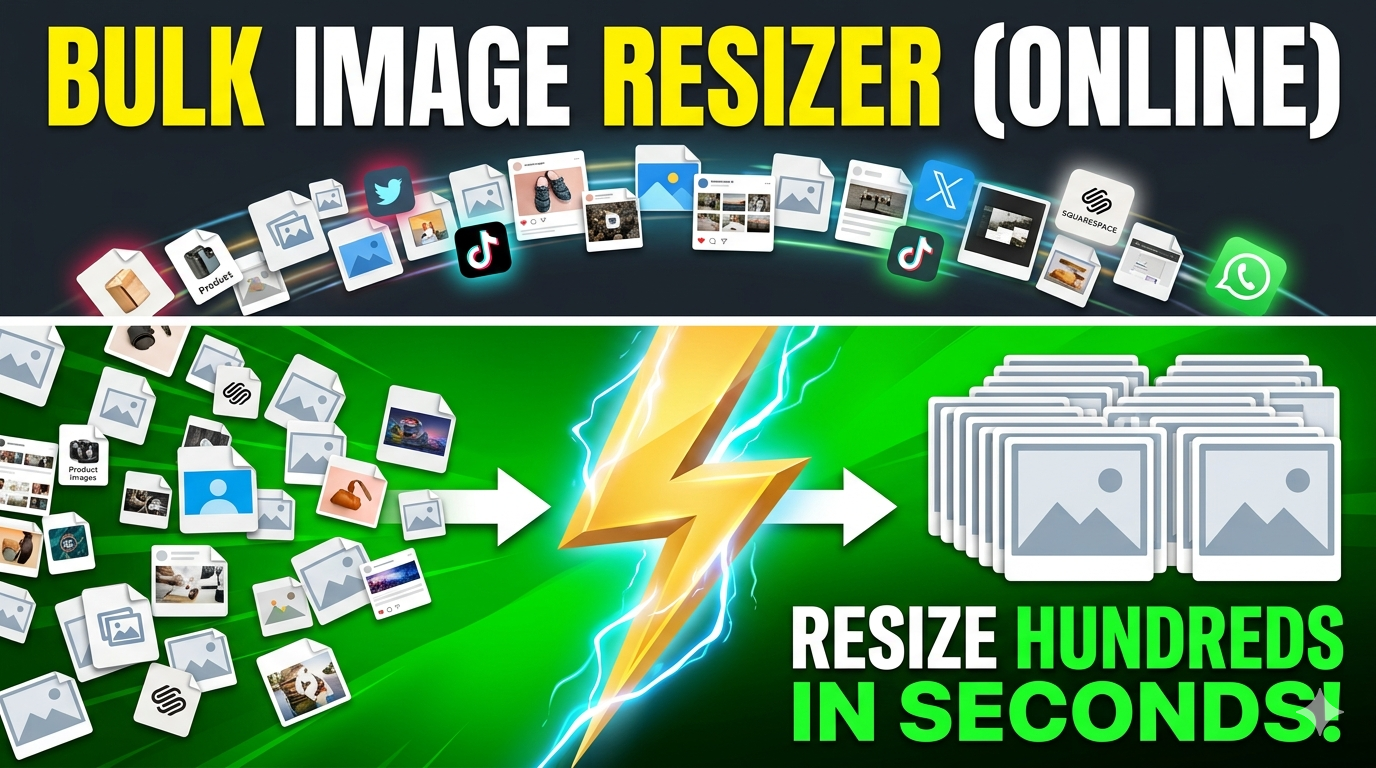
Currently, the tool processes one image at a time. However, you can resize multiple images by visiting https://imgresizers.com/multiimage.
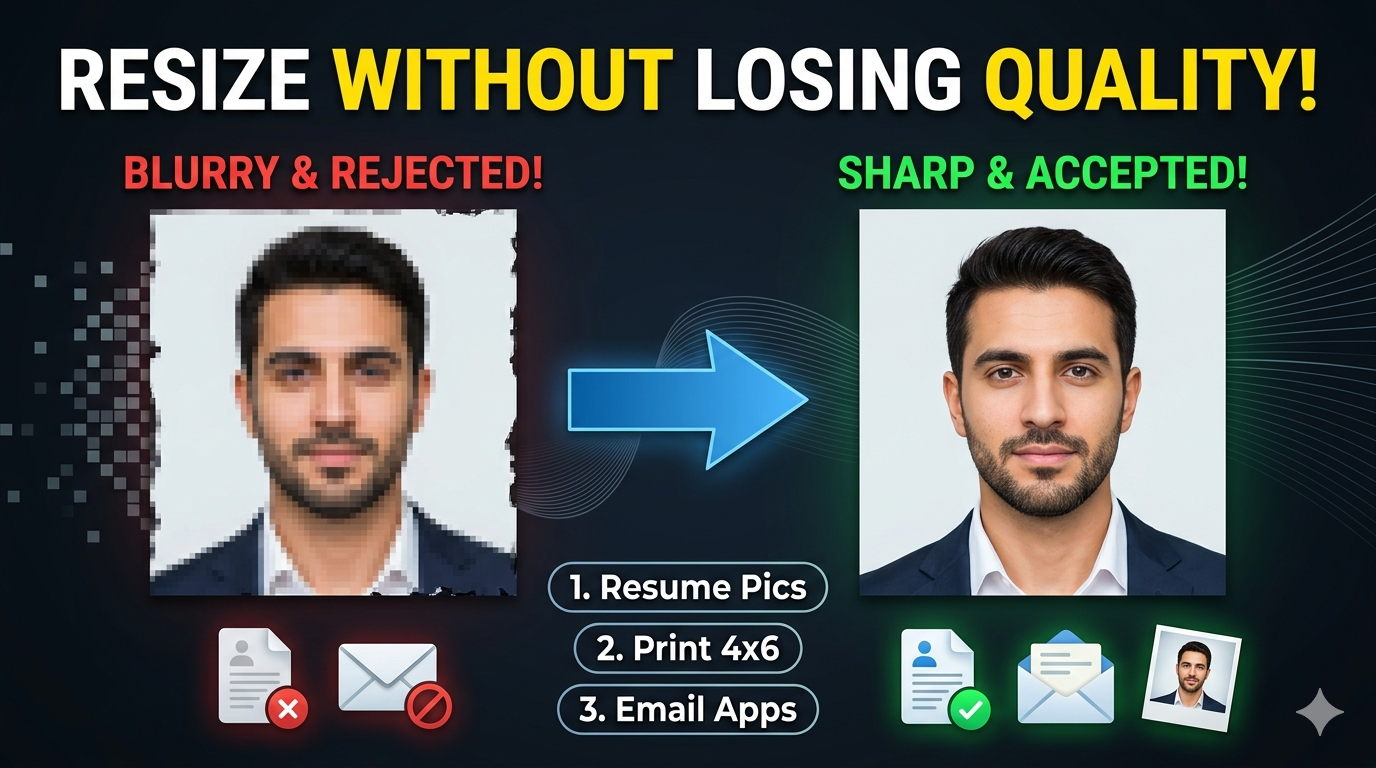
Some quality loss may occur during compression, but our algorithm is designed to minimize this while achieving the target file size.
Yes, the tool is fully responsive and works on desktops, laptops, tablets, and smartphones with internet access.
If the image exceeds 2 MB after processing, try resizing or compressing it again, or consider lowering the resolution slightly for better results.
There is no strict limit, but very large images may take longer to process. We recommend resizing high-resolution images for optimal performance.
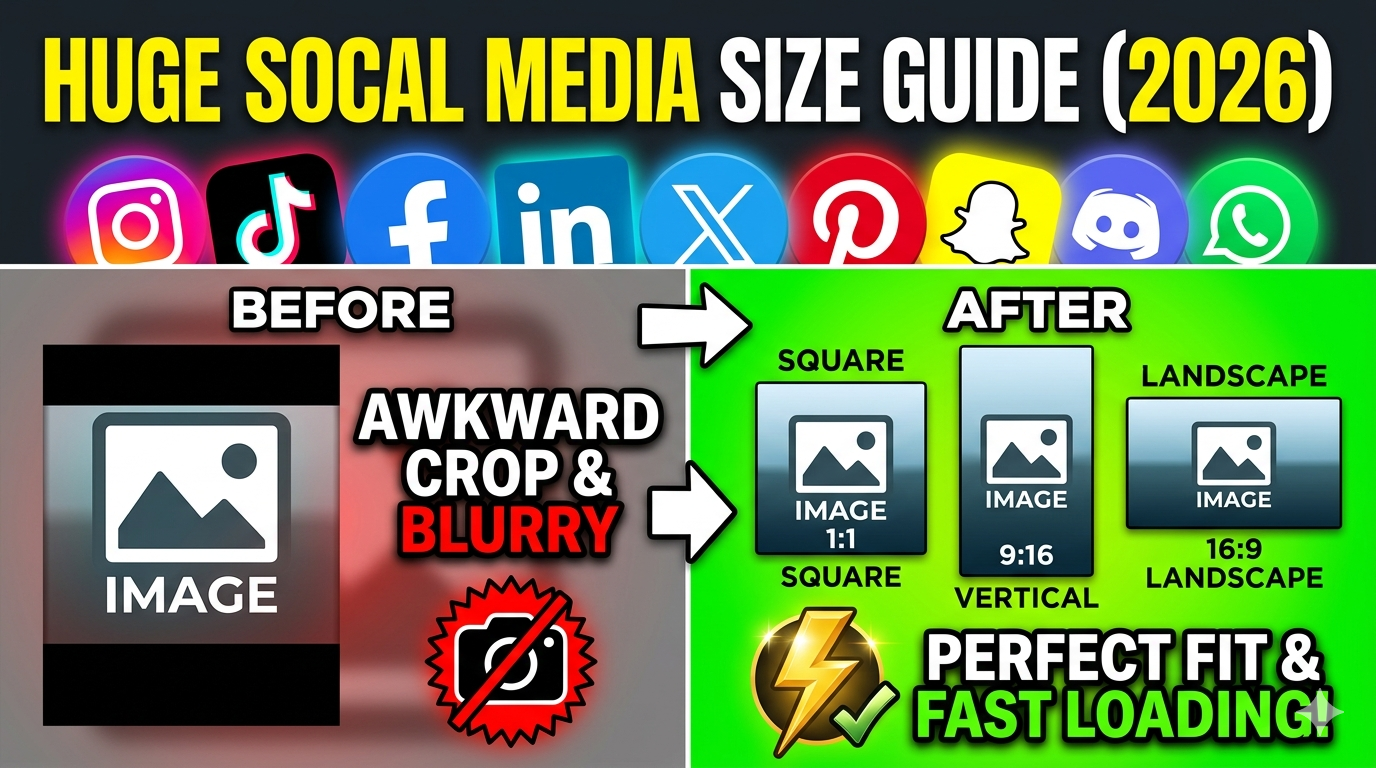
Yes! Resizing your images to 2 MB makes them ideal for online sharing, uploading to websites, or sending via email while maintaining good quality and fast load times. You can visit https://imgresizers.com/social-media to resize images for specific social media platforms.
Yes, the tool supports GIFs and animated images. Keep in mind that resizing may affect the animation quality or speed.
This tool specializes in resizing to 2 MB. Visit https://imgresizers.com/image, which provides options to resize images by dimensions or quality.
Yes, our online resizer supports cloud integrations and can import images from Google Drive or Dropbox.