

Compressed Image

| lastModified | |
| lastModifiedDate | |
| Name | |
| Type | |
| Size |

 CHOOSE FILE
or drop your file here
Try more resizer tools 🚀


Several factors influence file size, including high resolution, complex details, and minimal compression. Adjusting resolution, increasing compression, or reducing image dimensions can help achieve the desired size; sometimes, a combination of these adjustments is necessary. So, visit https://imgresizers.com/image for resizing images specifically.
Achieving an exact file size can be challenging because of varying image content and compression algorithms. However, our tool allows you to get very close, typically within a few kilobytes.
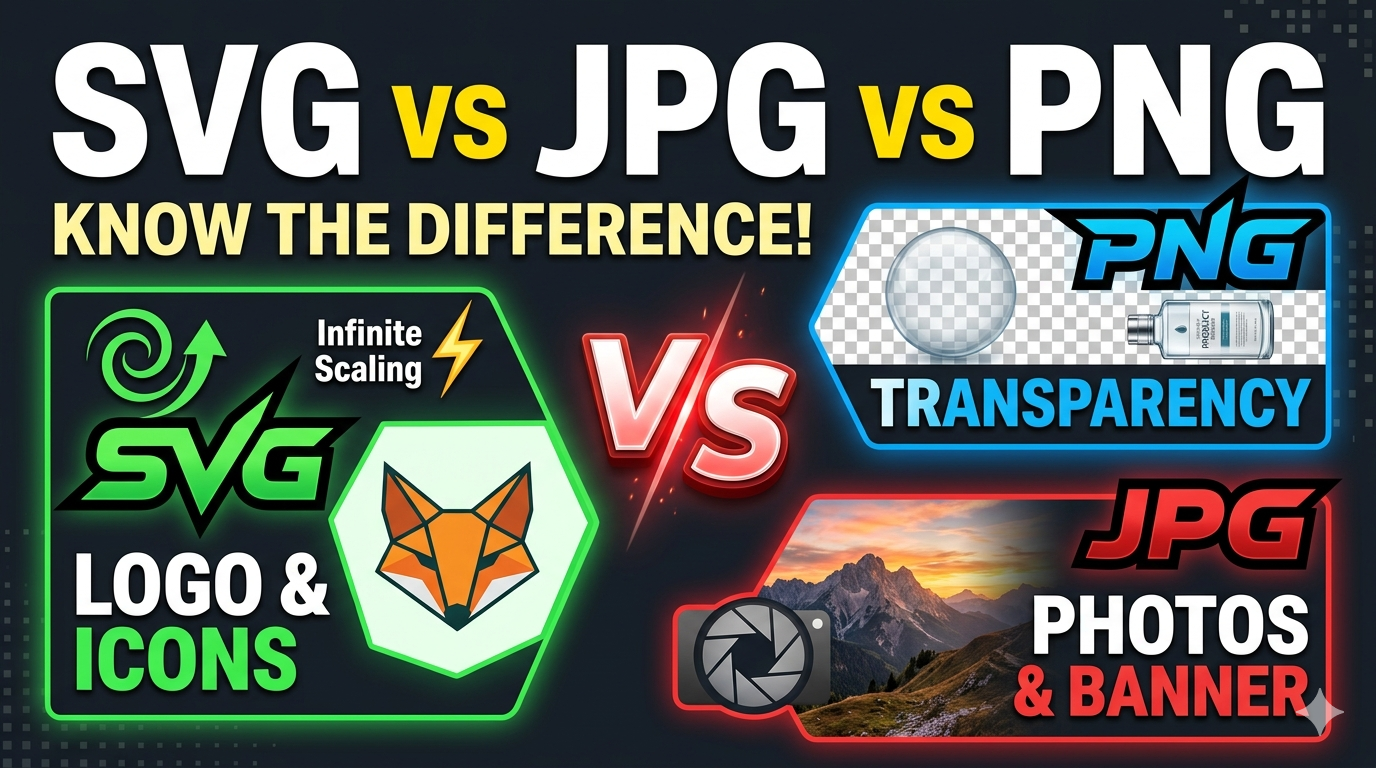
JPEG is ideal for photographs and detailed images because of its efficient compression. PNG is better for images with transparency or graphics, but it may produce larger files. Choose the format based on your specific needs and the nature of the image.
Not necessarily. For printing, resolution (DPI) is crucial. An image can be 3 MB in size but have low resolution, making it unsuitable for high-quality prints. Ensure your image has an appropriate DPI (usually 300 for prints).
Visit https://imgresizers.com/image and reduce the compression level, increase resolution, or start with a higher-quality original. Always preview before saving, and find a balance between size and quality.
Right-click the image file on your device and select 'Properties' (Windows) or 'Get Info' (Mac). This will display the exact file size, allowing you to check if it’s close to 3 MB.
Yes! our image resizer supports resizing and compressing images on mobile devices.
No. Resizing changes pixel dimensions and compression, while cropping cuts out parts of the image to focus on a specific area. Both can be used separately or together depending on your needs.
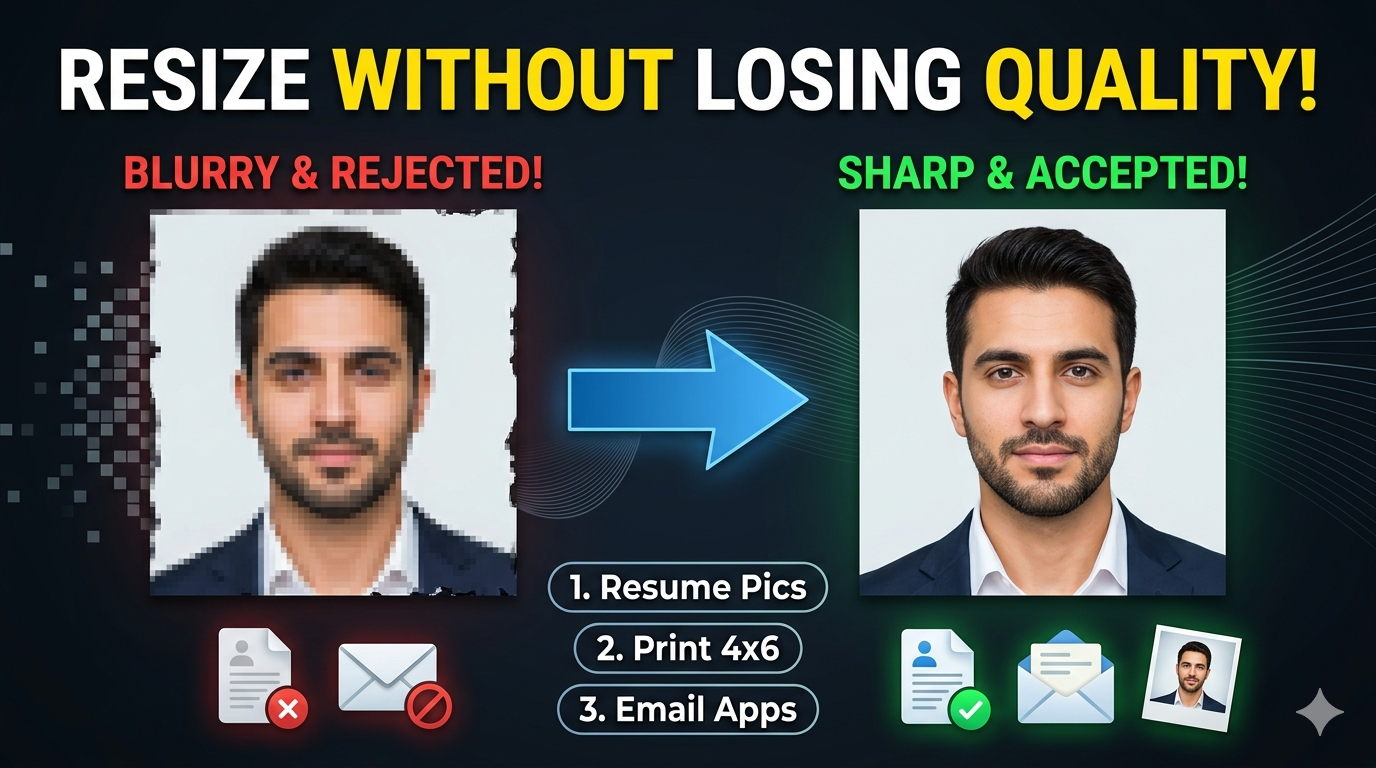
Start with the highest quality original possible. Avoid unnecessary edits before resizing. Keep a copy of the original so you can revert if needed.
For web use, 72-150 DPI with dimensions suitable for your platform ensures good quality without large file sizes. Focus on pixel dimensions rather than DPI.
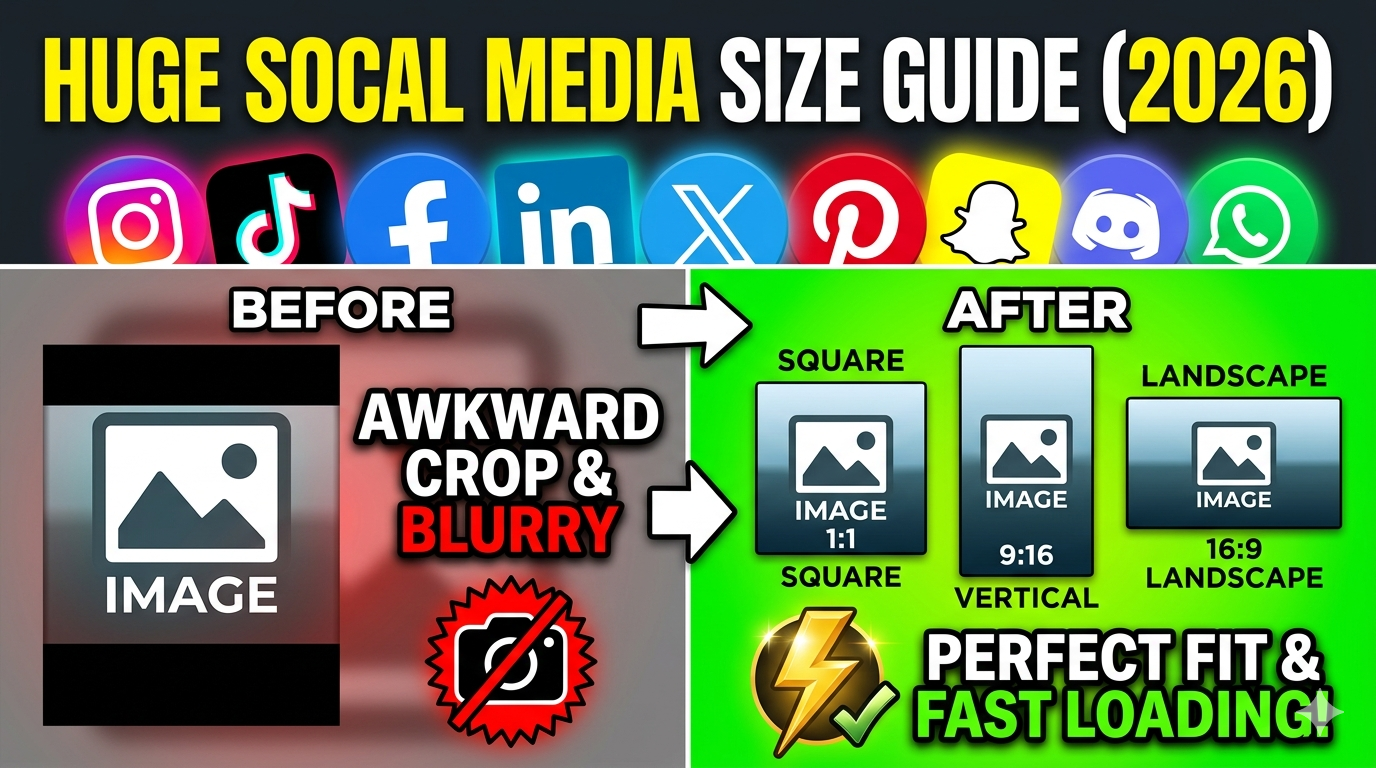
Check the platform’s recommended dimensions and file size, then adjust your image’s resolution and compression accordingly. For easy resizing for different social media platforms, visit https://imgresizers.com/social-media.