





FAQ's
How does this tool help streamline my creative workflows?
It simplifies the process of adjusting image sizes, allowing you to quickly prepare visuals for different platforms without needing complex editing software. This saves time and ensures consistency across projects.
Can I use this tool for resizing images for social media ads?
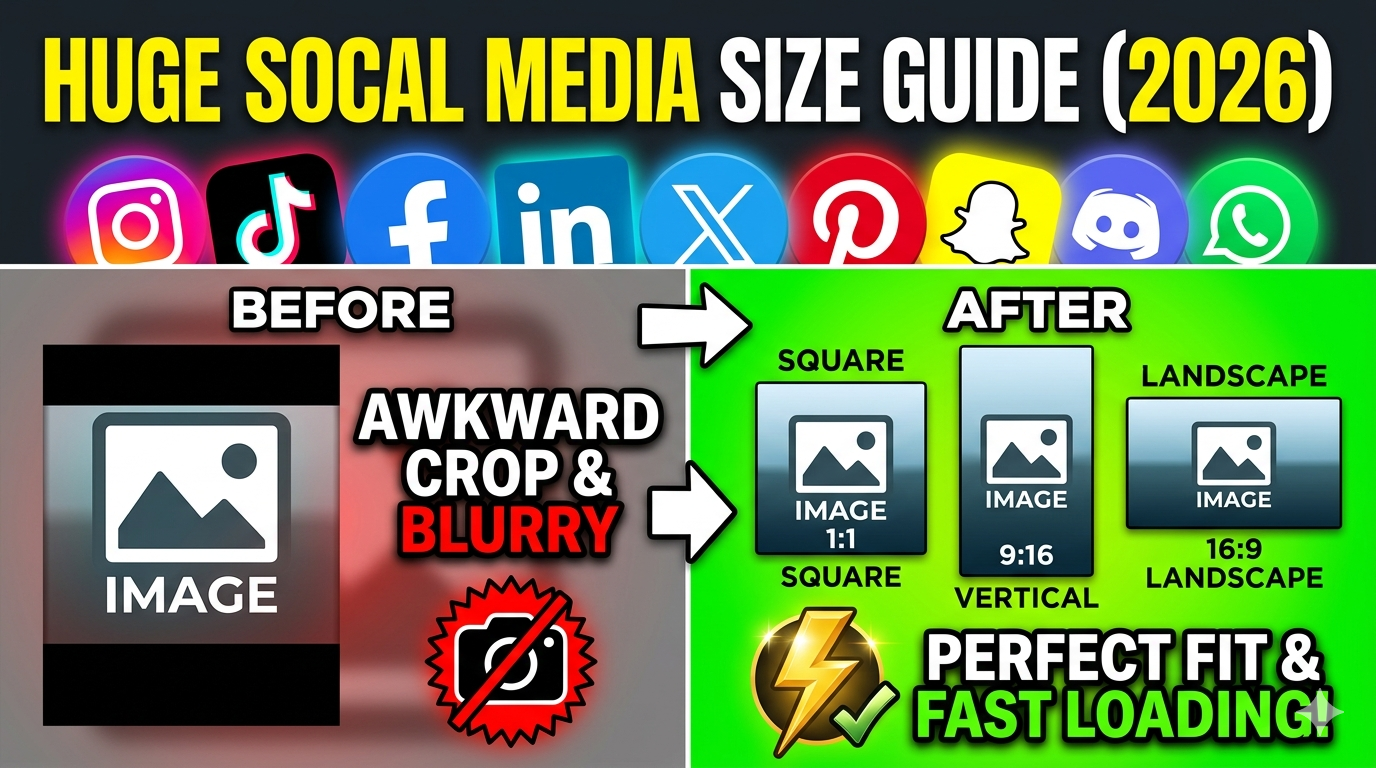
Absolutely. You can easily set custom dimensions and formats optimized for various social media platforms, ensuring your ads look professional and fit perfectly.
Is it possible to resize an image without losing its original aspect ratio?
Yes. The tool offers an option to lock the aspect ratio, ensuring the image’s proportions remain unchanged during resizing, preventing distortion.
How does resizing images affect their visual quality?
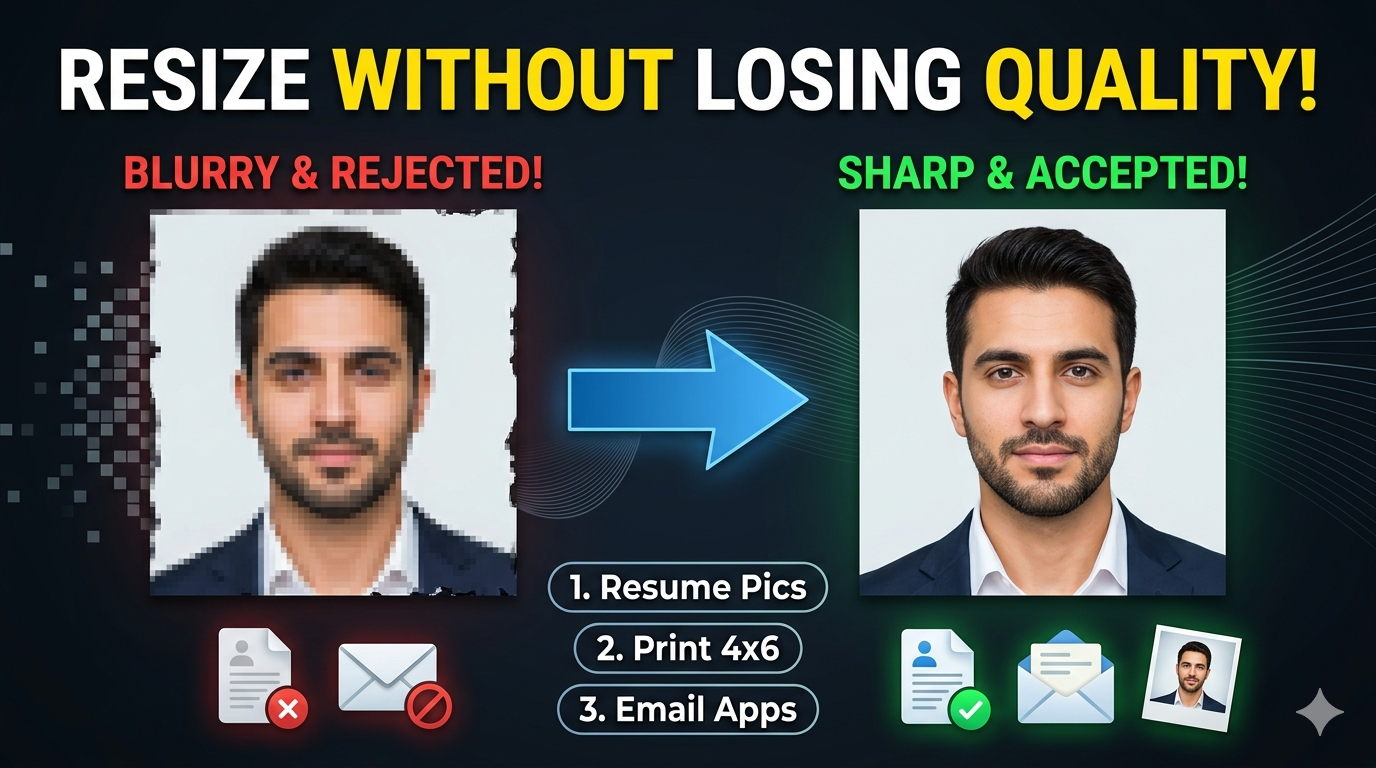
Proper resizing, especially when maintaining resolution and aspect ratio, preserves image clarity. However, enlarging low-resolution images can cause pixelation, so starting with a high-res original is recommended.
How does this tool compare to using photo editing software like Photoshop?
This tool is designed for quick, straightforward resizing without the complexity of professional software. It’s ideal for fast adjustments, whereas Photoshop offers extensive editing capabilities.
Can I prepare images in specific sizes for printing catalogs or banners?
Yes. You can set precise physical dimensions and DPI to match printing standards, ensuring your images are print-ready directly from the tool.
What are some common mistakes to avoid when resizing images?
Avoid enlarging low-resolution images excessively, which can cause quality loss. Also, ensure you select the correct DPI and format for your intended use to prevent issues like pixelation or incompatibility.
Does the tool support resizing images for high-resolution displays, such as Retina screens?
Yes, by setting larger dimensions and higher DPI, you can optimize images for high-resolution displays, ensuring crisp visuals on modern screens.
Can I resize images directly from cloud storage services?
Currently, the tool requires local uploads from your device. However, you can download images from cloud services to your device and then upload them for resizing.
Is there a way to preview the resized image before downloading?
Yes, the tool provides a preview feature so you can see how the resized image will look, allowing adjustments before finalizing the download.
How often should I resize an image for optimal web performance?
Resize images as needed for each platform or purpose. Regularly optimize images to balance visual quality with quick loading times, especially when adapting content for different devices.
Can I use this tool to prepare images for digital publications like eBooks?
Definitely. You can resize images to specific dimensions and formats suitable for eBooks, ensuring they display correctly across devices.
Will resizing images affect their color accuracy?
Resizing itself doesn't impact colors, but ensure you use the correct color profiles during processing. High-quality formats like PNG preserve color fidelity.
Why should I consider this tool over online image editors with more features?
It offers a focused, user-friendly experience for resizing, making it faster and easier than complex editors. If your primary need is quick dimension adjustments, this tool is more efficient.