





FAQ's
Why should I resize JPG images?
Resizing JPG images helps make them suitable for various uses like websites, social media, or printing. Smaller images load faster online, improving user experience and SEO. Resizing also reduces file size, saving storage space and bandwidth. It ensures your images look perfect in different contexts without distortion.
What is a JPG image, and why is it important?
JPG is a common image format used for photos and images on the internet. It uses compression to reduce file size while maintaining good image quality. JPG images are essential because they load quickly, are compatible with almost all devices and browsers, and are great for sharing and storing photos. They are the standard format for digital photography and online content.
Why is resizing JPG images necessary for social media?
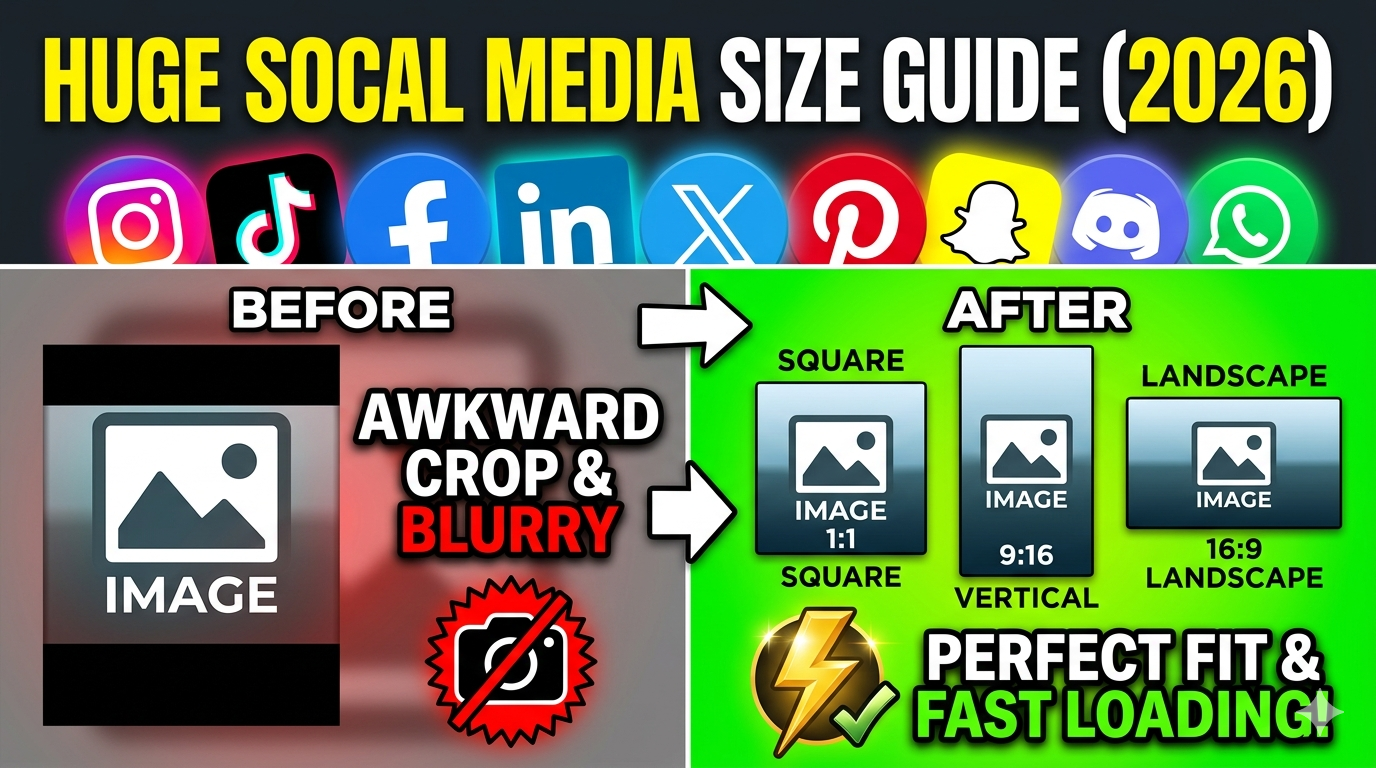
Social media platforms have specific image size requirements. Resizing JPG images ensures your pictures fit perfectly without cropping or stretching. It also helps keep file sizes small for faster uploads and better performance. Properly resized images look more professional and eye-catching, increasing engagement and reach.
Will resizing JPG images reduce their quality?
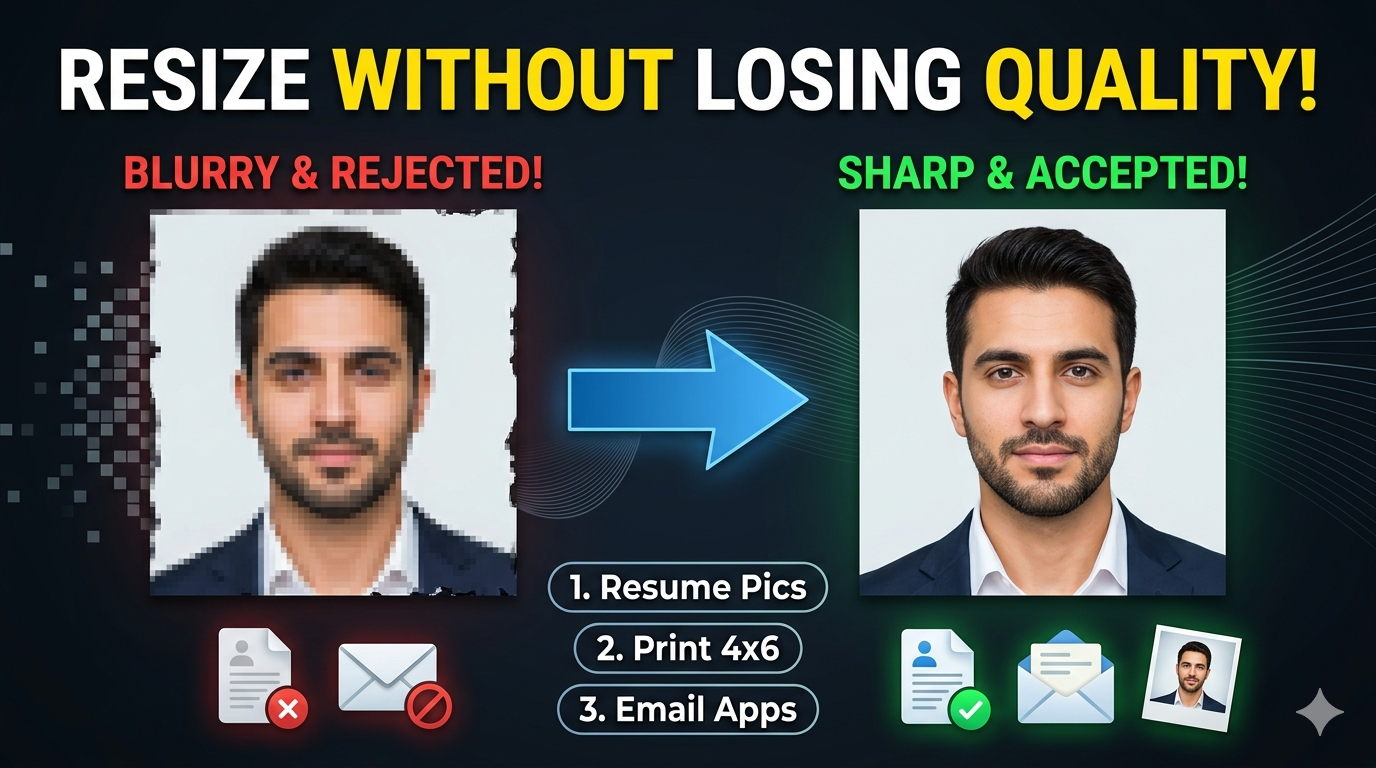
Resizing can affect image quality if not done carefully. Enlarging a small JPG may cause pixelation, while reducing a large image can lose detail. Our tool uses advanced algorithms to minimize quality loss, ensuring your images look sharp and clear after resizing. Proper settings help you maintain the best quality possible.
How does resizing JPG images improve mobile display?
Resizing JPG images for mobile devices reduces their size, allowing pages to load faster on smartphones and tablets. Smaller images consume less data, making browsing smoother and saving your mobile data plan. Properly resized images ensure your website looks good on all screen sizes and performs well.
What are the technical challenges when resizing JPG images?
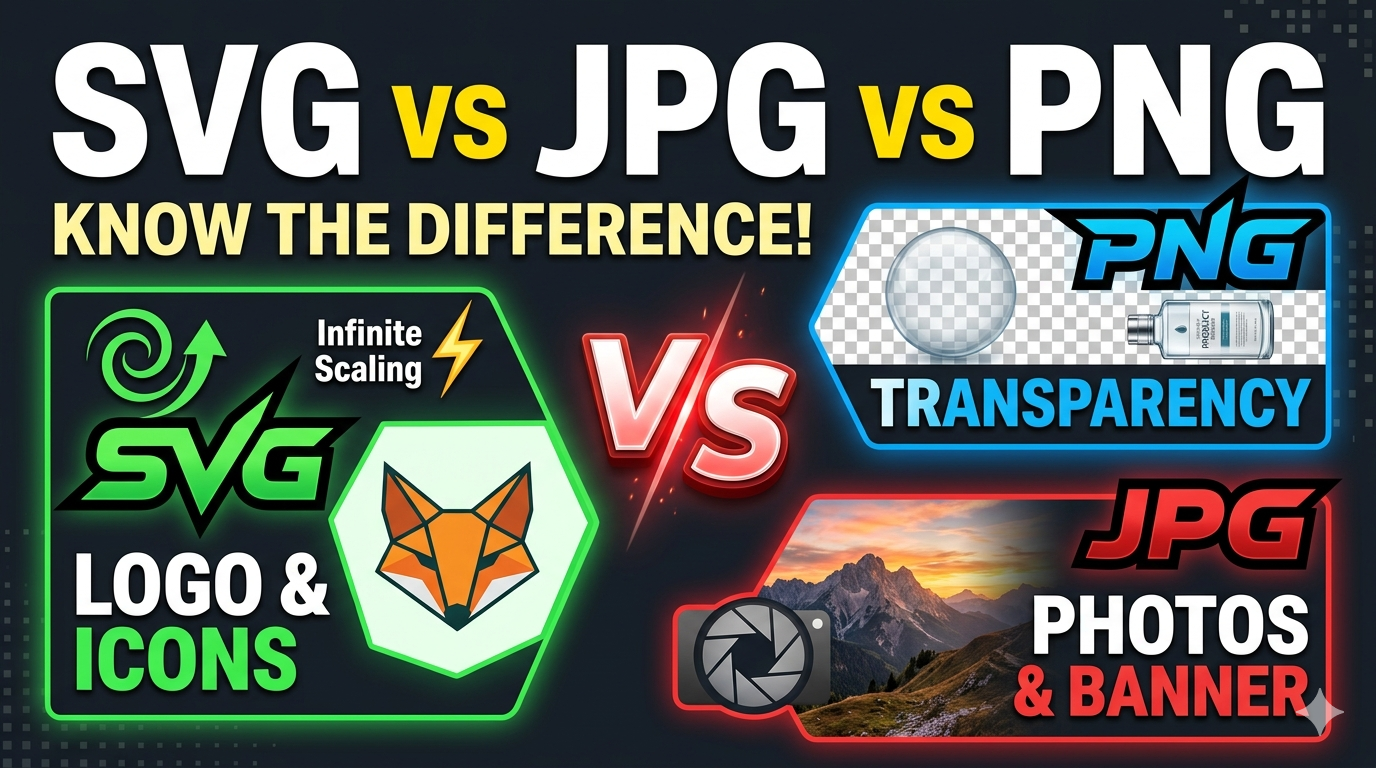
Technical issues include maintaining image clarity, avoiding pixelation, and preserving aspect ratios. Enlarging images can cause blurriness, while resizing too small can lose details. JPG does not support transparency, which may require format conversion. Compatibility and quality control are important, and our tool helps address these challenges.
Can I resize multiple JPG images at once?
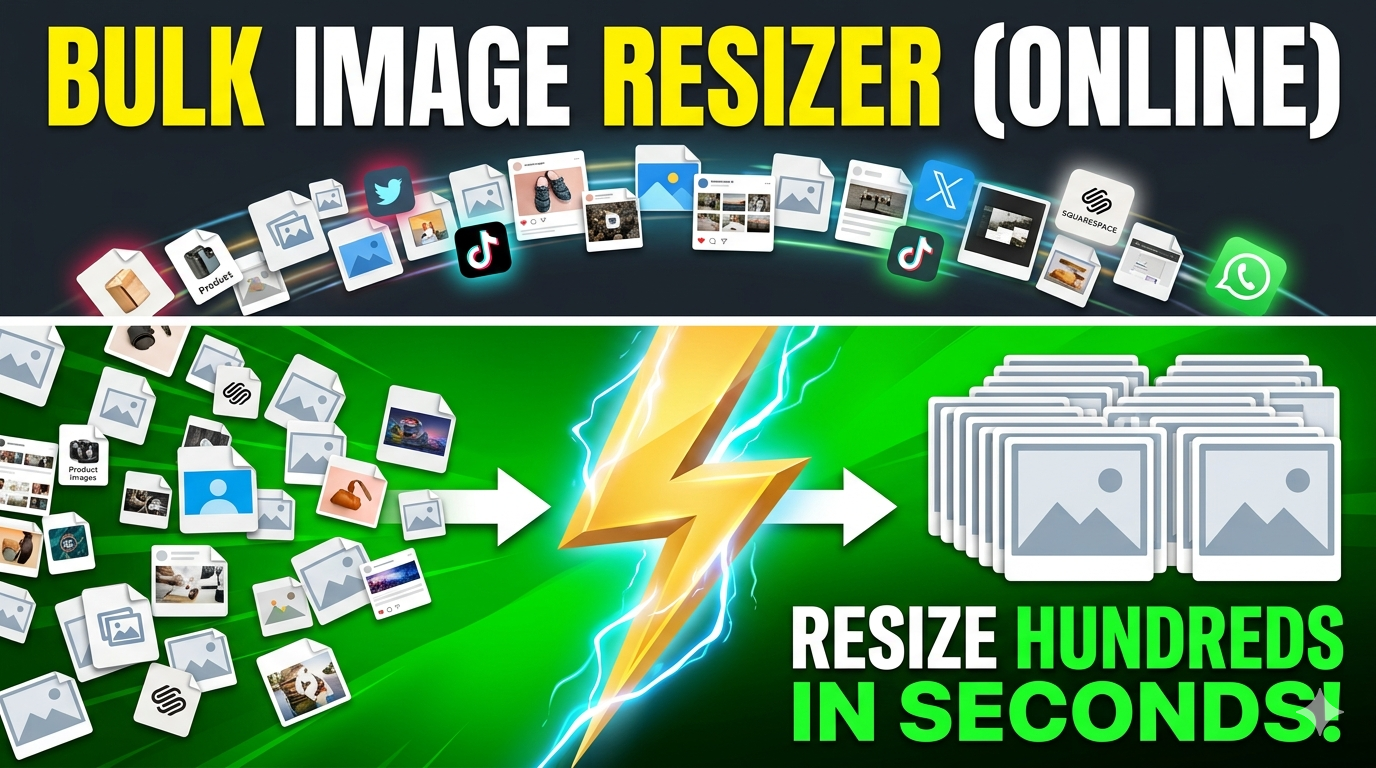
Currently, the tool processes one image at a time to ensure high quality and control. However, for batch resizing, visit https://imgresizers.com/multiimage.
How does resizing affect JPG images with transparency?
JPG does not support transparency. If your image has transparency and you resize it as JPG, the transparent areas will turn into a solid color, usually white. To keep transparency, convert the image to PNG before resizing. Our tool also allows you to choose a background color for fixed resize options.
How do I choose the right resize option?
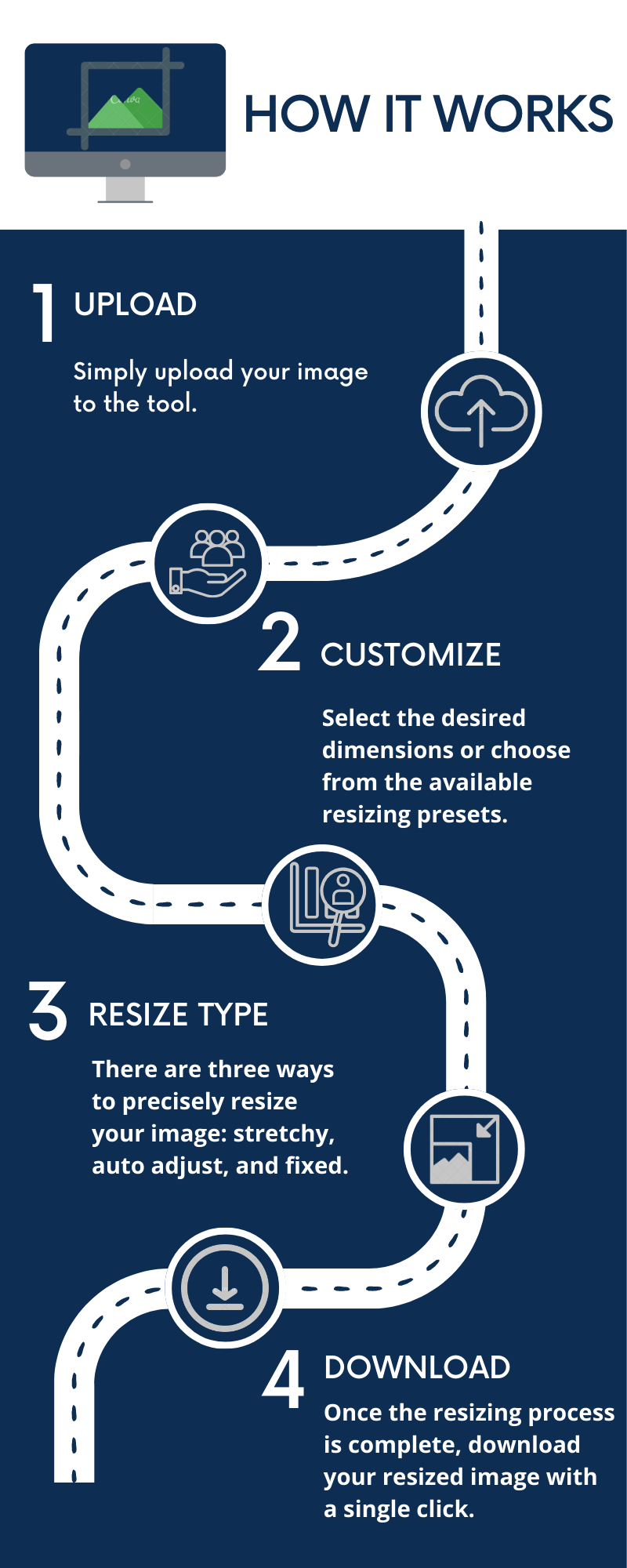
Use "Stretchy" to keep the whole image proportionally scaled. "Crop Fit" is best if you want to crop parts of the image to fit the size perfectly. "Fixed" resizes to exact dimensions, filling background space with color if needed. Select based on whether you want to preserve the entire image or focus on a specific part.
Why should I convert formats after resizing?
Changing formats can optimize images for different uses. For example, PNG supports transparency, while WebP offers smaller file sizes for faster loading. Converting formats after resizing helps reduce file size further and makes images compatible with various platforms.
Is this tool suitable for professional photography?
Yes, it provides high-quality resizing and format options suitable for photographers, designers, and developers. The results are professional, reliable, and fast, making it perfect for personal and commercial projects.
Can I undo a resize?
No, once you download the resized image, the process can't be reversed. Always preview your image before downloading. Keep your original files safe if you want to resize again or try different settings.
Is there a size limit for resizing JPG images?
Our tool supports most common image sizes used online. Very high-resolution images may take longer to process but are supported. For extremely large images, resizing in parts might be more effective.
How does resizing save storage space?
Reducing image size decreases file size, saving storage space on your device or server. Smaller images load faster and require less bandwidth, which is especially important for websites and online galleries.
What are best practices for resizing for social media?
Use platform-specific dimensions, keep file sizes small, and choose the right format. Crop or resize images to fit the platform’s layout and ensure they look good on mobile screens or simply visit https://imgresizers.com/social-media.