To resize image for 630 x 1200 pixels
Drop your image here
 Select Image
or drag and drop a file · JPG, PNG or WebP
No image handy? Try with a sample image
More resizer tools
How it works
Choose the image using the available options.
Select the desired format for your image.
Adjust the quality and specify the DPI (dots per inch) if needed.
Once satisfied, click on the download button to save your resized image in 630 x 1200 pixels.
You can further customize your image by selecting your desired dimensions and units.
You can select an image from your device or easily drag and drop it into the designated area. Furthermore, you have the flexibility to upload images directly from the cloud storage services like Google Drive or Dropbox. You can effortlessly resize your images to 630 x 1200 pixels, ensuring a flawless fit.
Our image resizers support various image formats such as JPG, JPEG, PNG, WebP, and GIF. You can select any of the image formats, easily resize your images to 630 x 1200 pixels, and download them for further use.
Easily adjust the quality range from 0.1 to 1 based on your resizing requirements. You can further specify DPI values to fit images accordingly. Additionally, you can customize the image width and height in centimeters, millimeters, pixels, or inches and resize according to your needs.
It is now easy for everyone to resize images to 630 x 1200 pixels using our user-friendly tool. With no expertise required, simply upload the image and adjust the specifications according to your requirements to resize the image to 630 x 1200 pixels instantly and accurately.
Our online image resizers is compatible with various operating systems like Windows, macOS, Linux, iOS, and Android, and browsers like Google Chrome, Mozilla Firefox, Safari, Microsoft Edge, Opera, and others, ensuring smooth access. Users can choose their preferred device and resize their images to 630 x 1200 pixels effortlessly.
No need to worry about user privacy. Our image resizers provide robust encryption and privacy measures to safeguard user data. No personal information is required to access the tool. Your privacy is fully protected: all processing happens directly in your browser, and no files are uploaded to or stored on our servers. Feel free and confident to resize your images to 630 x 1200 pixels efficiently.
Need a different size? Try one of these tools.
–/5 – votes
Thanks for rating!
Visual guides
Tap an infographic to view it full size.
Guides and tips on image sizes, formats and resizing.
Find the latest YouTube thumbnail size, banner dimensions, Shorts thumbnail size and profile picture sizes in pixels,...
 Rk Shree
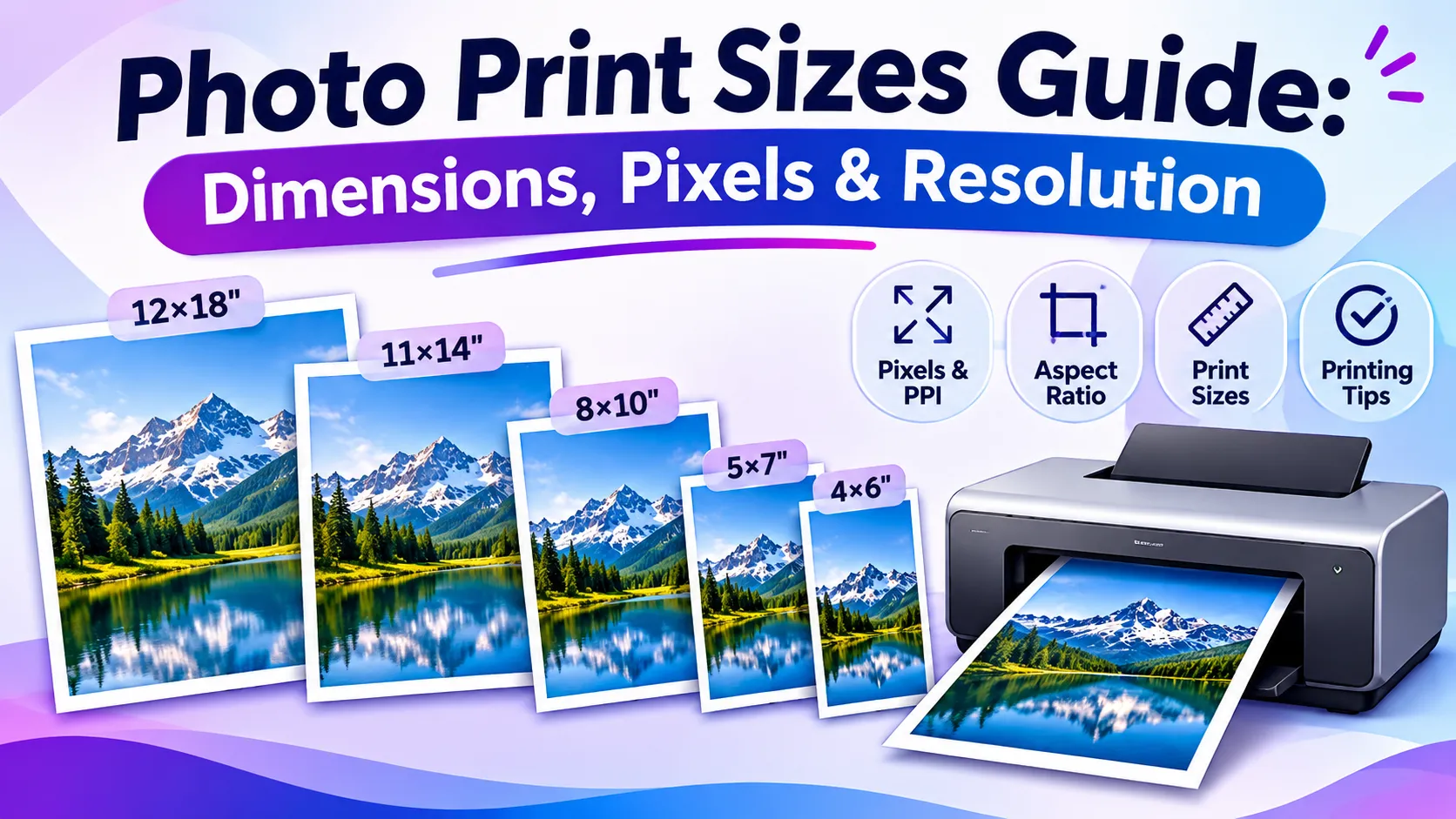
Compare photo print sizes in inches, cm, mm and pixels. Learn what 300 DPI means, when cropping is needed and how to ...
Rk Shree
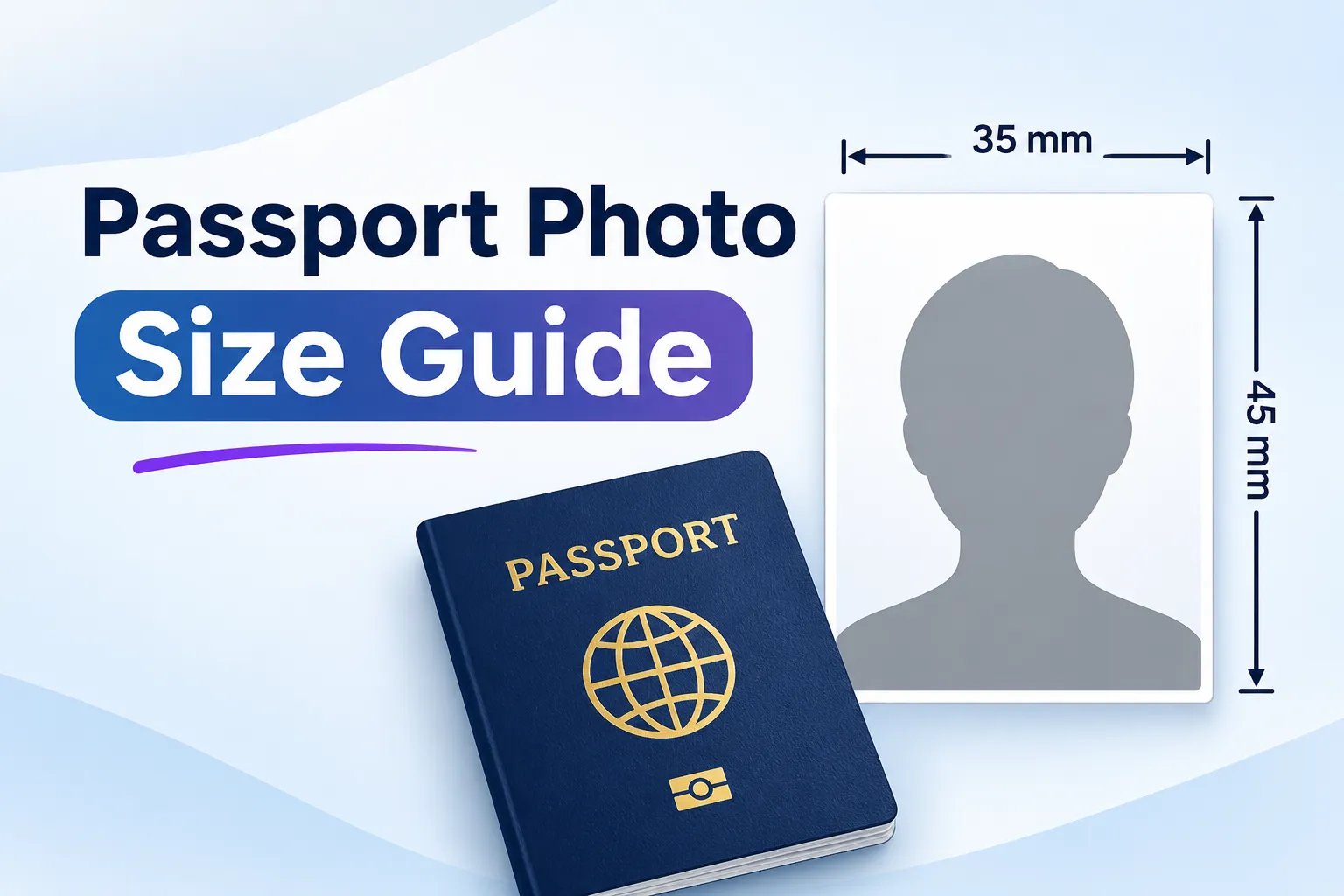
Compare passport photo sizes for the US, UK, Canada, Australia and more. Find dimensions in pixels, cm, mm and inches...
Rk Shree