FAQ's
What size should a YouTube channel banner be?
YouTube recommends a channel banner resolution of 2560 × 1440 pixels with a 16:9 aspect ratio. This provides a large image that can be displayed across mobile devices, computers and televisions.
Is YouTube channel art different from a channel banner?
No. Channel art and channel banner generally refer to the same image displayed at the top of a YouTube channel. You can prepare both using the recommended 2560 × 1440 pixel dimensions.
Is 1280 × 720 pixels still suitable for a YouTube thumbnail?
Yes. It provides a standard 16:9 thumbnail. However, YouTube now recommends a higher resolution of 3840 × 2160 pixels for video thumbnails when suitable source images are available.
Can I use a rectangular image for my YouTube profile picture?
Yes, but it needs to be cropped to a square for the 800 × 800 pixel preset. Position the main subject near the centre to prevent important details from being cut off.
Why does my square profile picture appear circular on YouTube?
YouTube displays channel profile pictures inside a circular frame. Although your uploaded image is square, the corners may not be visible. Keep faces, logos and important details away from the edges.
Why does my YouTube banner look different on mobile and television?
YouTube displays different portions of the same banner depending on the screen size. Television screens can show a much larger portion of the banner, while mobile devices display a narrower central area.
Where should I place text on my YouTube channel banner?
Keep channel names, logos and important text within the central safe area. For a 2560 × 1440 pixel banner, this is approximately 1544 × 423 pixels.
Why is part of my image missing after resizing it for YouTube?
Your original image may have a different aspect ratio from the selected YouTube dimensions. Cropping removes excess areas to fit the required proportions. Use the Edit option to reposition the important parts of your image.
Can I turn a portrait photo into a YouTube thumbnail?
Yes. However, converting a portrait photo into a 16:9 landscape thumbnail may require cropping a substantial portion of the image. Choose a crop that keeps the main subject visible.
Will converting a square image into a YouTube banner stretch it?
Resizing a square image to a wide banner should preserve the original proportions through cropping rather than stretching. Adjust the framing using the Edit option to retain the most important area.
Why does my face get cut off when resizing a photo for a YouTube banner?
Wide banner dimensions may exclude the upper or lower portions of a portrait image. Reposition the image within the crop area so your face remains inside the selected frame.
What is the difference between cropping and resizing a YouTube image?
Cropping changes which portion of the image remains visible, while resizing changes its pixel dimensions. Preparing an image for YouTube may require both operations when the original aspect ratio differs from the target size.
Does enlarging a small image to 2560 × 1440 improve its quality?
No. Increasing pixel dimensions does not restore missing image detail. A small or low-resolution photo may still look blurry after enlargement. Use a higher-resolution source image whenever possible.
Why does my image become blurry when I zoom in too much?
Excessive zooming uses a smaller portion of the original image and enlarges it to fill the required dimensions. This can make pixels and image imperfections more noticeable.
Can I use the same crop for a thumbnail and a channel profile picture?
You can use the same source image, but the crop may need adjustment. A thumbnail uses a wide rectangular frame, while a profile picture uses a square frame that YouTube displays as a circle.
Do I need to upload a separate image for every YouTube dimension?
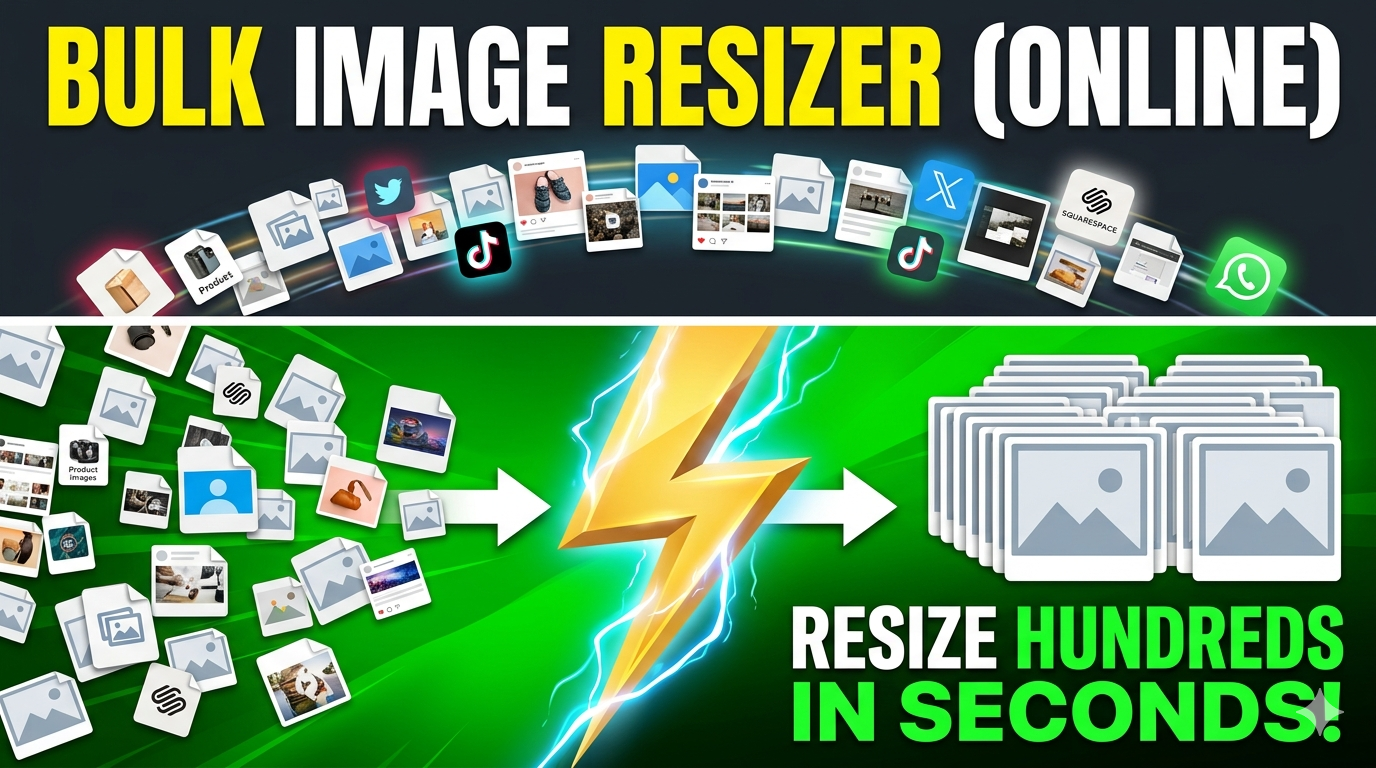
No. You can generate multiple YouTube image sizes from a single upload and adjust each composition separately according to its intended placement.
Does YouTube require every banner to be exactly 2560 × 1440 pixels?
No. YouTube accepts banners starting at 2048 × 1152 pixels with a 16:9 aspect ratio. The larger 2560 × 1440 resolution is recommended for better coverage across devices.
Can I use a WebP image as the source for my YouTube thumbnail?
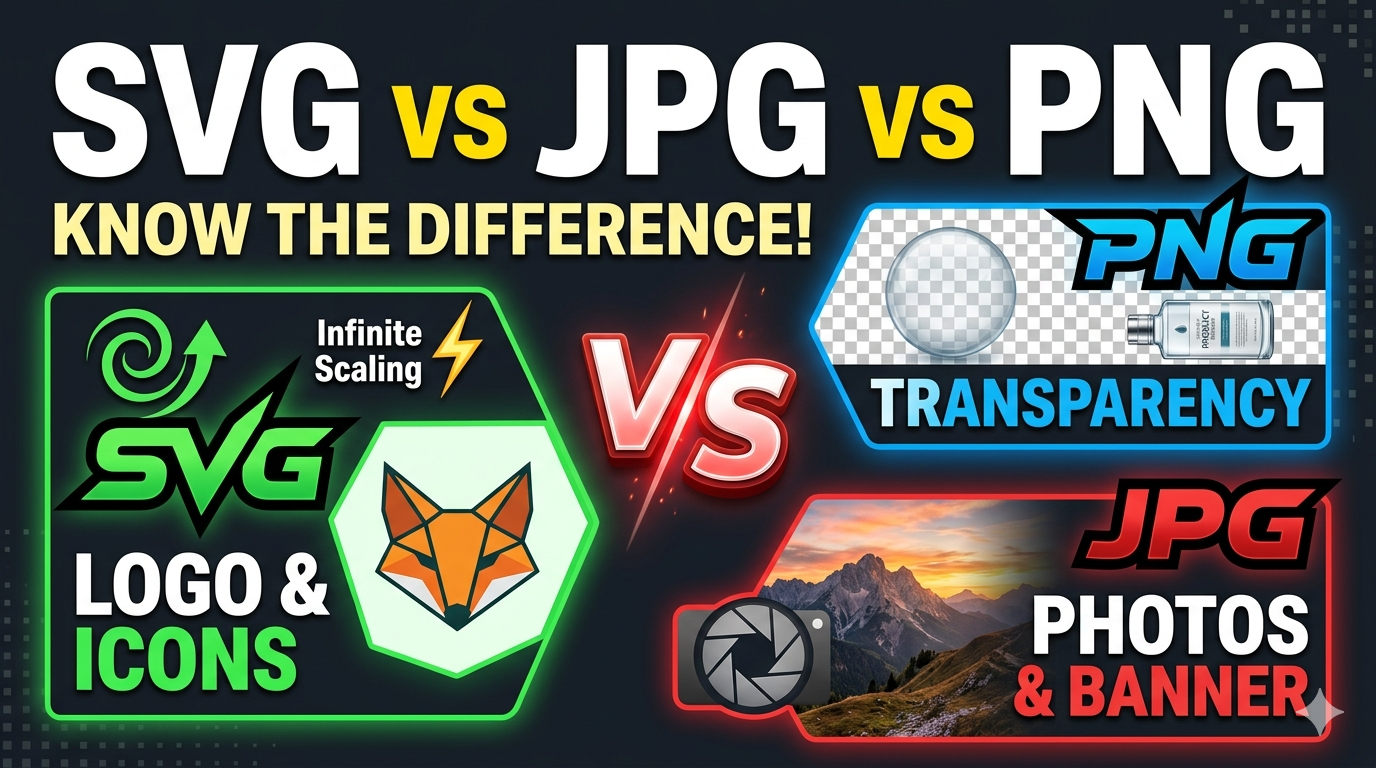
Yes. The tool accepts WebP images for resizing. However, check the downloaded file format before uploading it to YouTube, as JPG and PNG are commonly supported thumbnail formats.
Does resizing an image automatically reduce its file size?
File size depends on pixel dimensions, image complexity, file format and compression settings. A resized image may still exceed YouTube's upload limit.
What should I do if my resized YouTube banner exceeds 6 MB?
Compress the downloaded image separately while retaining its recommended pixel dimensions. Reducing the file size through compression can help meet YouTube's banner upload limit.
Why does small text become difficult to read after resizing a thumbnail?
Fine text and narrow lettering can become less distinct when an image is reduced or displayed at a small size. Use larger text in the original design and avoid placing important words close to the crop edges.
Can I paste a YouTube video URL into the image resizer?
The Paste URL option is intended for importing an accessible image URL. A YouTube video link is not a direct image link. Obtain the image you want to resize before importing it.
Can a 300 × 60 pixel companion banner be used as a channel banner?
No. A companion banner is a small advertising graphic with a 5:1 aspect ratio. A YouTube channel banner requires a much larger 16:9 image. They are intended for different placements.
Can I upload resized images directly to my YouTube channel from this tool?
The tool prepares images for download. After saving your resized image, upload it manually through YouTube Studio to the relevant thumbnail or channel branding section.





 Rk Shree
 Select Image