





FAQ's
Can I resize product images to 450x450 for eCommerce?
Yes, 450x450 is a commonly used size for product thumbnails and listings. It provides enough detail while keeping the file size manageable, which is important for fast loading on eCommerce websites.
Can I change the image format while resizing to 450x450?
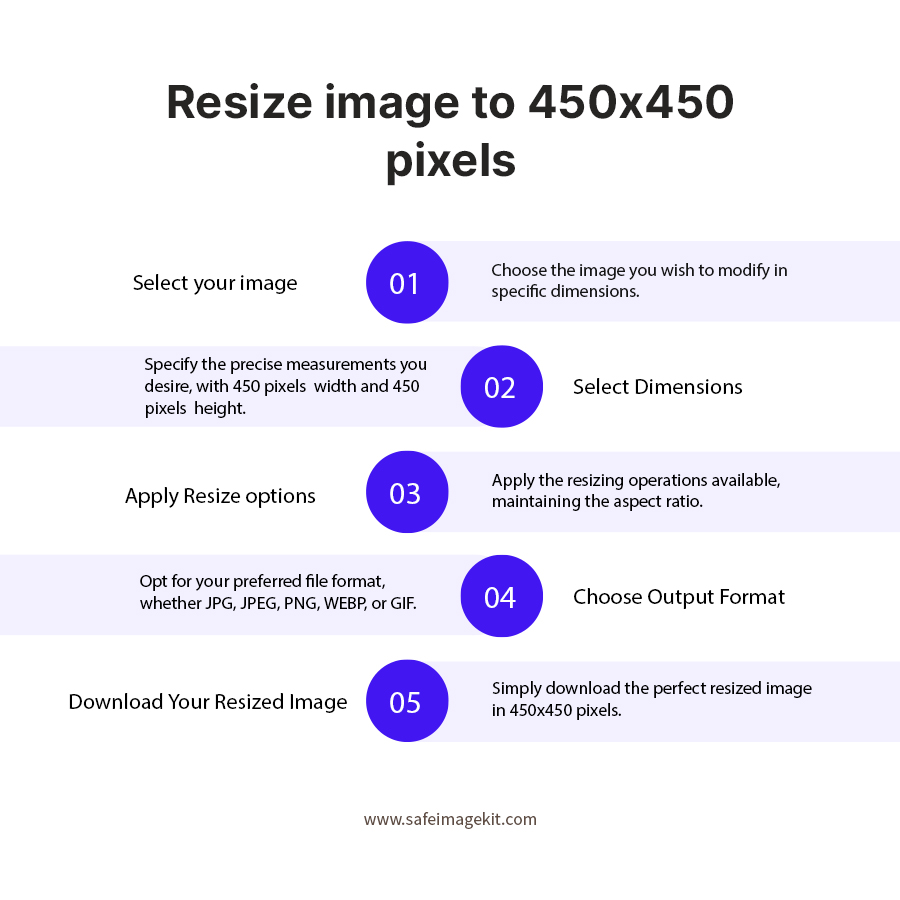
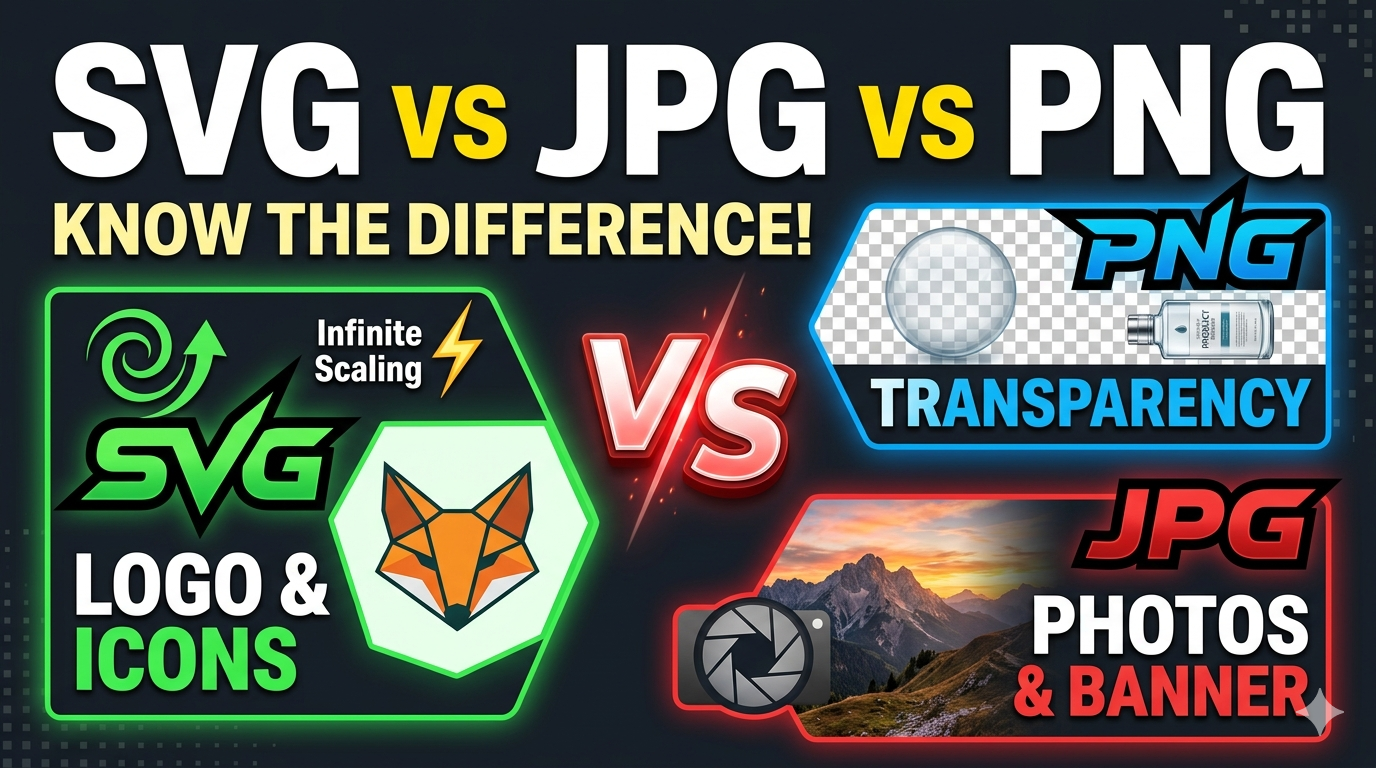
Yes, imgresizers.com allows you to change the format of your image while resizing it to 450x450 pixels. You can upload your file in one format and download it in another such as JPG, PNG, EBP or Gif. This flexibility helps you prepare images for different platforms without using a separate converter, making the workflow faster and more efficient.
Is 450x450 suitable for thumbnails and previews?
Yes, 450x450 works very well for thumbnails and preview images because it provides a clear square format without being too large. It is commonly used in blogs, galleries, and product listings where images need to load quickly while still looking sharp and visually appealing across different screen sizes.
Can I resize images for website use with this tool?
Yes, imgresizers.com is ideal for preparing images for websites. You can resize your images to 450x450 for use in sections like product grids, blog thumbnails, or content previews. If you need different layouts, you can also resize image to 600x600 or resize image to 300x300 for better flexibility across your site design.
Do I need to install any software to use this resizer?
No, imgresizers.com works completely online, so there is no need to install any software or application. You can access the tool directly in your browser, upload your image, and resize it instantly. This makes it convenient for quick tasks without using device storage or setting up any programs.
Can I use the image resizer tool on mobile devices?
Yes, the tool is fully responsive and works smoothly on mobile devices. You can open imgresizers.com in your phone browser, upload your image, and resize it to 450x450 without any issues. The simple interface ensures that even on smaller screens, the process remains easy and user-friendly.
Is it safe to upload images on imgresizers.com for resize image to 450x450
Yes, it is generally safe to upload images on imgresizers.com for resizing to 450x450, but it’s important to understand how the tool handles your data. Imgresizers.com states that images are processed securely using encrypted connections, and there is no need for login or sign-up, which reduces personal data exposure. All processing takes place directly in your browser, and no files are uploaded to or stored on our servers. This means when you resize image to 450x450, your file is only used temporarily to generate the output and then removed. This makes it safe for general use like profile images, product photos, or website graphics.
Will my resized image have any watermark at imgresizers?
No, imgresizers.com does not add any watermark or branding to your resized images. The final output is completely clean and ready to use for personal, professional, or commercial purposes without any additional editing.
Can I resize images to smaller sizes like 250x250 or 100x100?
Yes, you can easily resize images to smaller dimensions like 250x250 or 100x100 using imgresizers.com. Simply upload your image, enter the desired size, and resize it. The tool supports all types of images and ensures accurate output with options like quality and DPI adjustment. These smaller sizes are ideal for icons, thumbnails, and UI elements where limited space and faster loading are important.
Which format is best for 450x450 images?
The best format depends on your use case. JPG is ideal for general use and smaller file size, PNG is better for high-quality images, and WEBP is useful when you want to optimize images for faster loading without losing much quality.