Resize Image to 2x2 Dimensions

Create perfect 2×2 size images for ids, profiles & forms.

add-image CHOOSE FILE

or drop your file here

Simple and Intuitive Layout
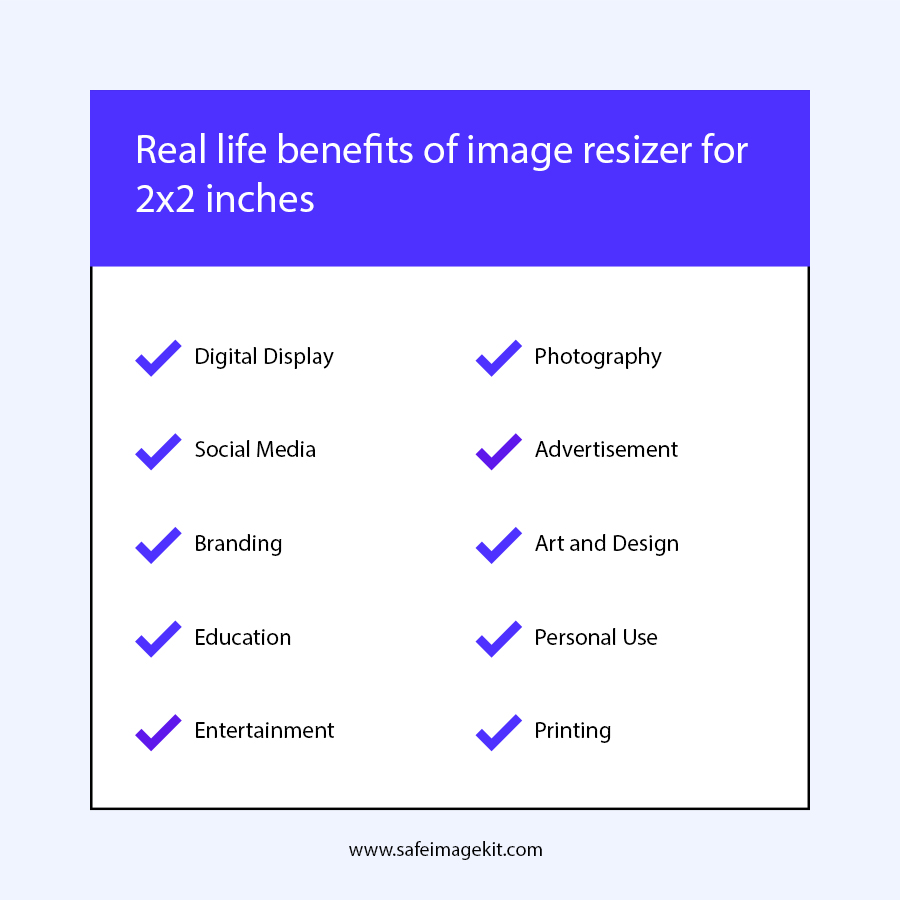
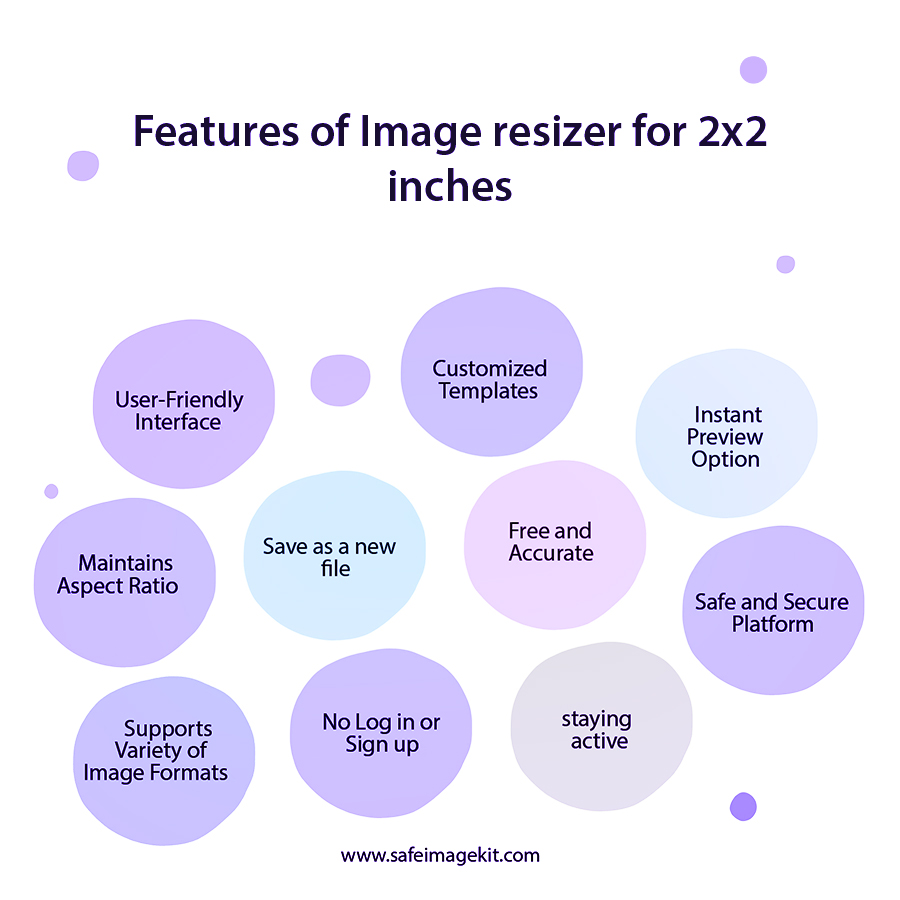
The tool is designed so that anyone can use it without confusion. All options are clearly labeled, making navigation easy even for beginners. You don’t need prior editing experience to get started. The clean interface reduces errors and speeds up the process. It allows users to focus only on necessary adjustments. This makes resizing quick and stress-free.
Flexible Image Import Options
You can upload images directly from your device or connect cloud storage like Google Drive or Dropbox. This eliminates the need to download files before editing. It saves time and keeps your workflow smooth. The upload process is fast and reliable. You can access your images from anywhere.
Precise Dimension and Unit Control
The tool allows you to enter any dimensions and units, such as inches, pixels, centimeters, or millimeters. You can switch between units easily without manual conversion. This ensures accuracy for both digital and print requirements. It helps meet official standards for documents.
Smart Resize Types for Better Output
You can choose how your image fits into the square frame. Options include stretch, fit & background blur, or fit & background color. Each option gives a different visual result. This helps you avoid distortion while maintaining a professional look. It also allows creative customization.
Resolution and Quality Adjustment
You can control DPI and image quality before downloading. Higher DPI ensures sharp prints, while lower DPI works well for digital use. Adjusting quality helps balance clarity and file size. Additionally, you can choose the desired output format before downloading, giving you complete control over the final output.
Fast, Secure & Cross-Device Access
The tool processes images quickly and delivers results in seconds. It works on mobile, tablet, and desktop without installation. Your images are handled securely and are not stored after processing. This ensures privacy and reliability. You can use the tool anytime, anywhere with confidence.
how to image

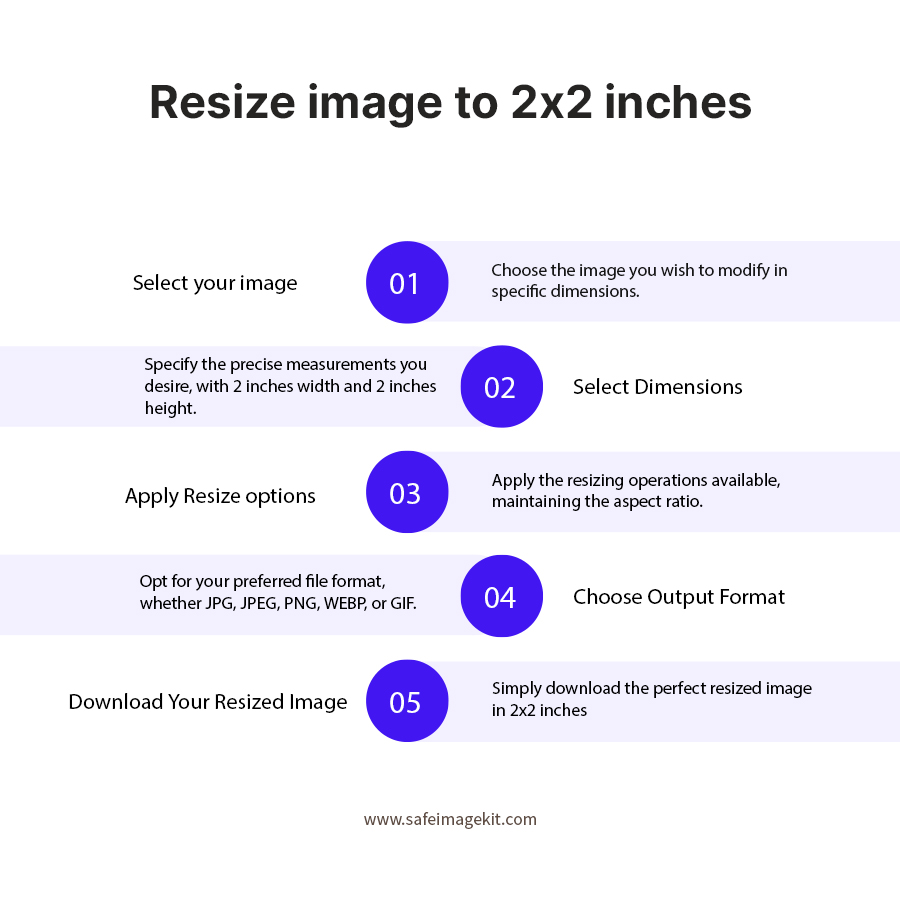
Steps to Resize Image to 2x2 Dimensions

  1. 1.Upload your image from your device or choose from cloud storage.
  2. 2.Select your preferred unit and resize type.
  3. 3.Adjust DPI and quality settings based on your needs.
  4. 4.Select your desired output format.
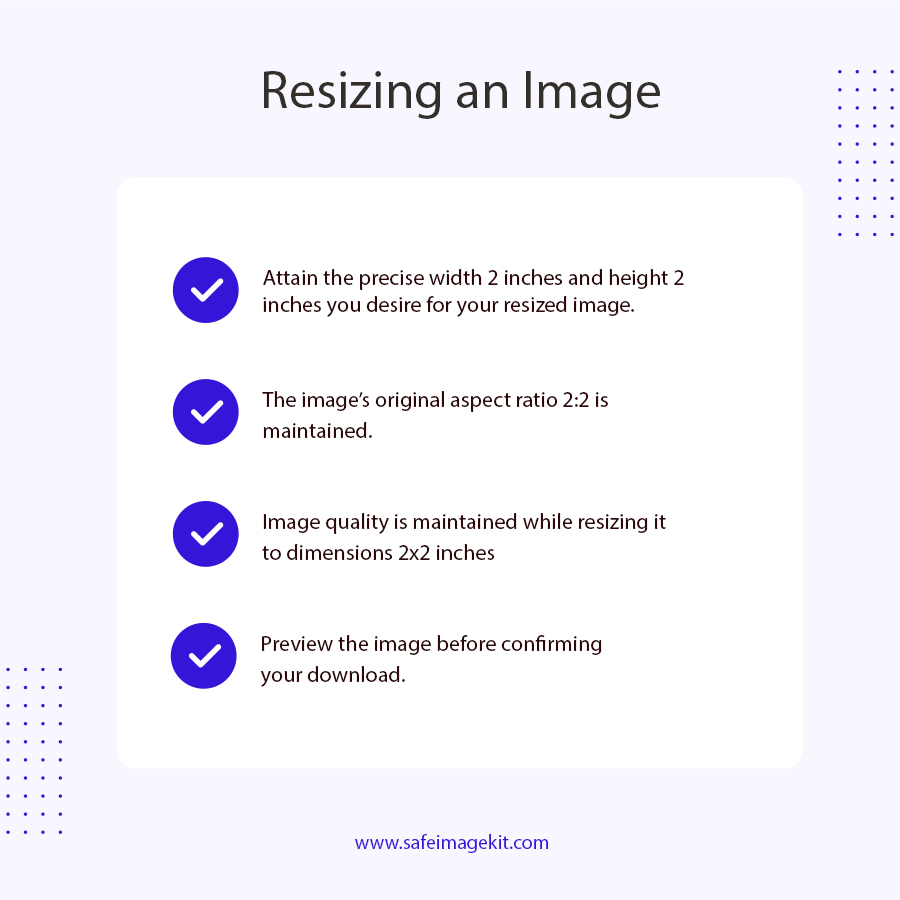
  5. 5.Preview the image to check the final result.
  6. 6.Click Download to save your resized 2×2 image.
  7. 7.You can enter any dimension as required.

FAQ's

What does a 2×2 image size mean?

A 2×2 image means the width and height of the image are equal, each measuring 2 units (usually pixels). This creates a perfect square shape that is widely used in official documents and digital platforms. It ensures the image is properly aligned and balanced. This format is especially important for passport and ID photos.

Why is 2×2 size important for passport photos?

Many official documents require strict photo dimensions, and 2×2 is one of the most common standards. Using the correct size ensures your application is not rejected. It also keeps the face centered and properly visible.

Can I convert any image into 2×2 format?

Yes, you can upload images of any shape or size and convert them into 2×2. The tool provides options to adjust how the image fits into the square.

What resize option should I choose?

If you want a natural look, use fit options with a blur or color background. Stretch should only be used when exact filling is required. Each option serves different purposes. Choosing the right one improves the final appearance.

What is DPI, and why should I adjust it?

DPI determines the level of detail in your image. Higher DPI is best for printing, while lower DPI works for digital use. Adjusting DPI ensures your image looks clear in its final format.

Can I use 2×2 images for profile pictures?

Yes, square images like 2×2 are ideal for profile pictures. They fit perfectly without cropping issues. This ensures your image looks centered and professional.

Is this tool beginner-friendly?

Yes, the tool is very easy to use. It has a simple interface with clear instructions. Even first-time users can resize images without difficulty.

Which formats are supported?

You can download images in formats like JPG, PNG, WebP, and GIF. Each format serves different purposes. This ensures compatibility across platforms.

What happens if I upload a low-resolution image?

Enlarging a small image may reduce clarity. It’s best to use high-resolution images for better results.

Can I choose a custom background color?

Yes, you can select colors to fill empty space by choosing the resize type "fit" & background color. This helps match your design theme.

Can I use this tool for app icons?

Yes, square images are commonly used for icons. This tool helps create properly sized visuals.

Can I change dimensions other than 2×2?

Yes, the tool allows custom dimensions. You are not limited to one size.

Does the tool keep the image centered?

Yes, it automatically aligns the image to maintain balance. This improves the final look.

Can professionals use this tool?

Yes, it is suitable for both personal and professional use. It provides accurate and reliable results.

What is the fastest way to resize an image?

Upload your image, choose format, and download instantly. The process takes only a few seconds.

Why should I use this tool?

Because it combines simplicity, speed, safe, and advanced features in one place at no cost. It saves time and delivers high-quality results without complexity.

rating-img
Rate this tool
3.88/5   81 votes

Other useful information

About The Author

Lakshmi Badige

Lakshmi Badige is a skilled content writer with expertise in creating engaging content for SaaS companies. From blog posts and case studies to website copy, Lakshmi focuses on delivering content that attracts customers, builds trust, and drives results. With experience in SEO and content strategy, ensures every piece of content is optimized for both readers and search engines.

Contributors